Add details to a transaction.
Use optional details to make your records easier to recognize and find.
Open the details
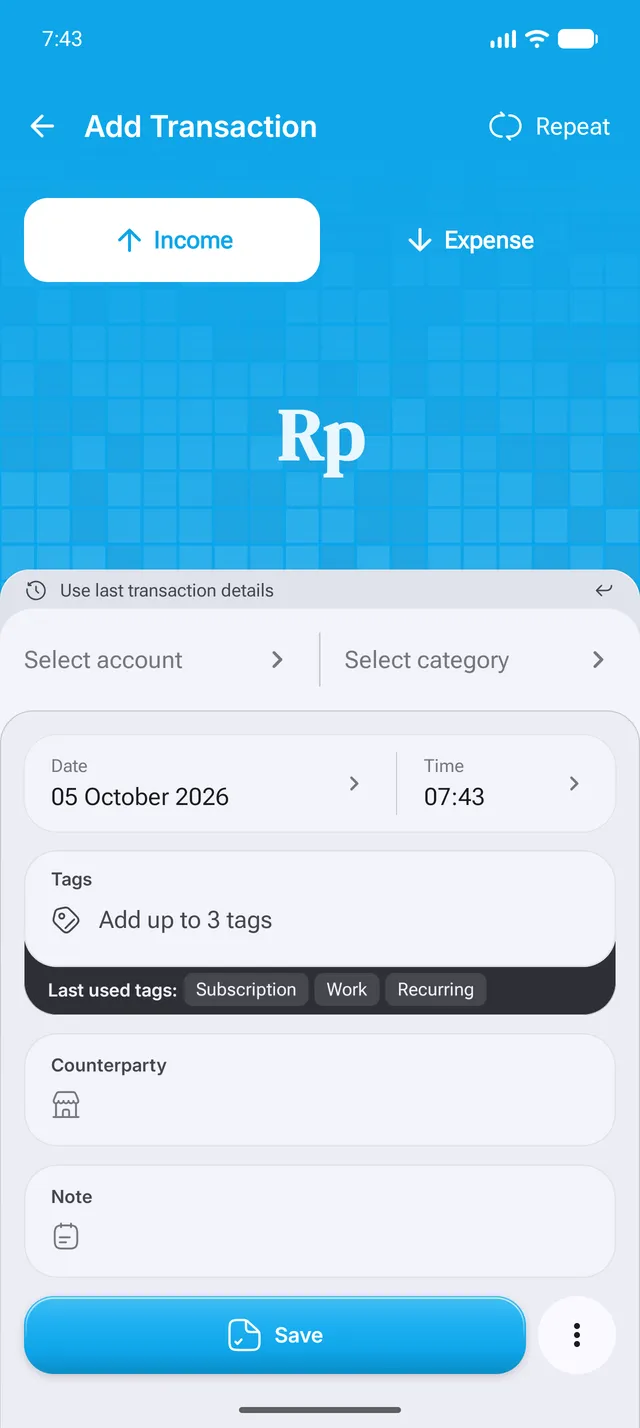
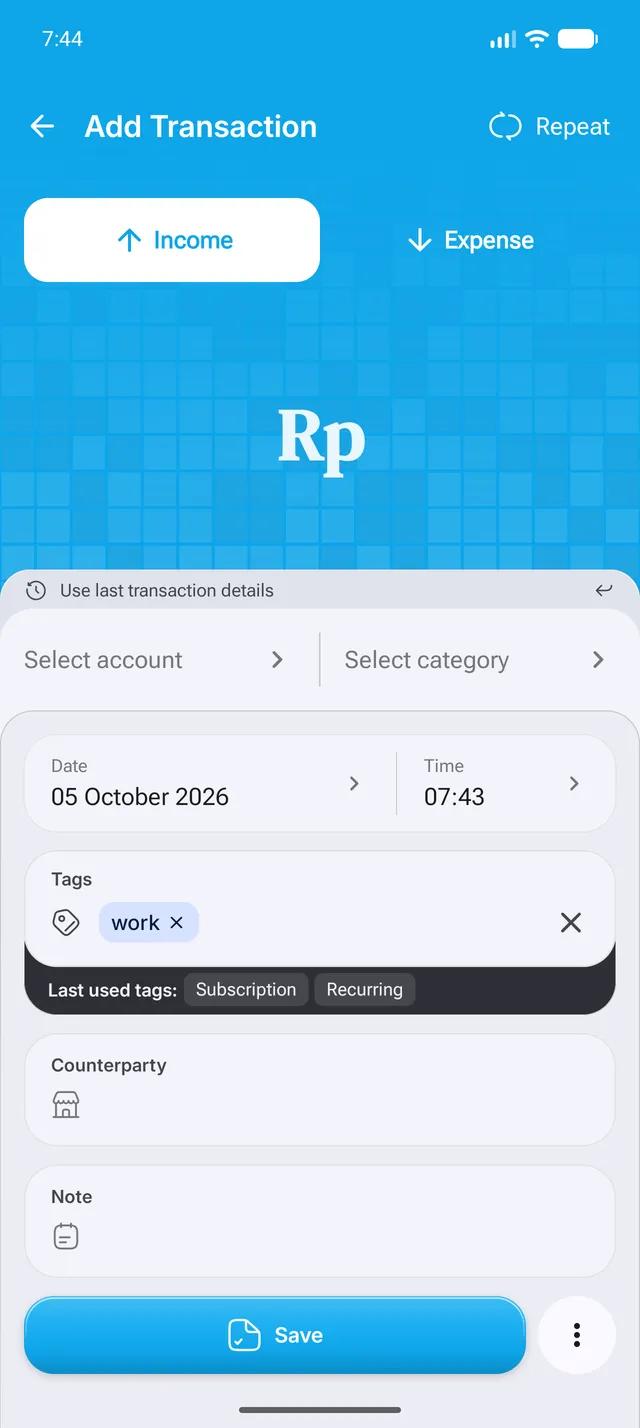
In Add Transaction, swipe the keypad to the left. Below Date and Time, you will find Tags, Counterparty, and Note. These fields are optional.
Add tags
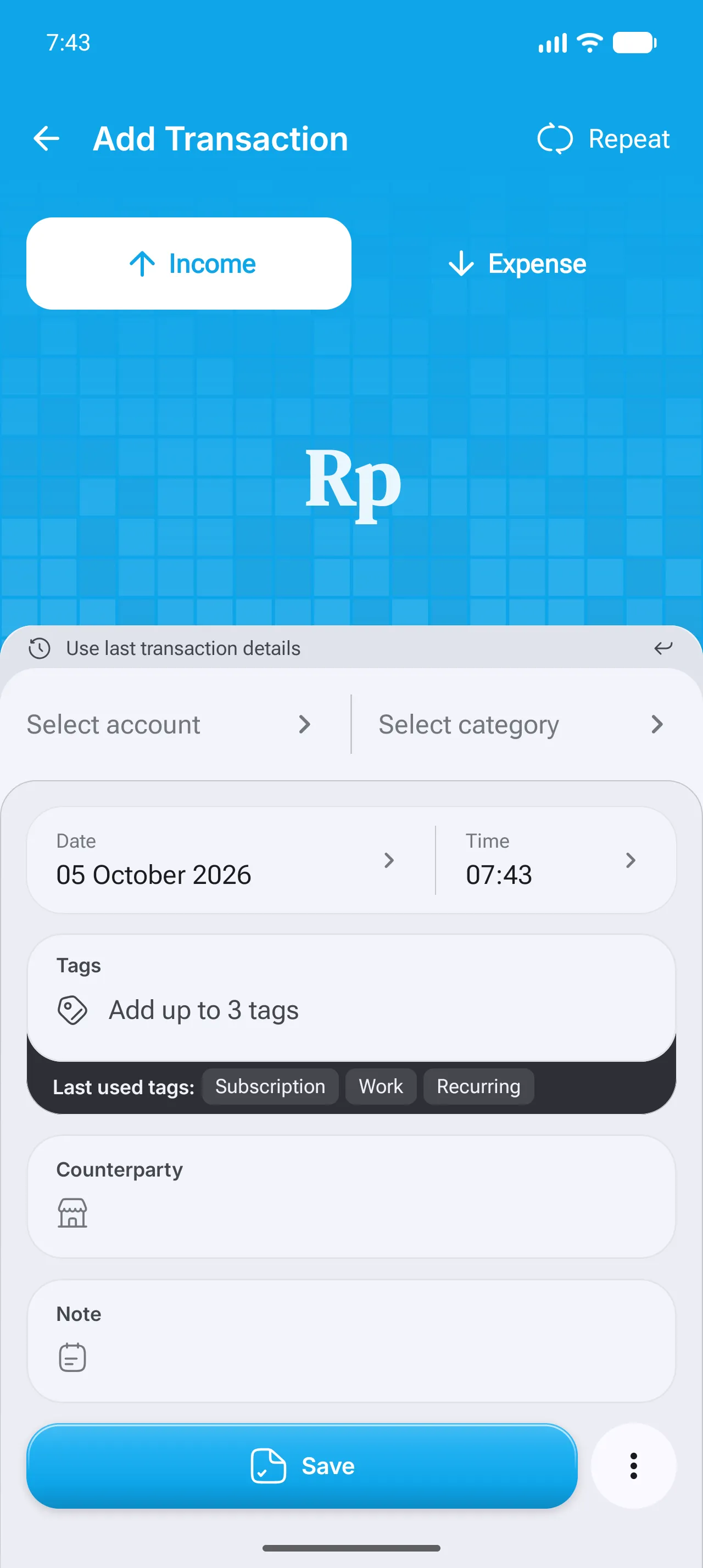
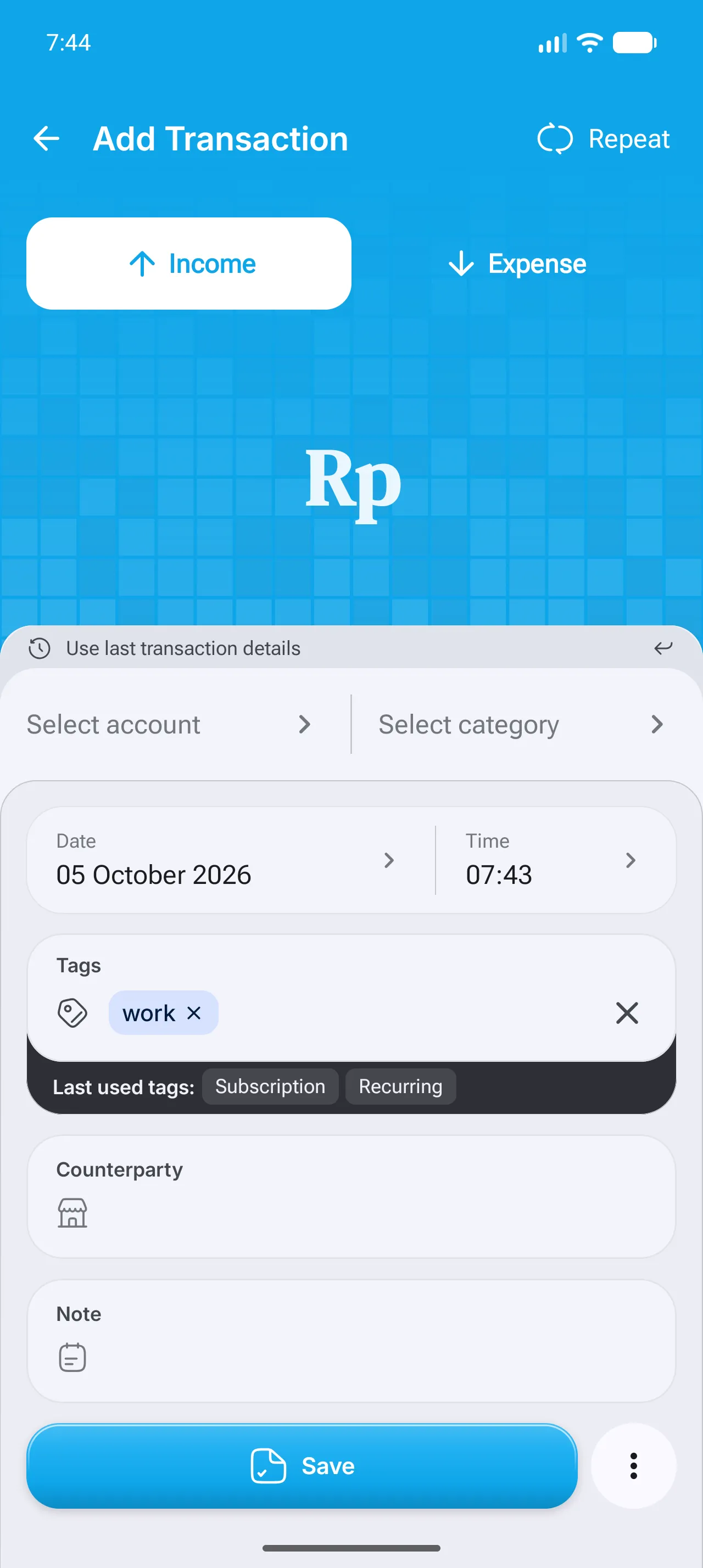
Tags group transactions across categories, such as work or travel. Tap Tags to enter one, choose a suggestion, or tap a last-used tag. You can add up to three tags to a transaction.
Remove a tag
Tap a selected tag to remove it from this entry. The clear button removes all selected tags. Removing a tag here does not remove it from your other transactions.
Enter the counterparty
Counterparty is the person or business you paid or received money from, such as a coffee shop or client. Enter a name, or choose a suggestion when available.
Write a short note
Use Note for a brief description, such as Lunch or Train ticket. Keep it short and useful. Check the other transaction details before tapping Save.