Personal finance, without the busywork

A calmer place for every part of your money.

Harbour brings accounts, transactions, budgets, bills, recurring payments, and on-device help together in one thoughtful Android app.

Offline-firstNo adsNo behavioural analytics
AccountsTransactionsBudgetsBillsStatsAsk Pilot

One place, many moving parts

Made for real money lives, not perfect spreadsheets.

Harbour keeps each job distinct, then brings the useful parts together when you need a wider view.

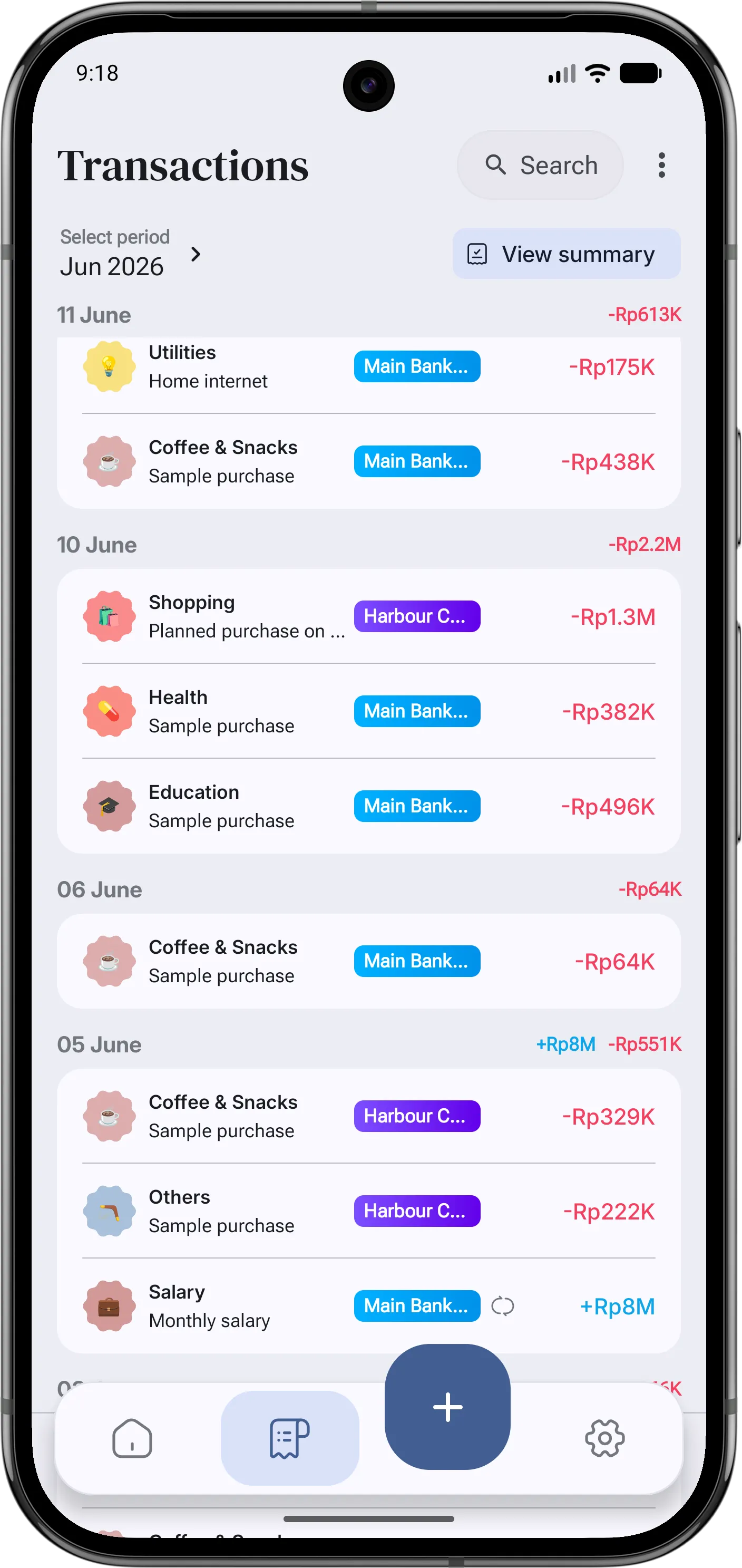
Harbour accounts and transactions screen
01Accounts & transactions

See the whole picture without flattening the details.

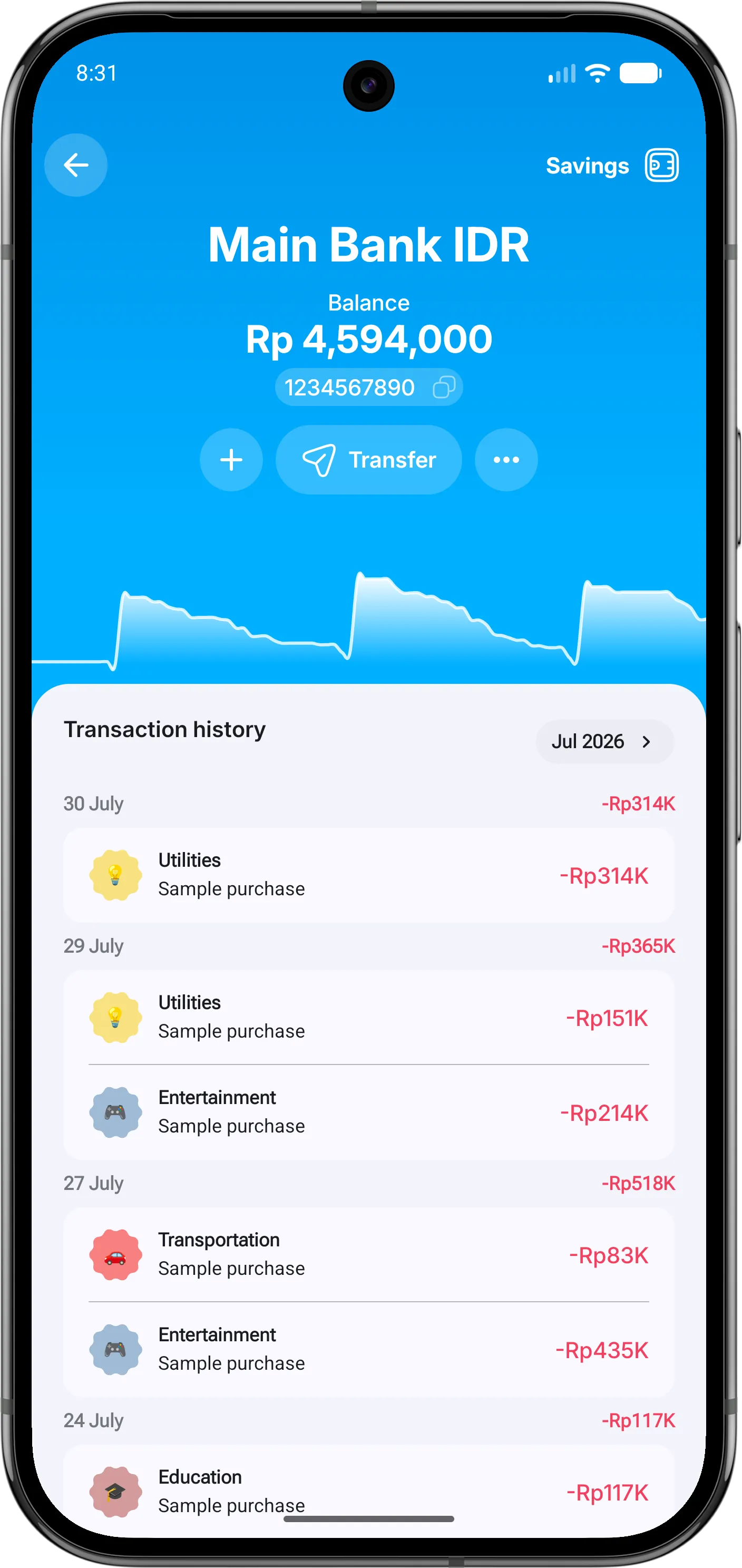
Keep everyday accounts, liabilities, transfers, and transactions in one calm ledger. Harbour keeps currencies separate, so your summaries stay honest.

  • Quick and detailed transaction entry
  • Transfers and liability payments stay linked
  • Search, tags, counterparties, and notes
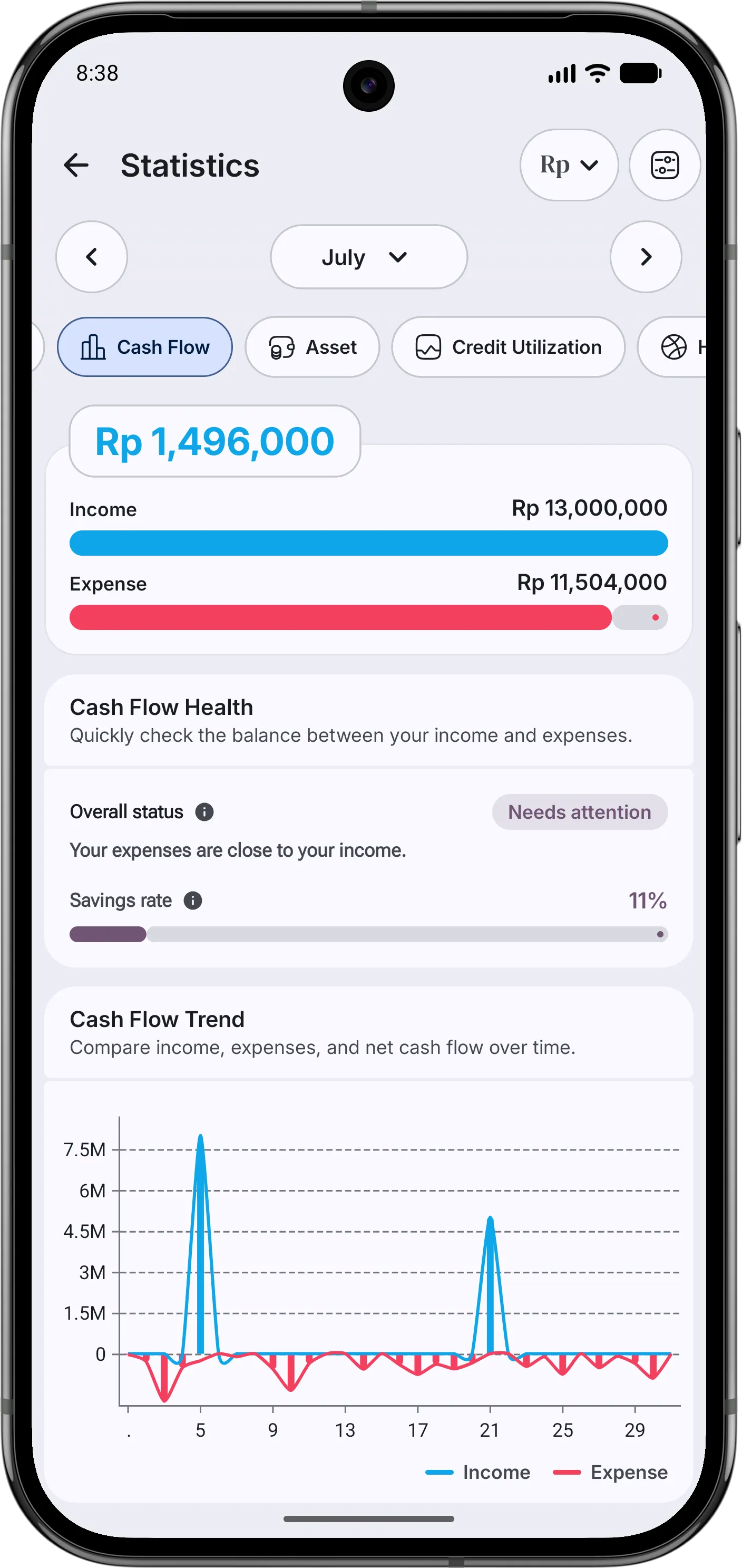
Harbour financial statistics screen
02Stats

See what changed, not just what you spent.

Follow spending, cash flow, assets, and credit use from one focused view. Compare periods, narrow the picture with practical filters, and understand the movement behind the total.

  • Clear comparisons with the previous period
  • Breakdowns by category, account, tag, and more
  • Assets and liabilities stay meaningfully separate
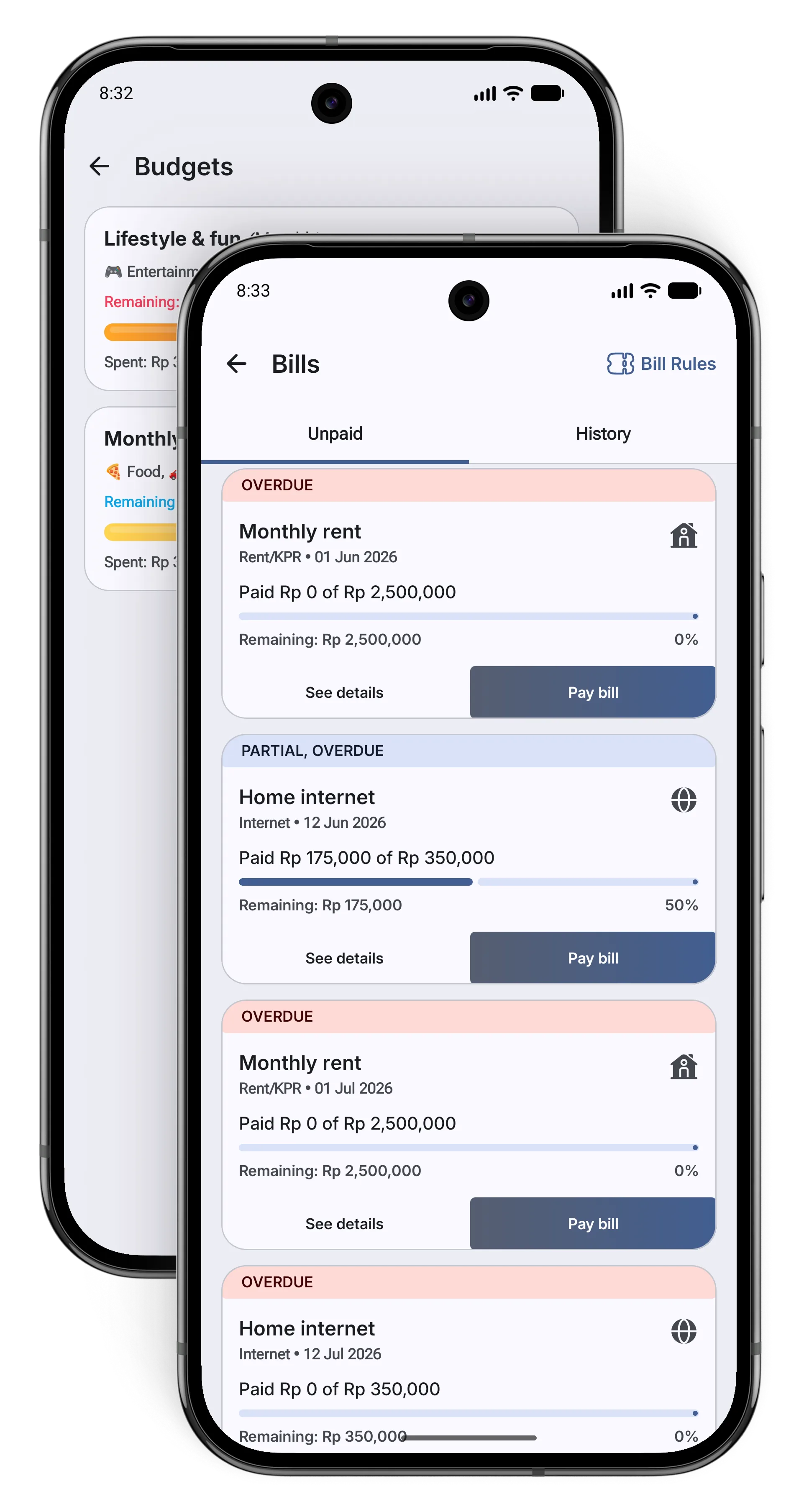
Harbour budget and bills screens
03Budgets & bills

Plan what is flexible. Keep watch on what is due.

Build budgets around the categories that matter, then keep bills and due dates close by. The two work together without pretending every expense behaves the same way.

  • Flexible period and category budgets
  • Manual and account-linked bills
  • Local reminders for thresholds and due dates
Harbour recurring transaction editor
04Recurring money

Give repeating transactions a rhythm of their own.

Set a recurring rule once and let Harbour create the ledger entry on schedule. Failed expenses stay visible instead of silently changing an account balance.

  • Daily through yearly schedules
  • Tags and transaction details carry forward
  • Balance rules are respected
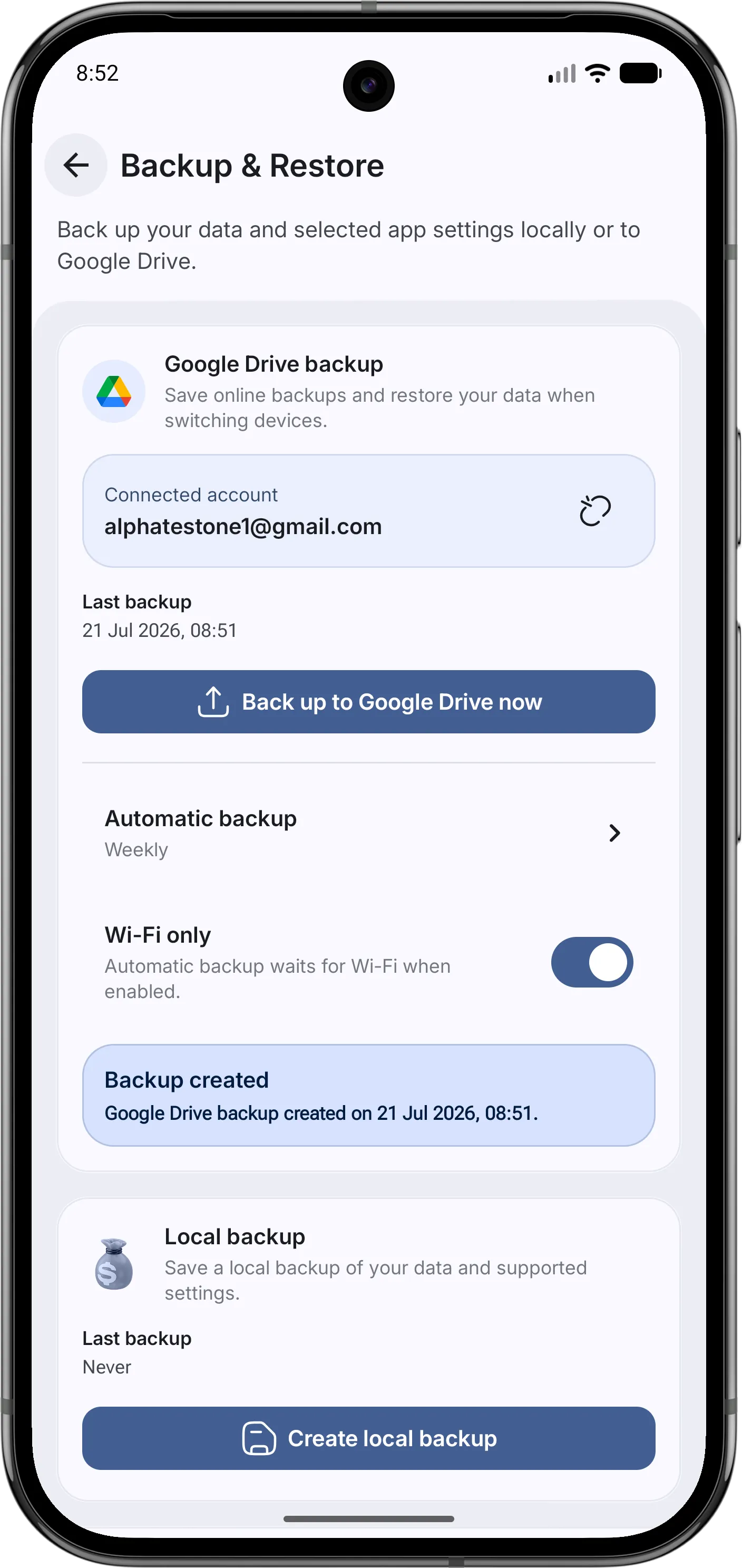
Harbour backup and privacy settings
06Backup & control

Local first does not have to mean stranded on one device.

Export a backup when you want one, or connect Google Drive for two rotating backup slots. Restore, clear, and disconnect remain deliberate actions rather than hidden background decisions.

  • Optional encrypted backup payloads
  • Latest and previous Drive backup slots
  • Clear controls for local and external data

Private by direction

Your ledger belongs on your device.

Local by default

Accounts, transactions, plans, and settings live in Harbour's database on your device.

No ad profile

Harbour has no ads, behavioural analytics, data sale, or cross-app marketing tracker.

Connections are deliberate

Google Drive backup, Google Play purchases, RevenueCat, and model downloads are used only for the features you choose.

Pilot stays close

Downloaded models run on-device, and this preview does not keep a saved chat history.

Read the Privacy Policy

Harbour Plus

More room when your setup grows.

Harbour starts with a useful Free plan. Plus opens higher resource limits and advanced options such as scheduled Google Drive backup, with Monthly and Lifetime choices handled securely through Google Play.

View Harbour on Google Play

A little less financial noise.

Bring the moving parts home.

Harbour is available for Android through Google Play.

Get Harbour