Record income or expenses.
Enter an amount, choose an account, and add the details you need.
Add a transaction
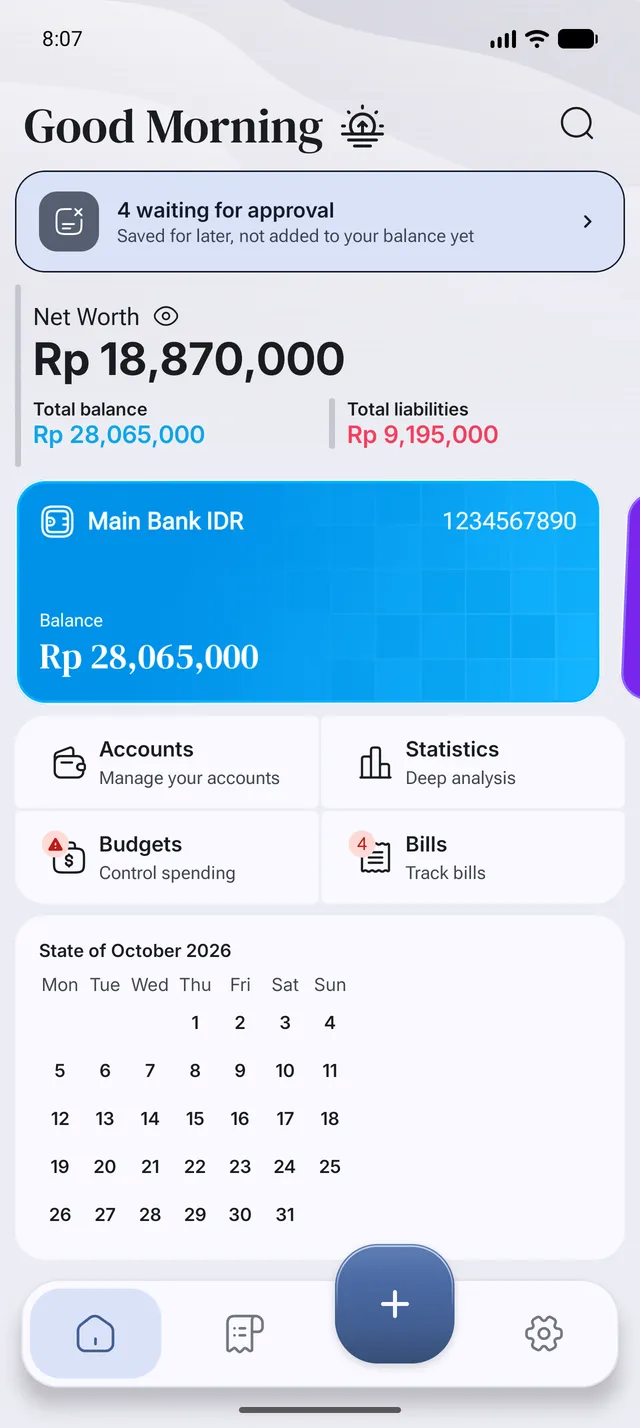
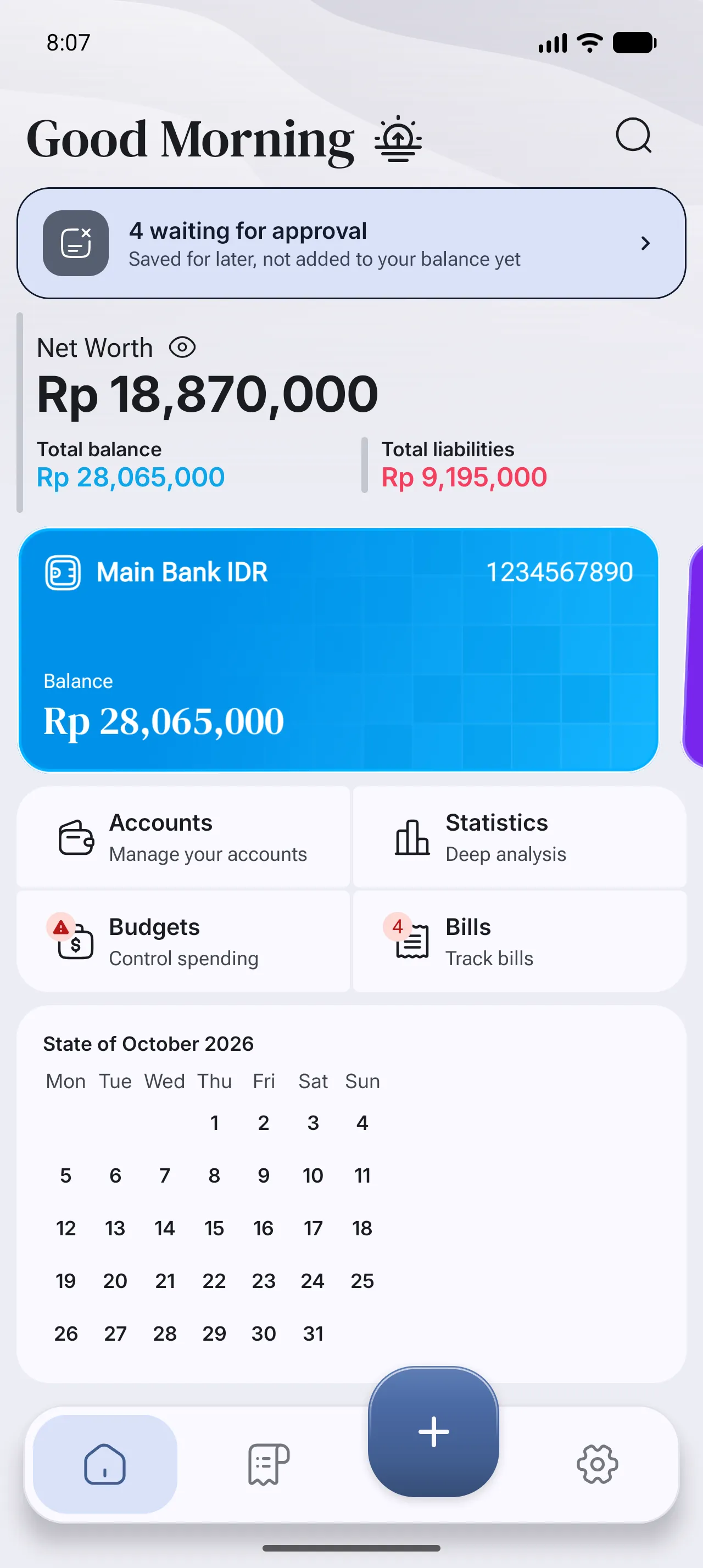
Tap the plus button at the bottom of Home or Transactions.
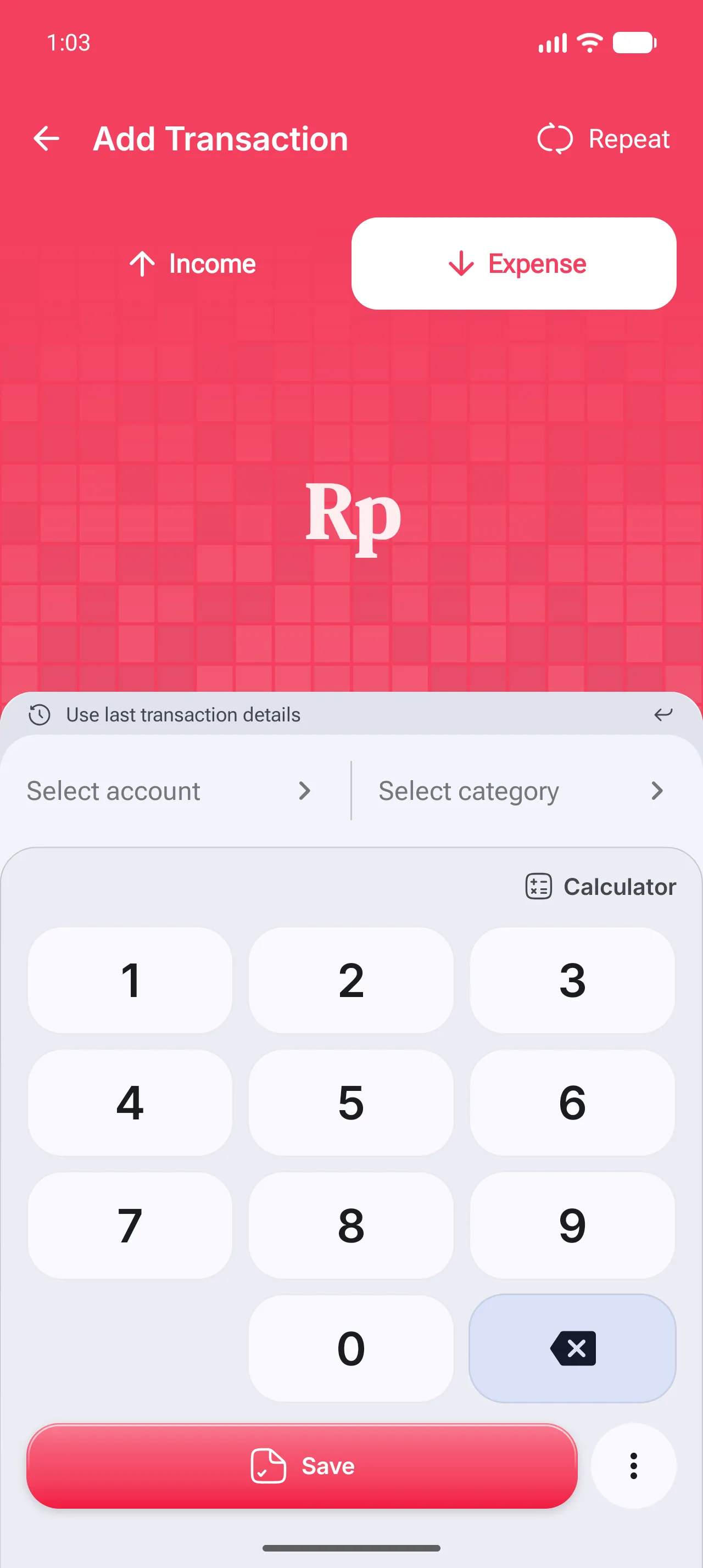
Choose income or expense
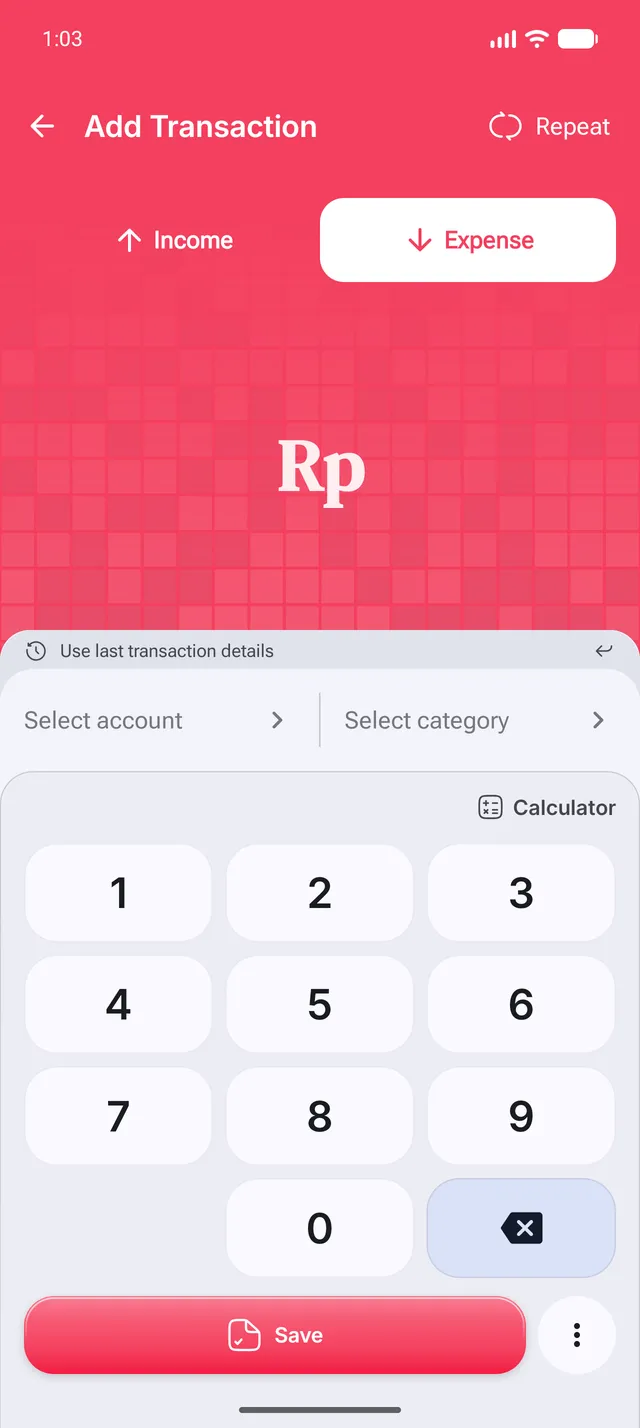
Choose Income for money received or Expense for money spent. Enter the amount using the keypad.
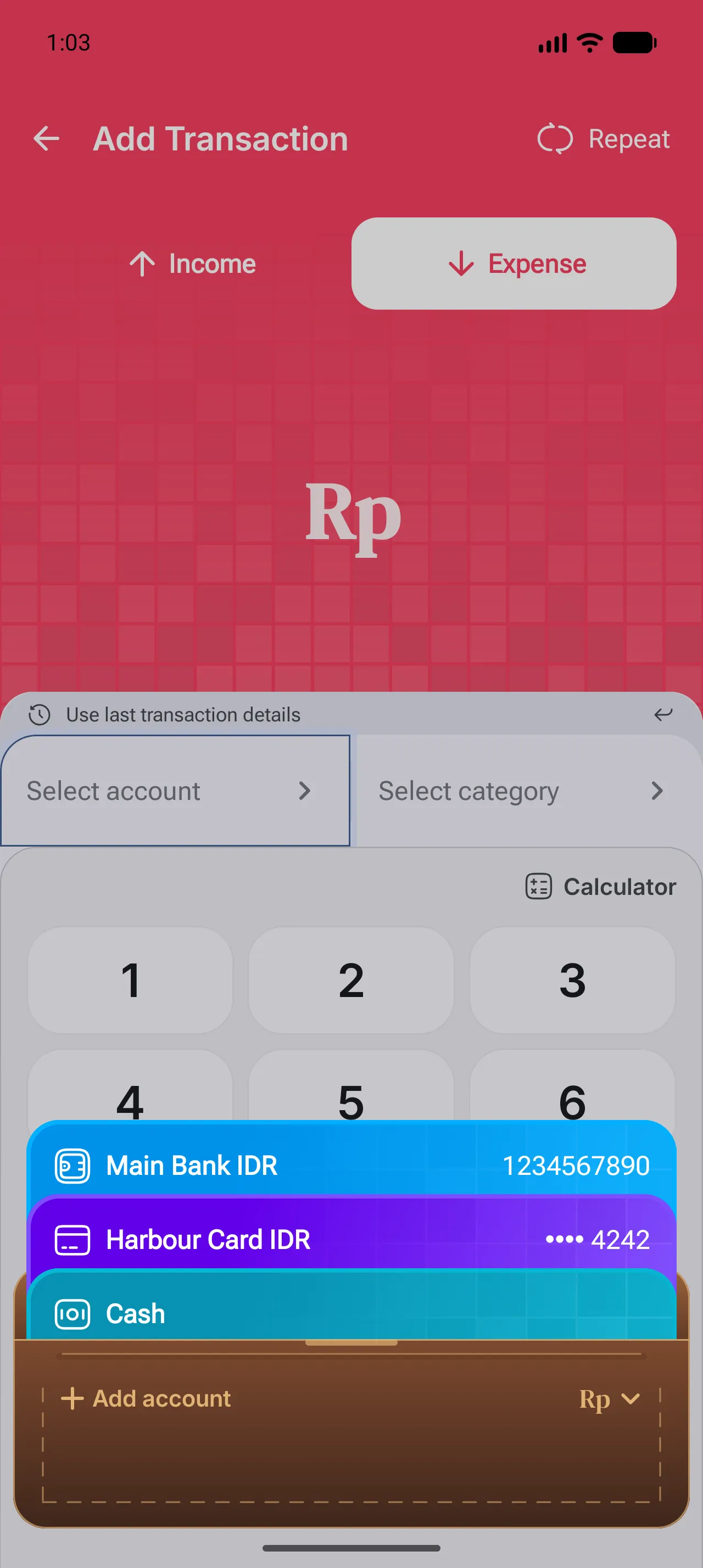
Choose the account
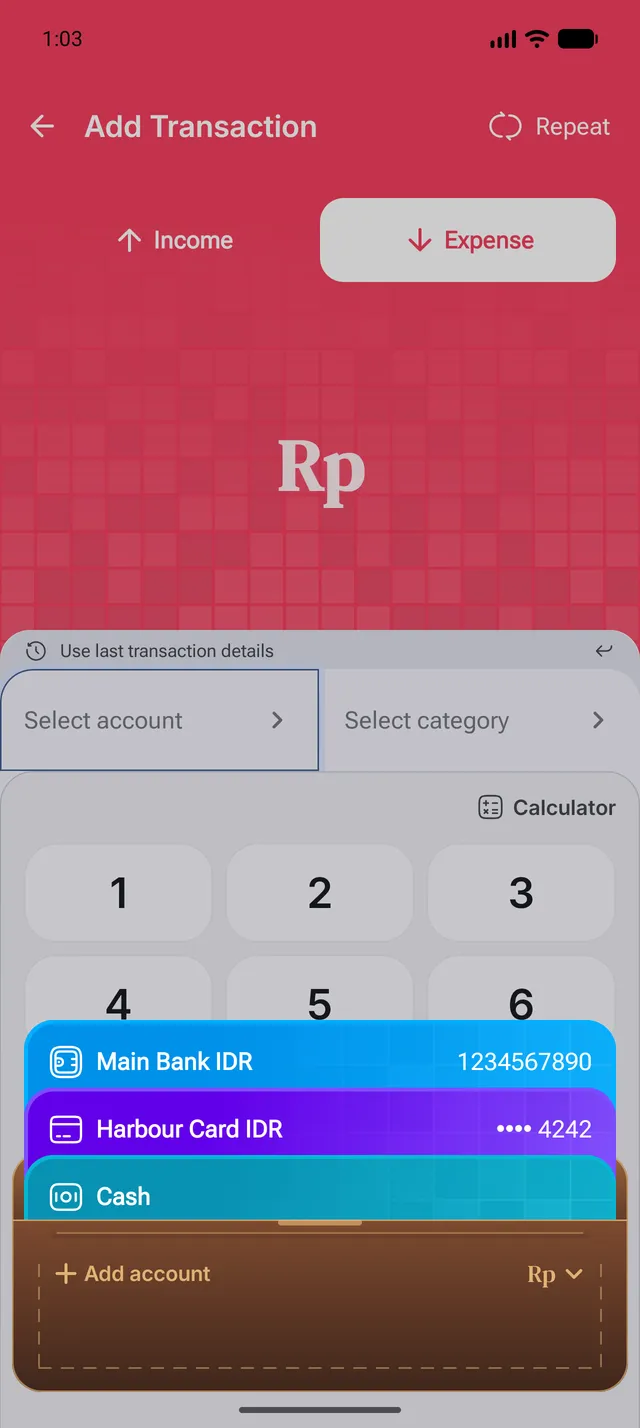
Tap the account control and choose the account used for this transaction.
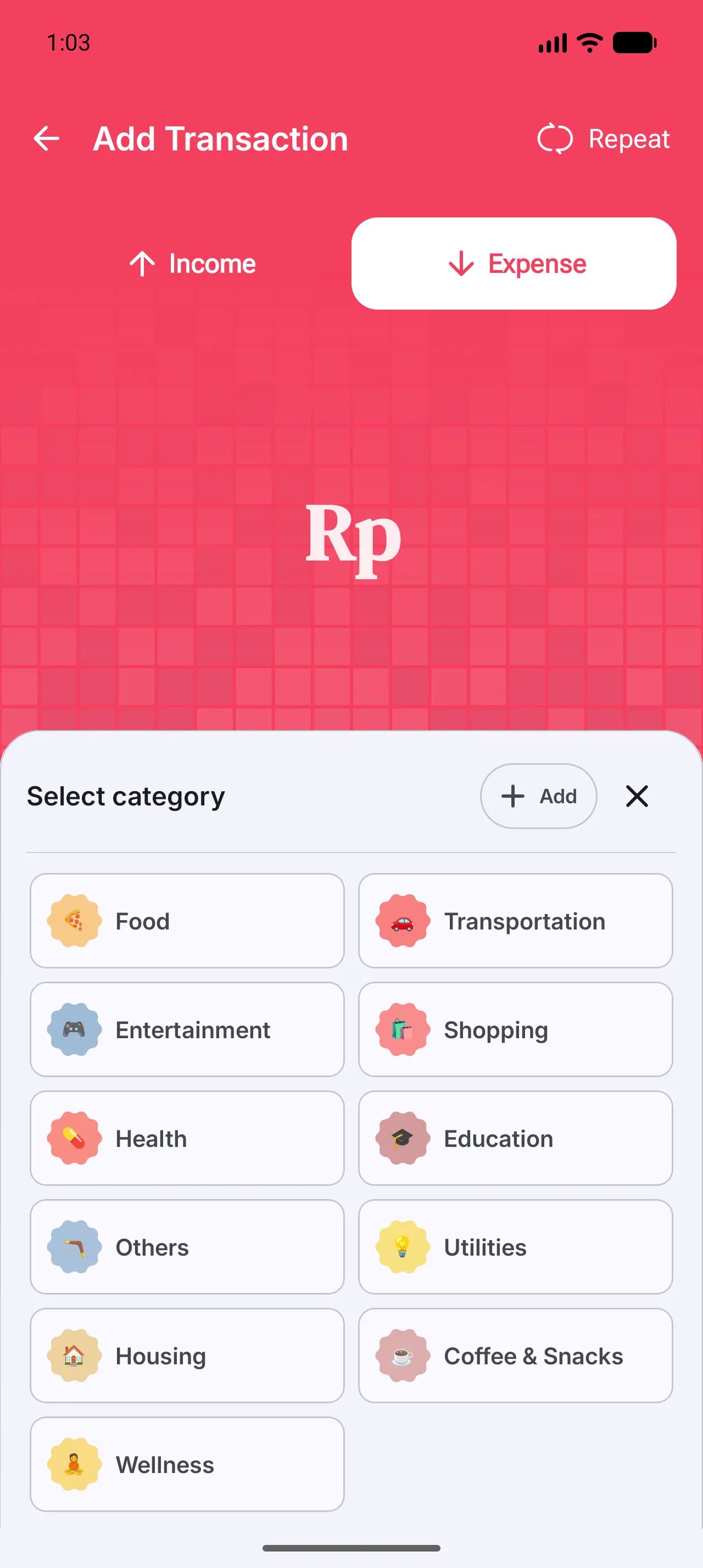
Choose a category
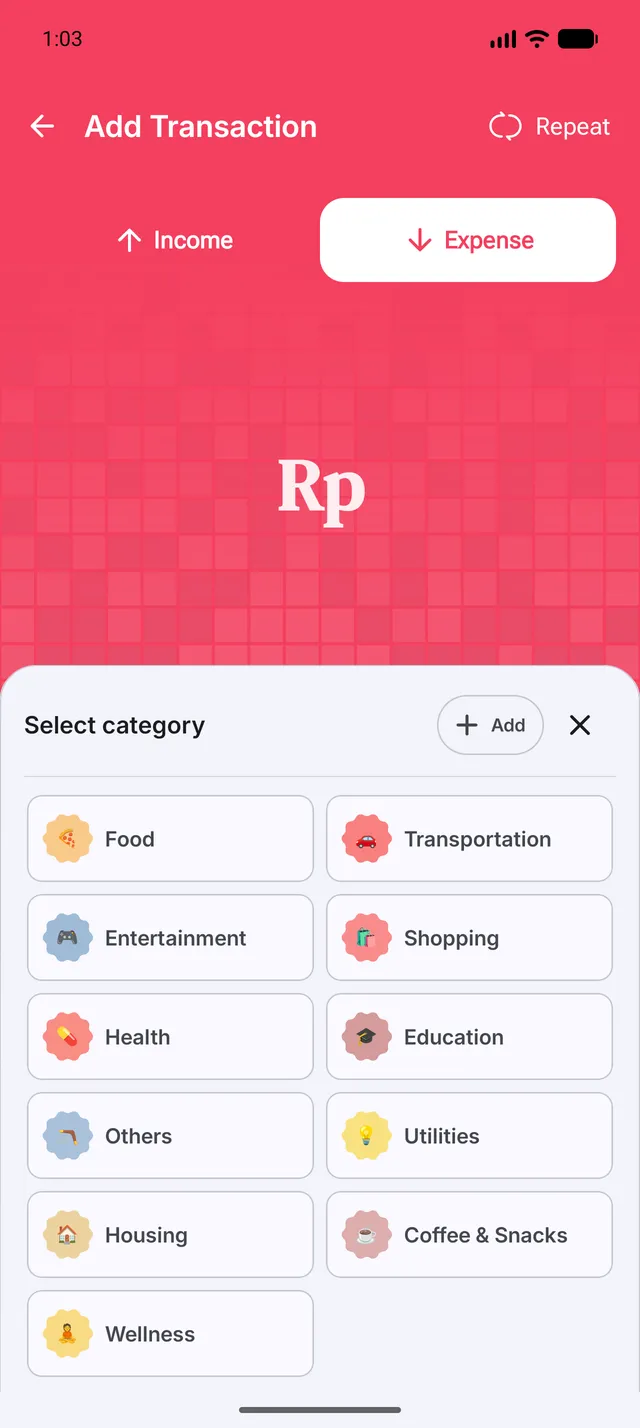
Tap Select category and choose what the transaction is for. The categories follow your selected income or expense type.
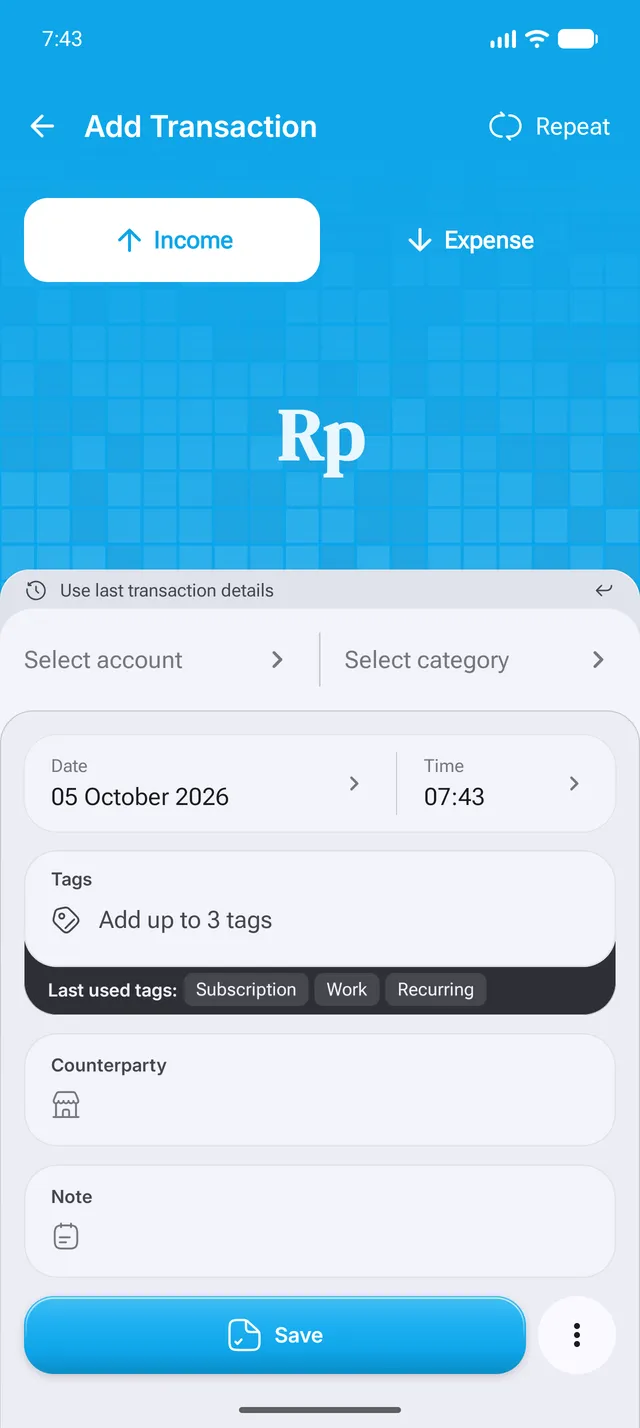
Add the details
Swipe the keypad to the left. Check Date and Time. Tags help group entries; you can add up to three. Counterparty is who you paid or received money from. Note is an optional description.
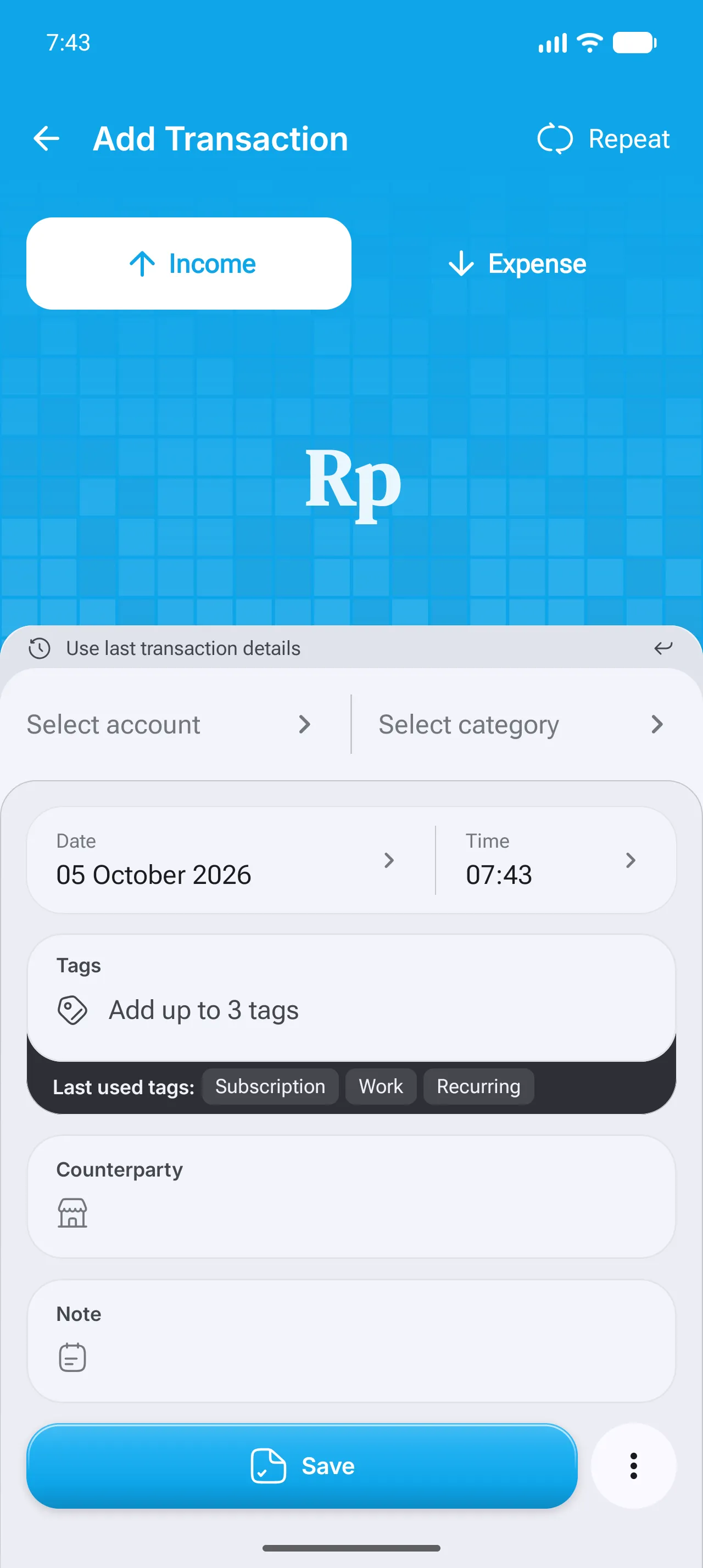
Check and save
Check the amount, account, category and date, then tap Save. Harbour records the entry. Its date and your Balance Calculation setting determine when it affects the account balance.