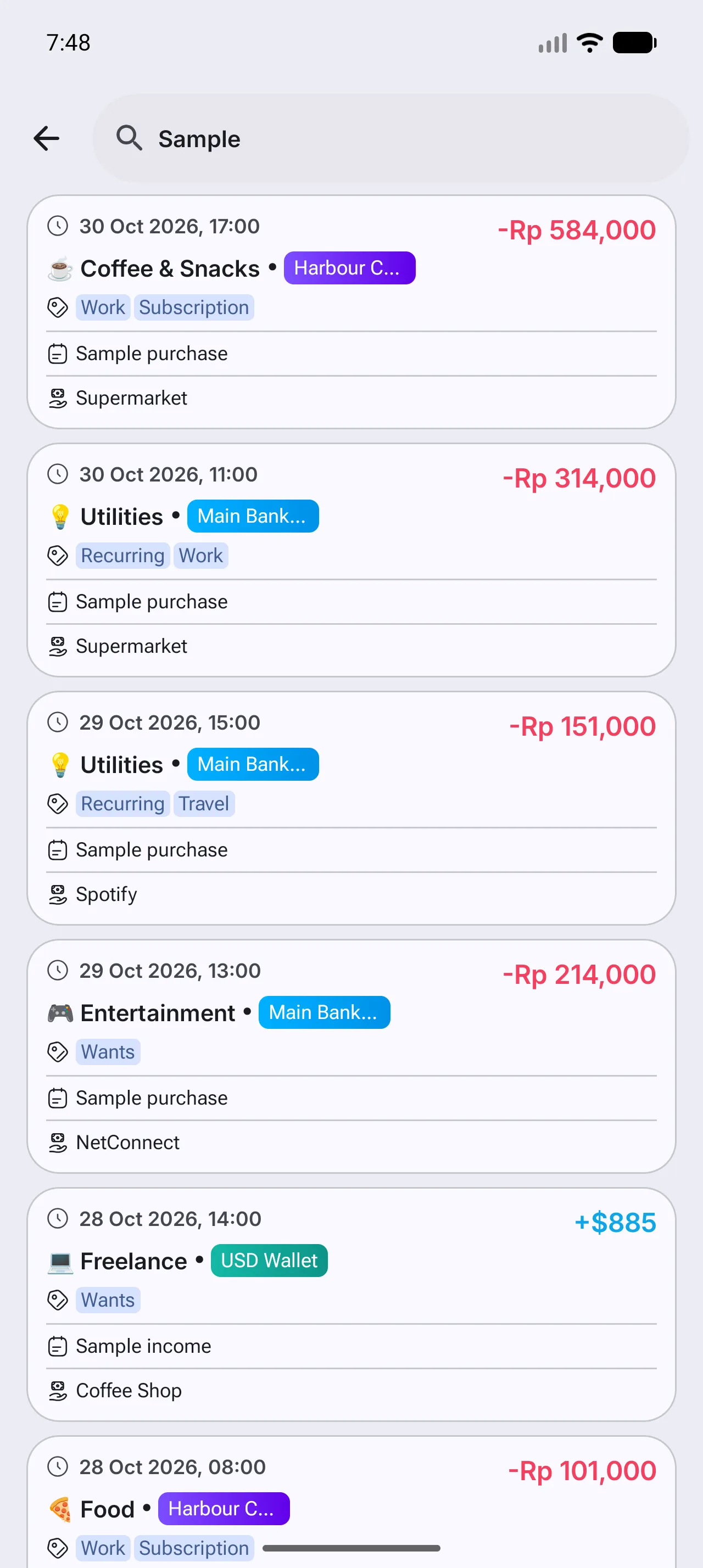
Find a transaction.
Use the month selector or search your transaction details.
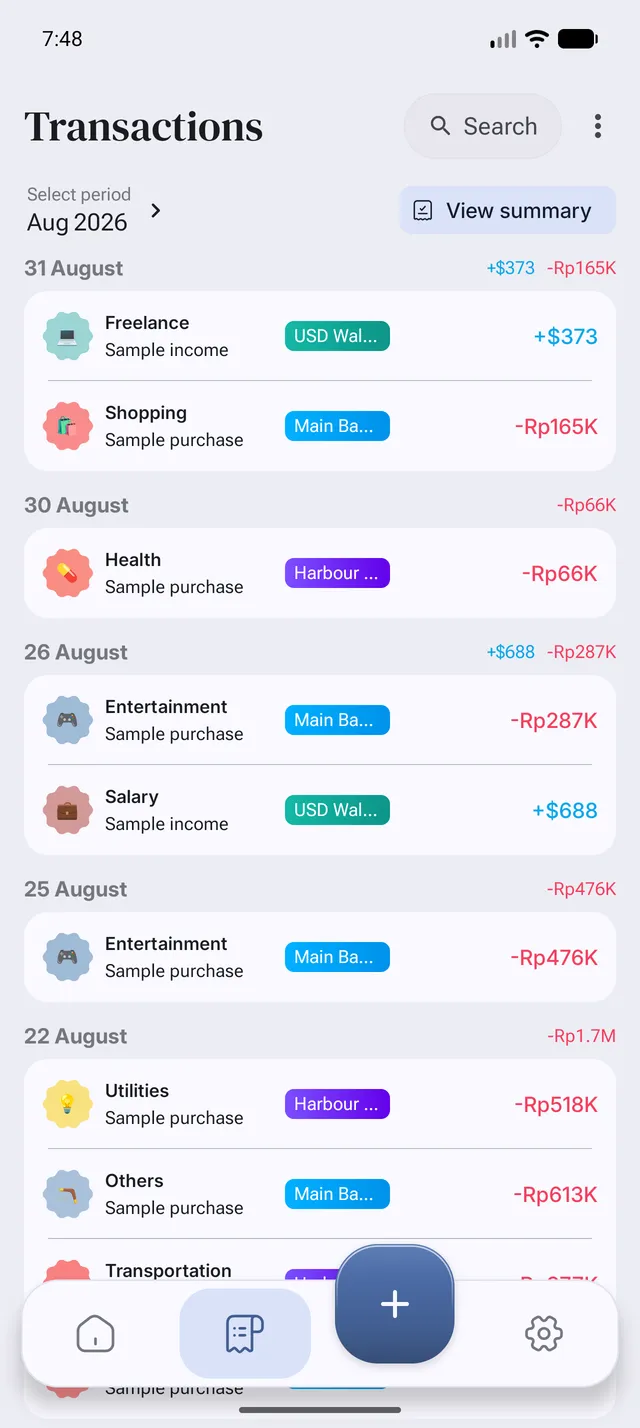
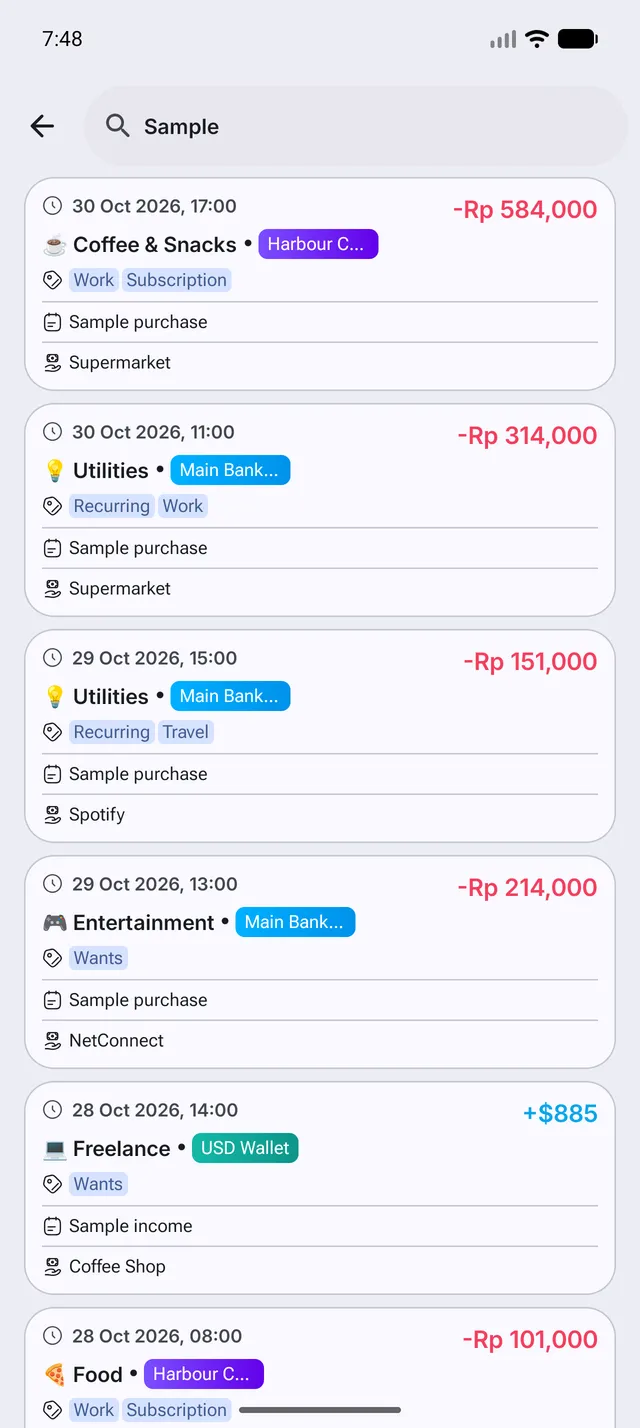
Choose a month
Open Transactions and tap the month under Select period. You can also swipe between months.
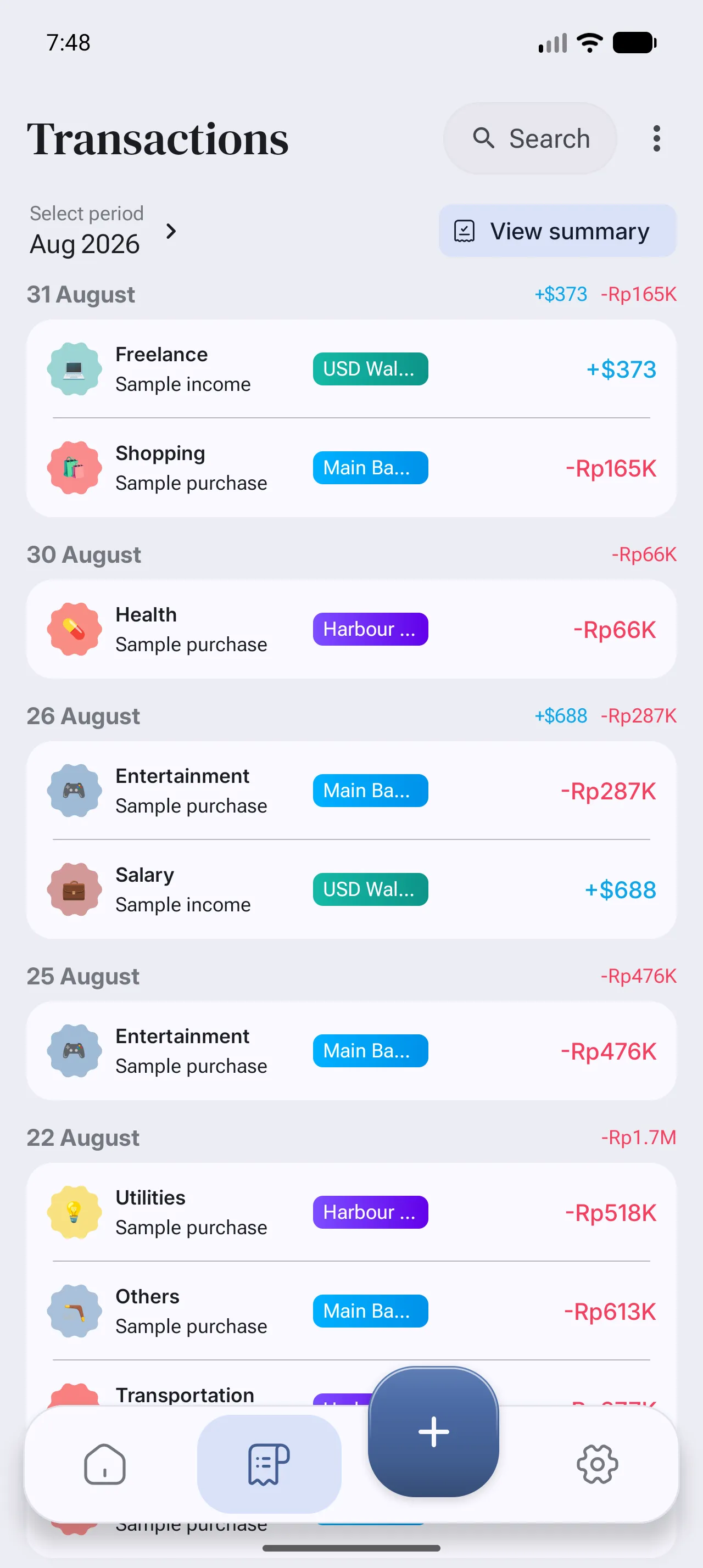
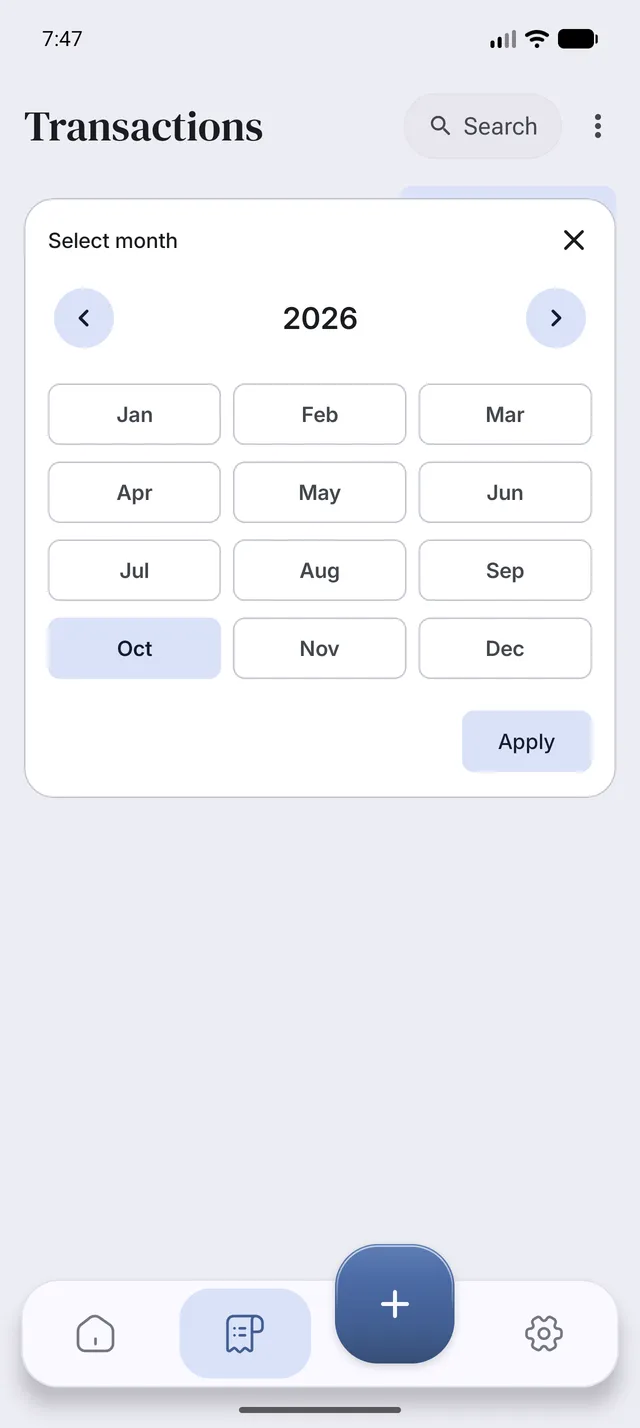
Apply the month
Select the month and year you need, then tap Apply to view that period.
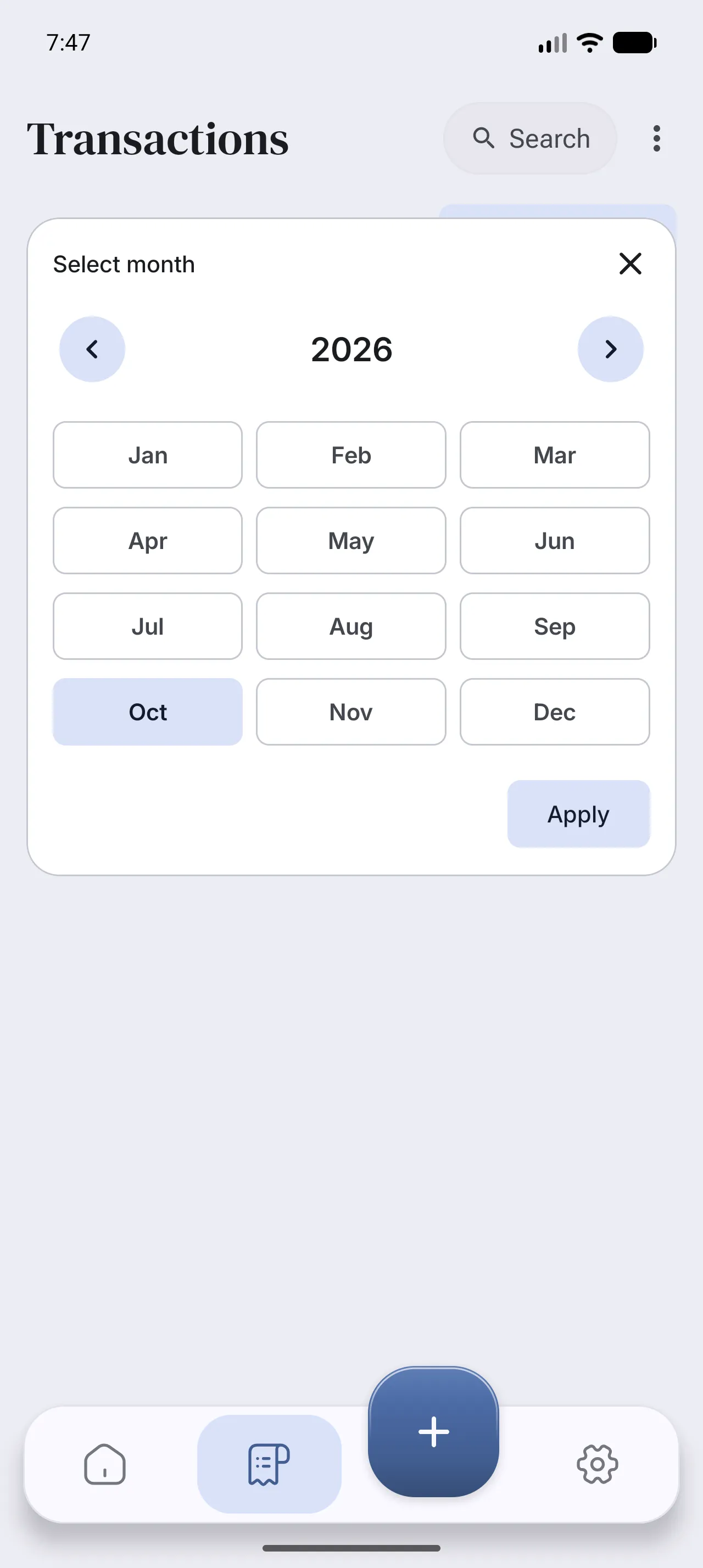
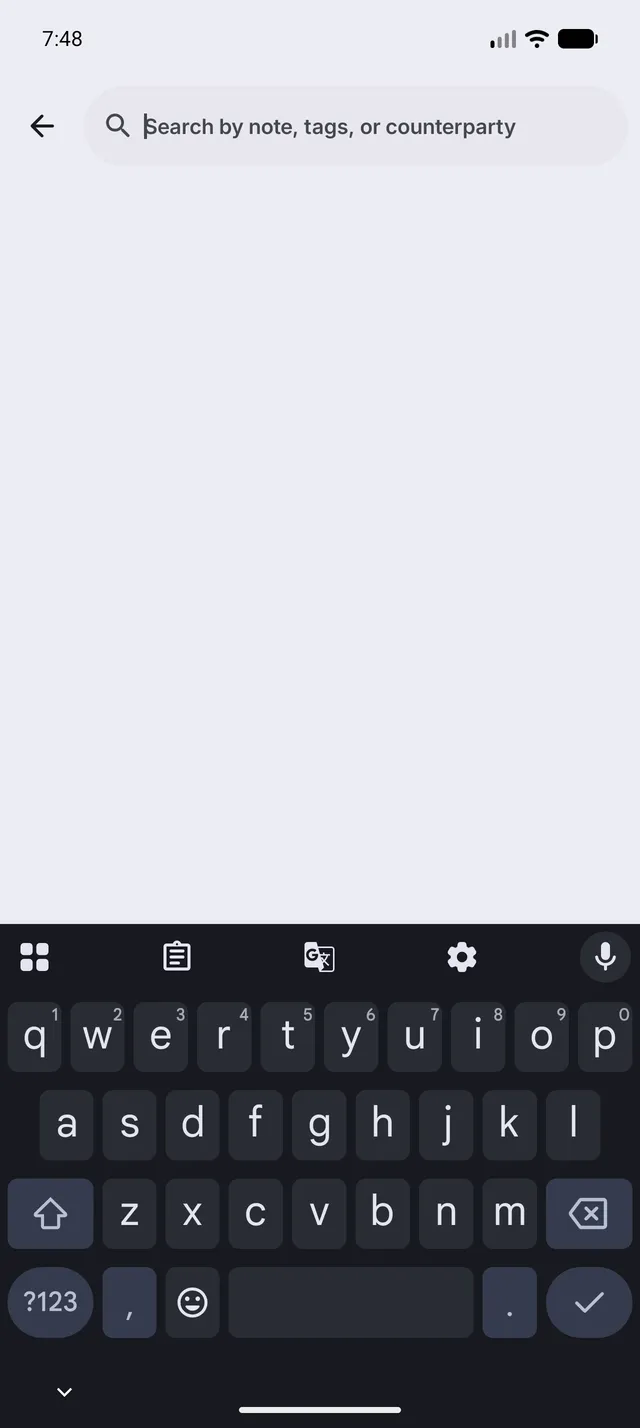
Open Search
Tap Search at the top of Transactions.
Enter a search term
Search by a note, tag, or counterparty. For example, type a shop name or a tag you added to the entry.
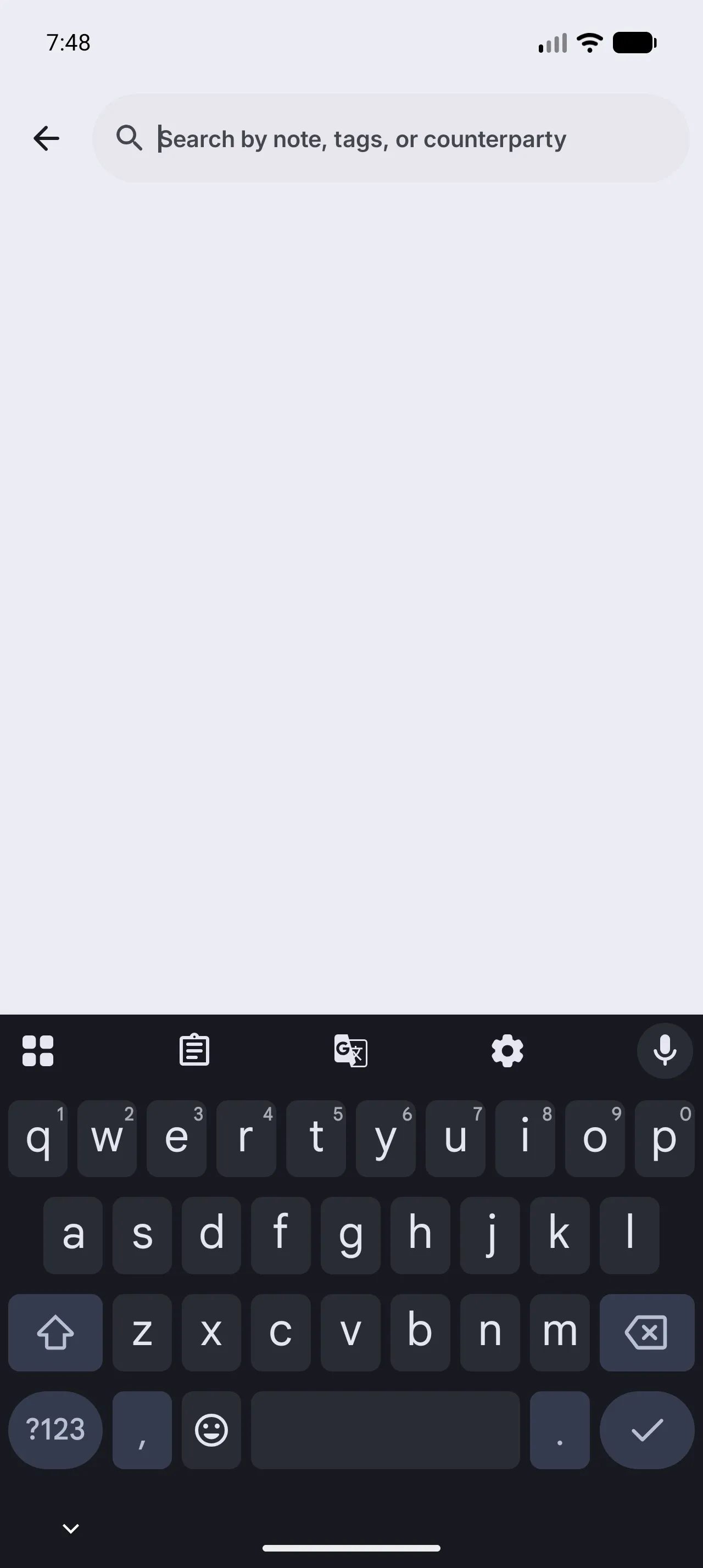
Open a result
Review the results and tap the matching entry to see its details. Search can find entries outside the month you were viewing.