Edit or delete a transaction.
Update an entry, or remove one you no longer need.
Open the entry
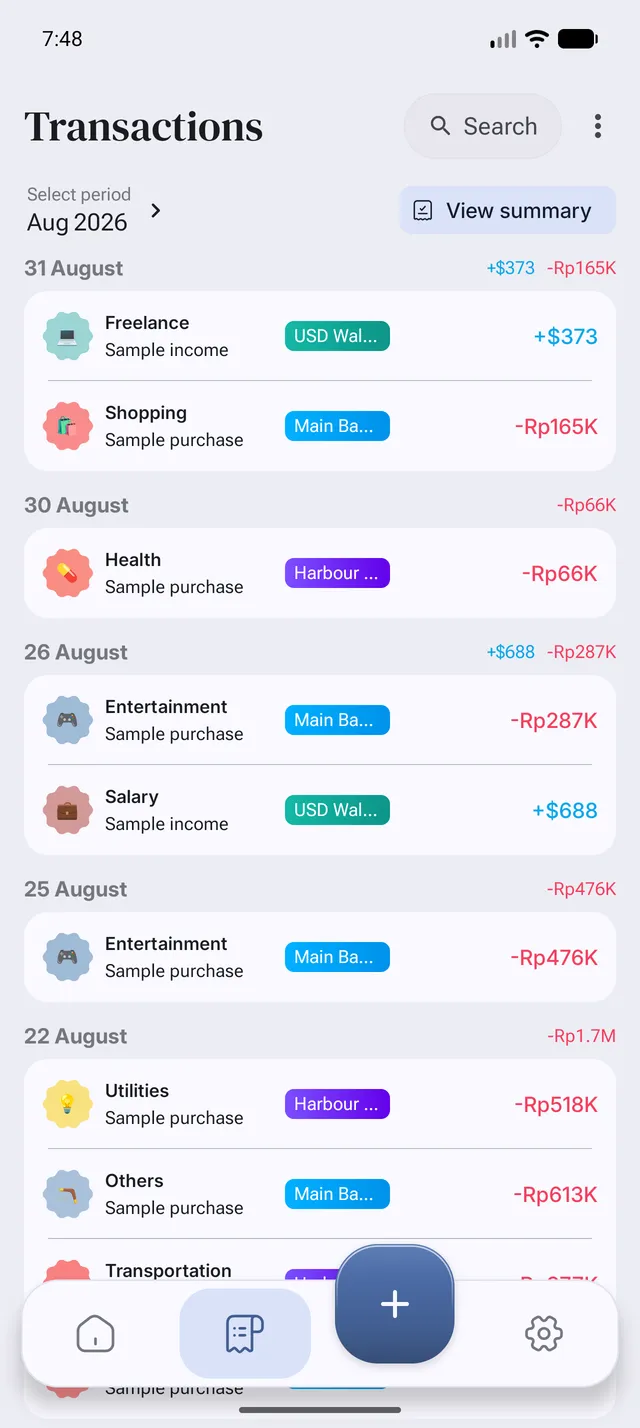
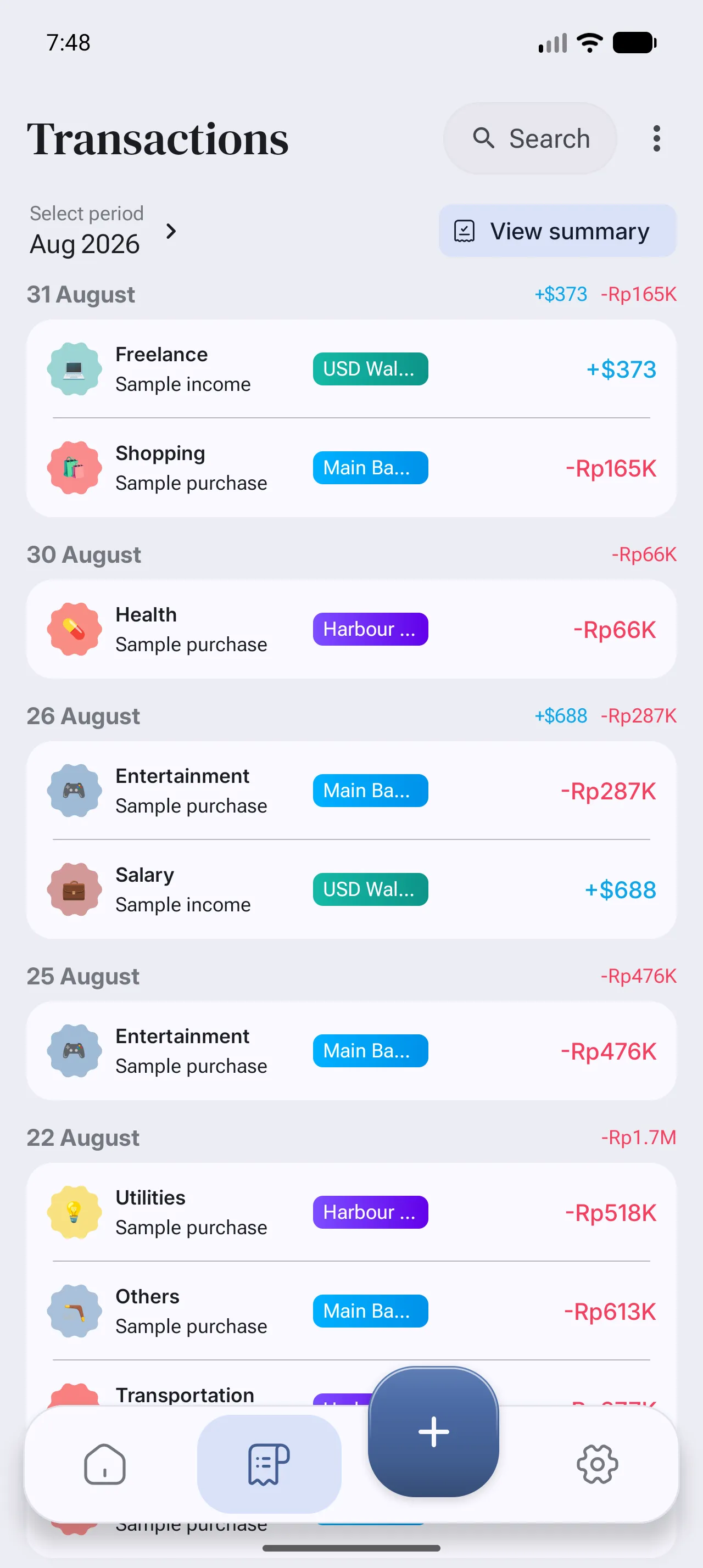
Open Transactions and tap the entry you want to change. Choose its month first if needed.
Change the details
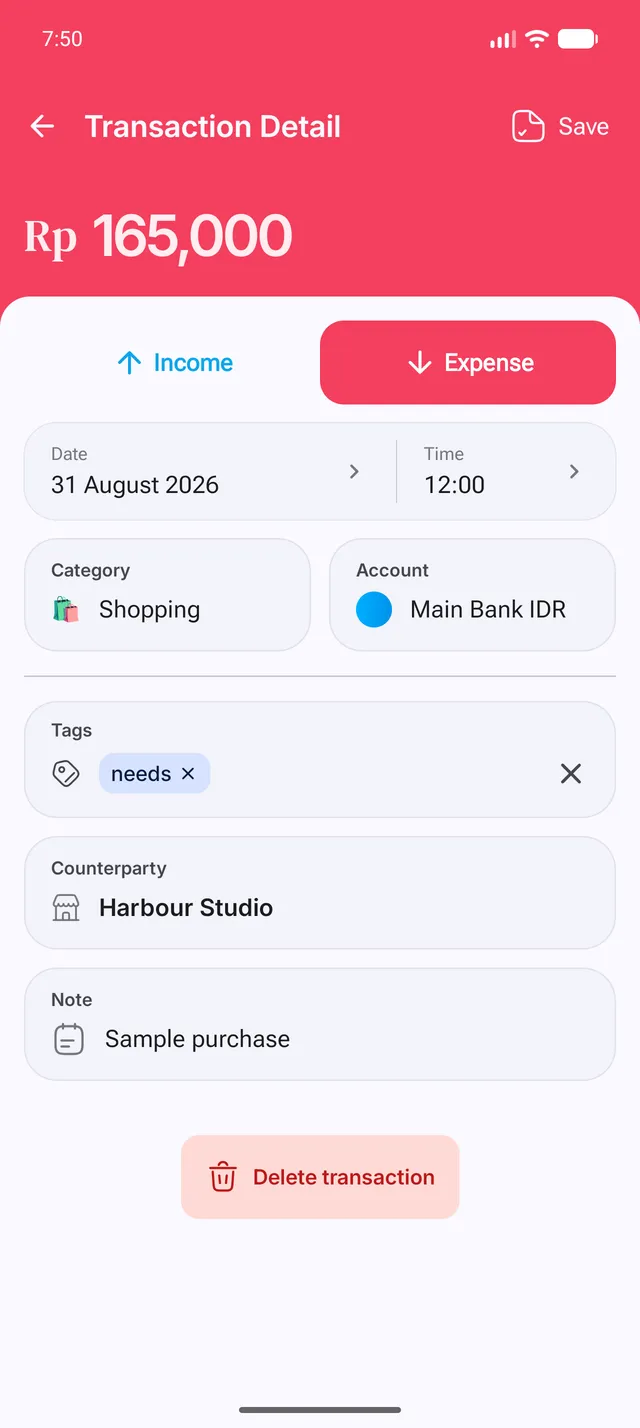
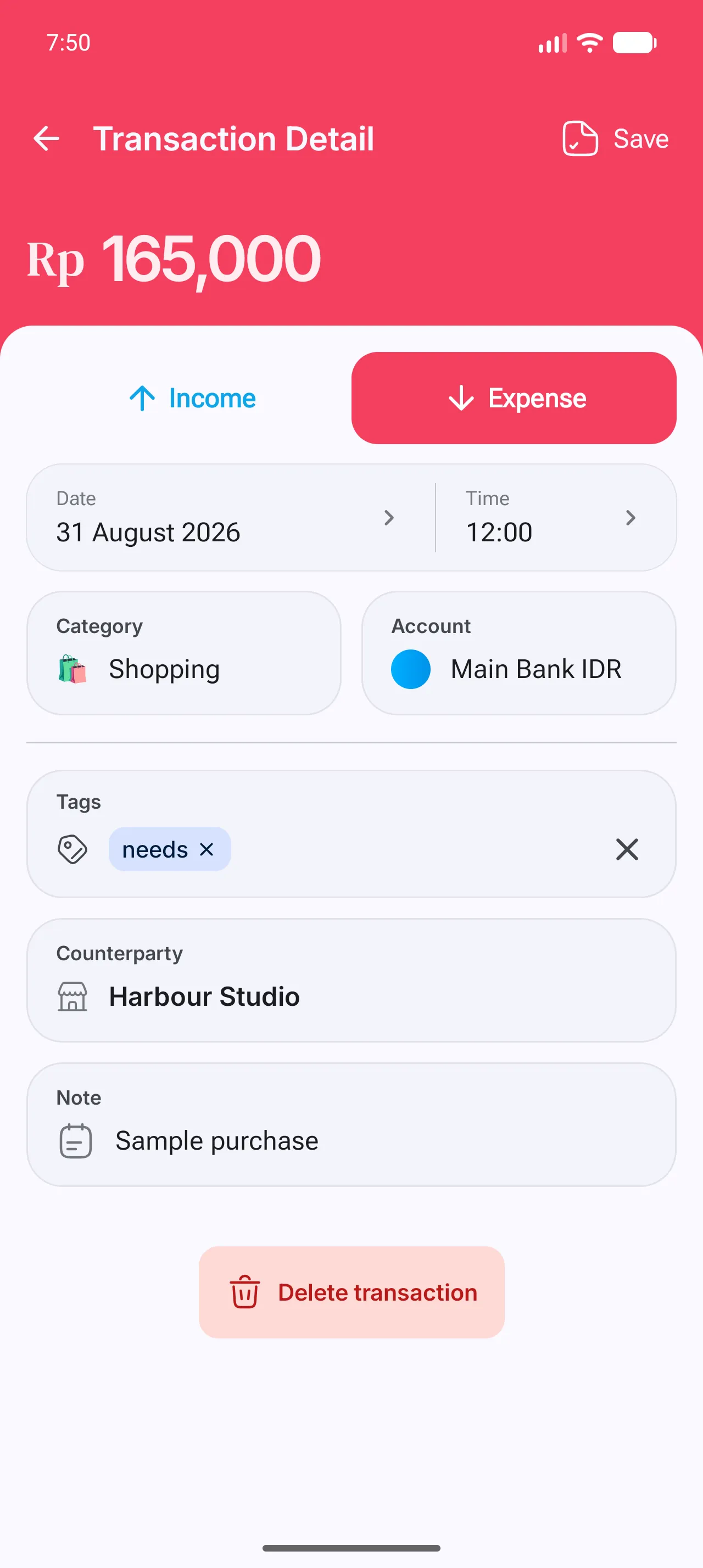
Edit the amount, account, category, date or other details directly on this screen. There is no separate Edit button.
Save your changes
After checking your changes, tap Save at the top right. The account balance is updated to match the edited entry.
To delete an entry
Only tap Delete transaction when you are sure. It removes the entry immediately, without a confirmation dialog, and adjusts the balance. A transfer’s linked entries are edited or deleted together.