Use a transaction template.
Choose a saved template, check the details, and save the transaction.
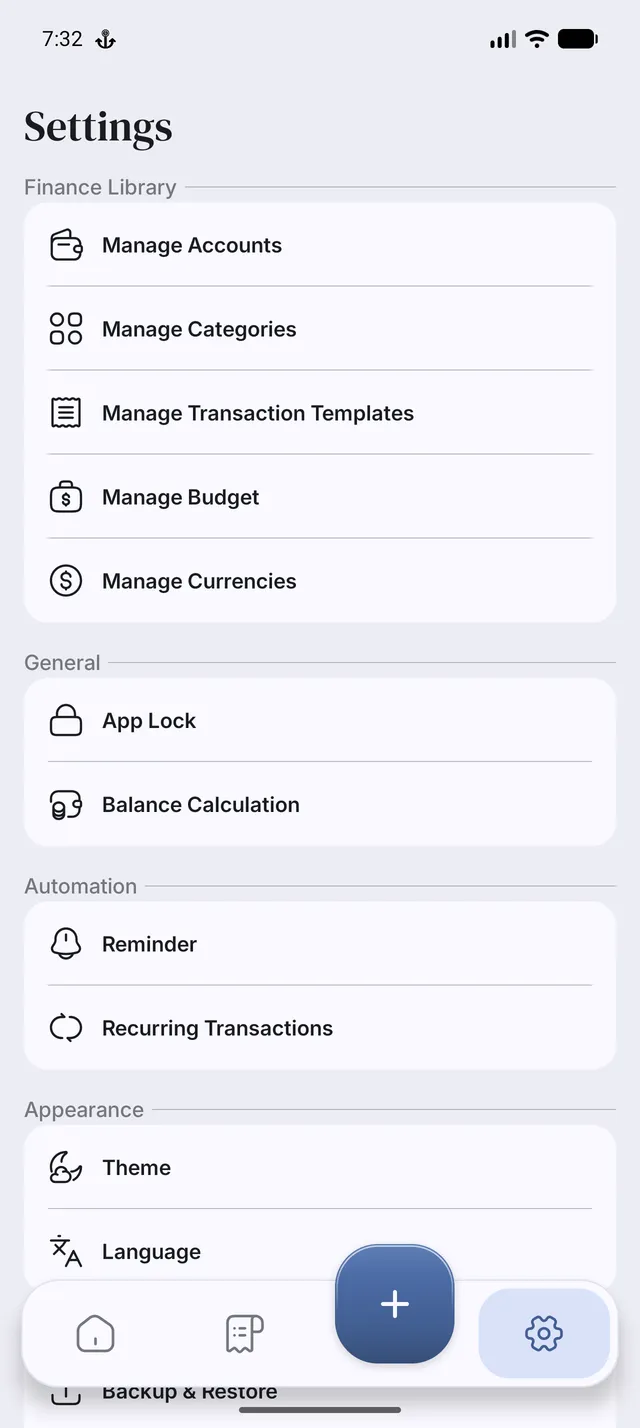
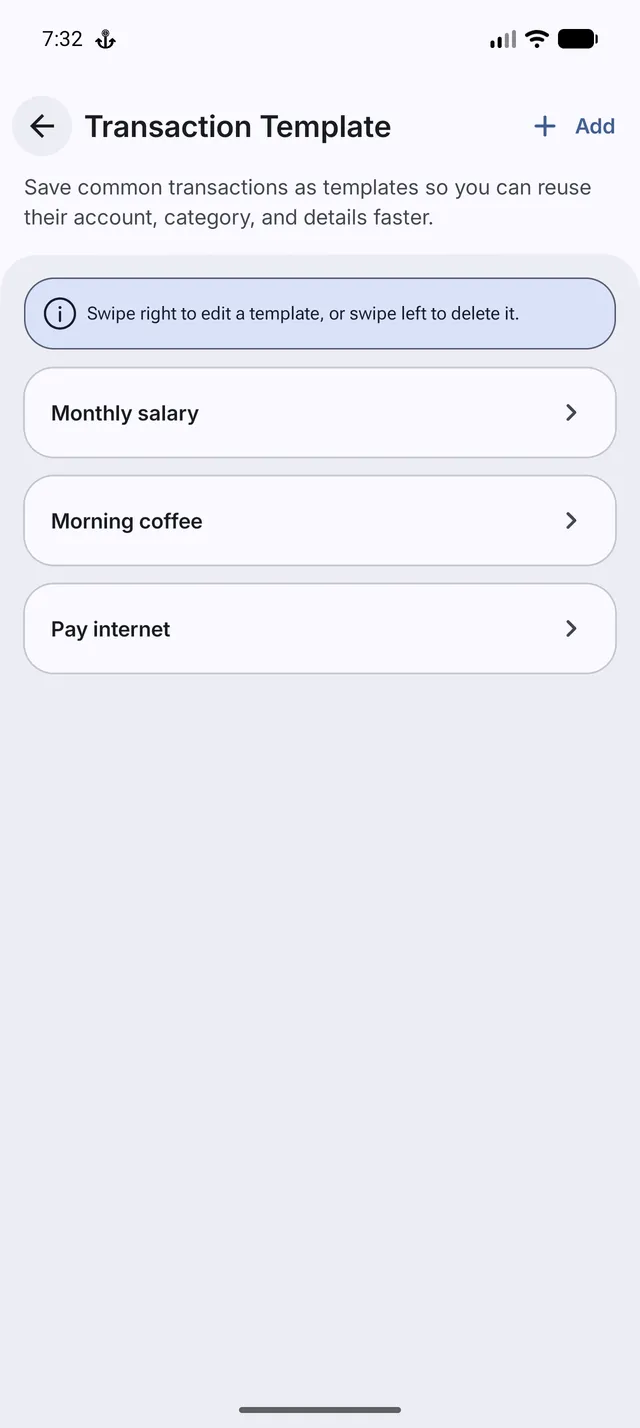
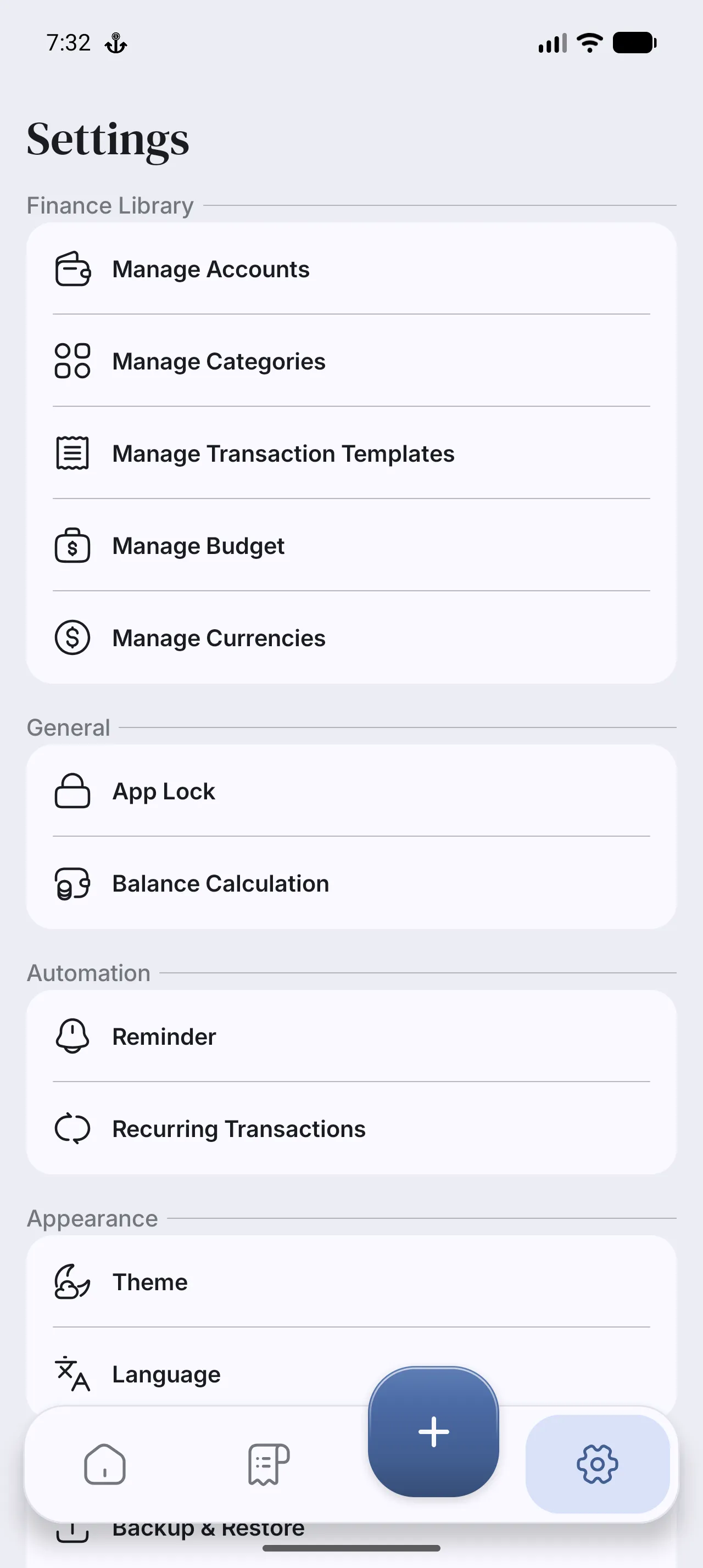
Open Transaction Templates
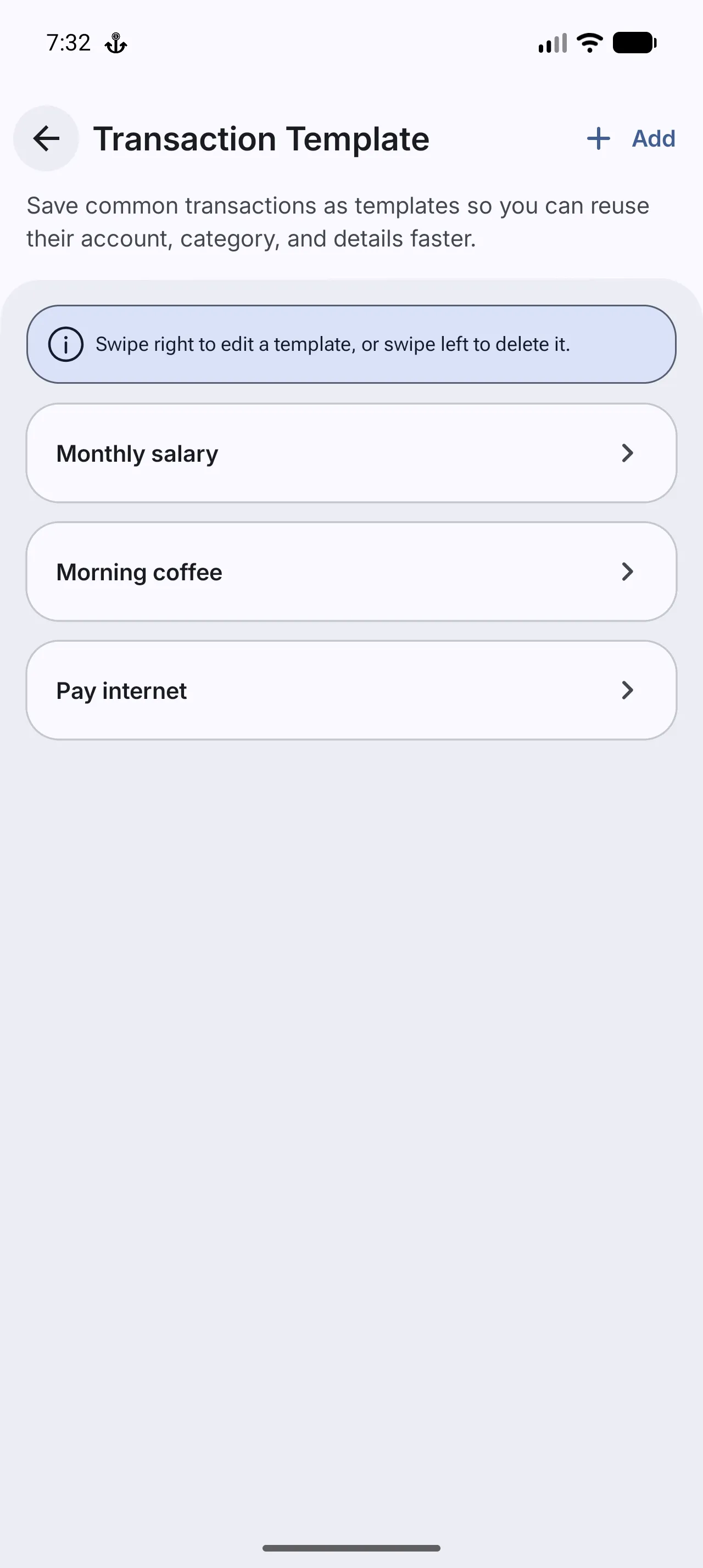
Go to Settings, tap Show 3 more under Finance Library, then tap Manage Transaction Templates.
Choose a template
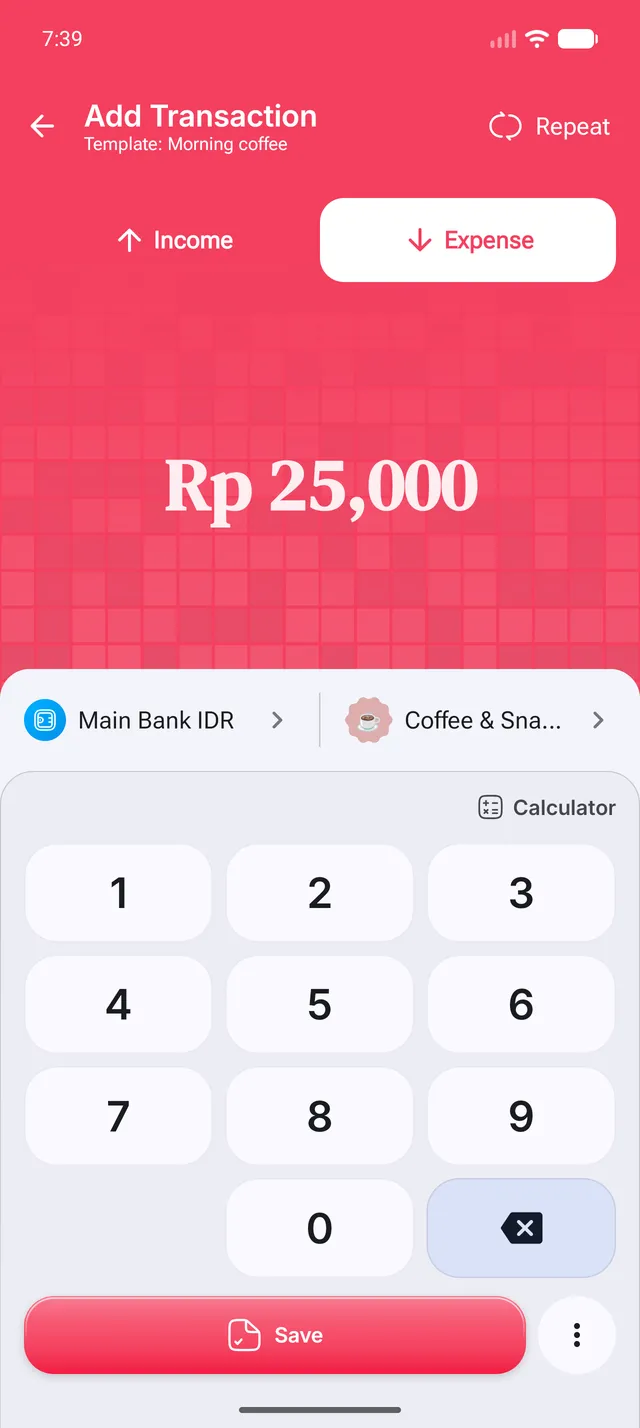
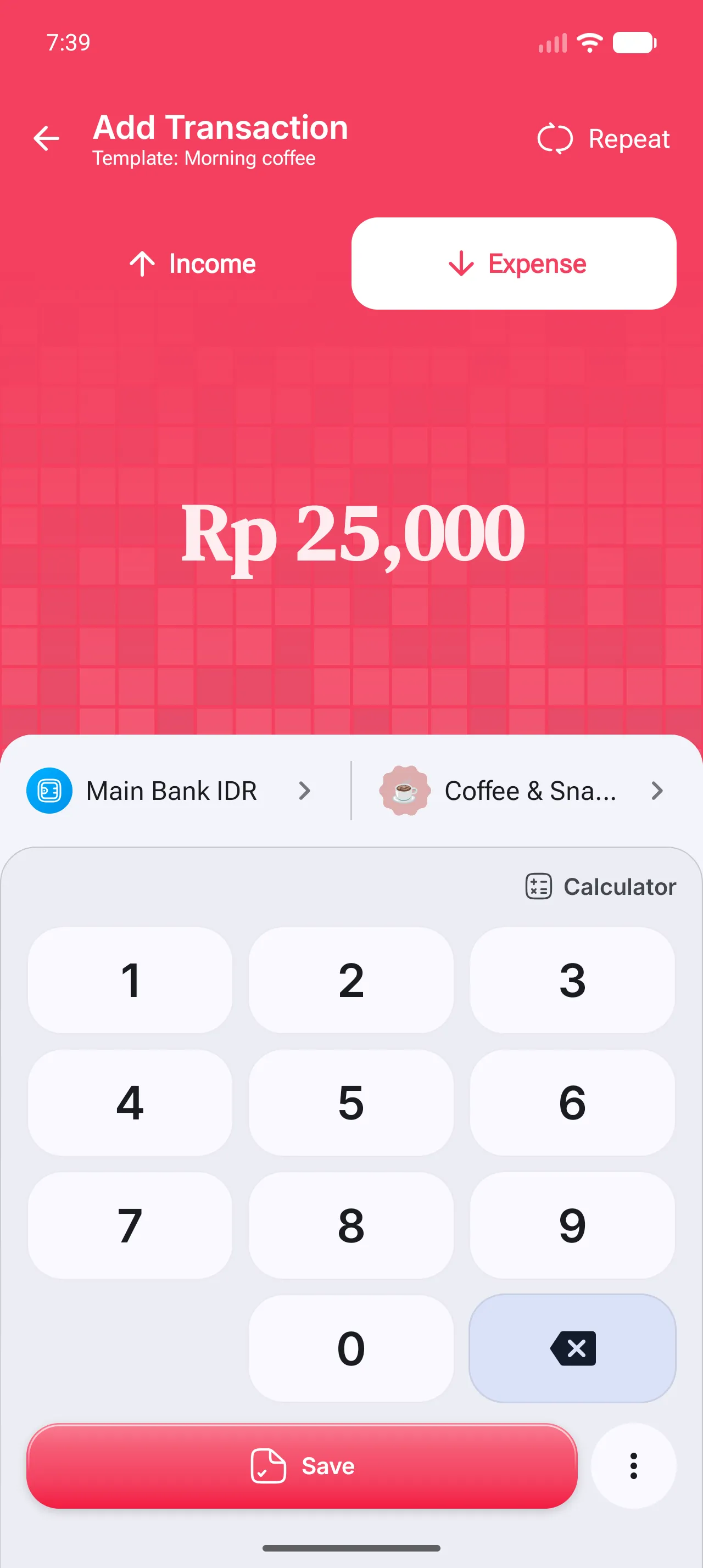
Tap the template you want to use, such as Morning coffee. Add Transaction opens with its saved details.
Check the details
The template name appears under Add Transaction. Review the amount, account and category. Swipe the keypad left to check the date, time and other details. You can change these for this entry without changing the saved template.
Save the transaction
When the details are correct, tap Save to record the transaction. Selecting the template alone does not save an entry.