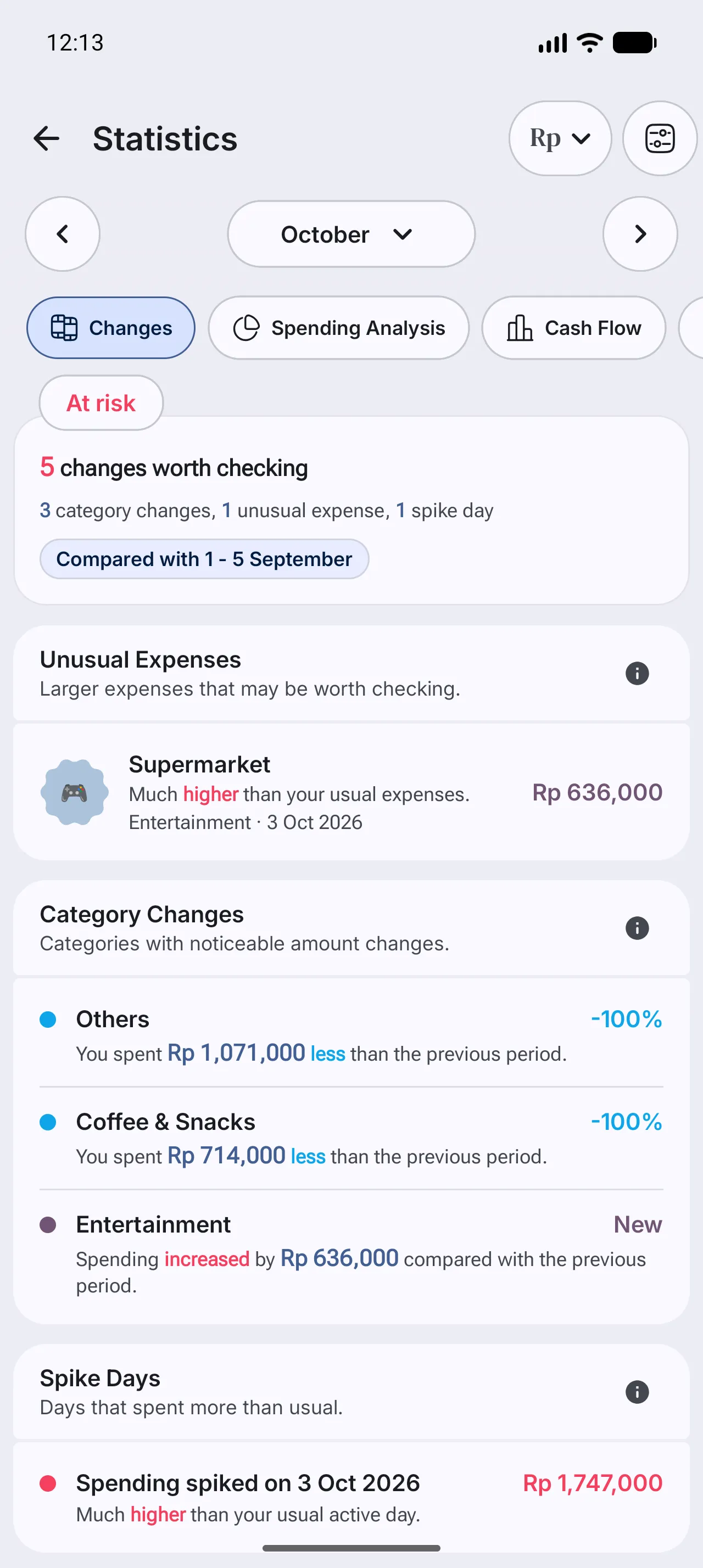
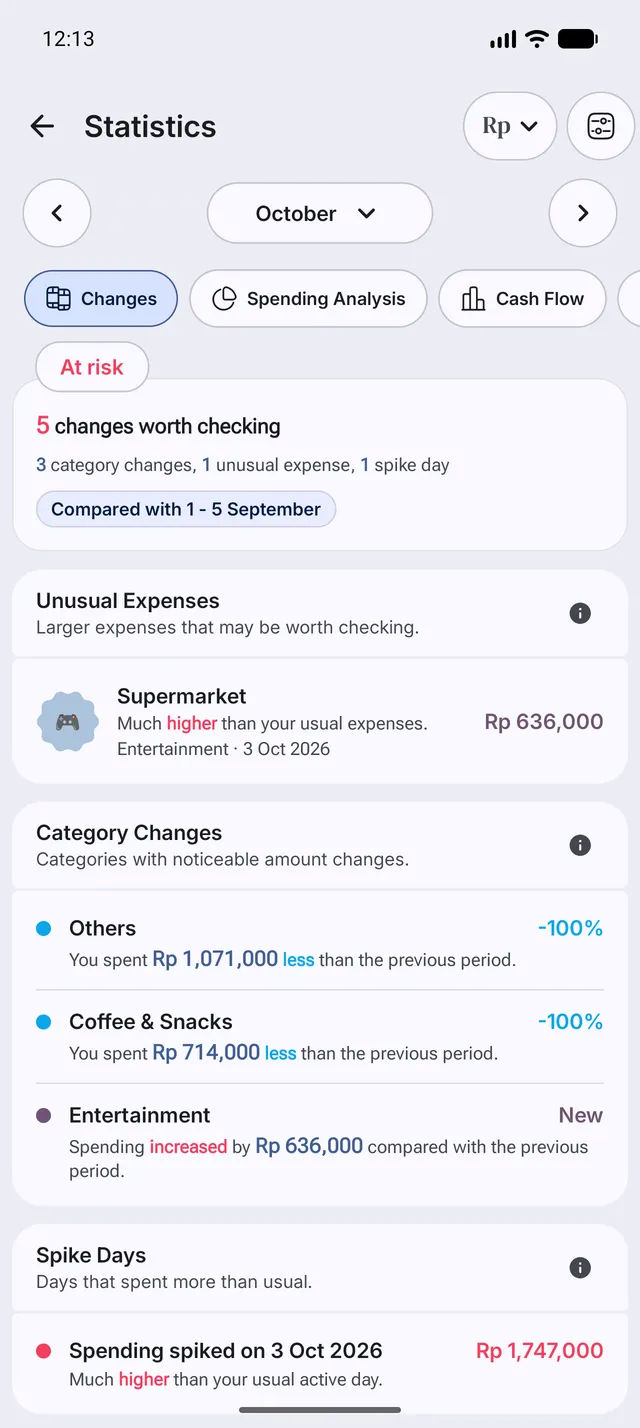
View your financial summary.
Review balances and recent financial changes.
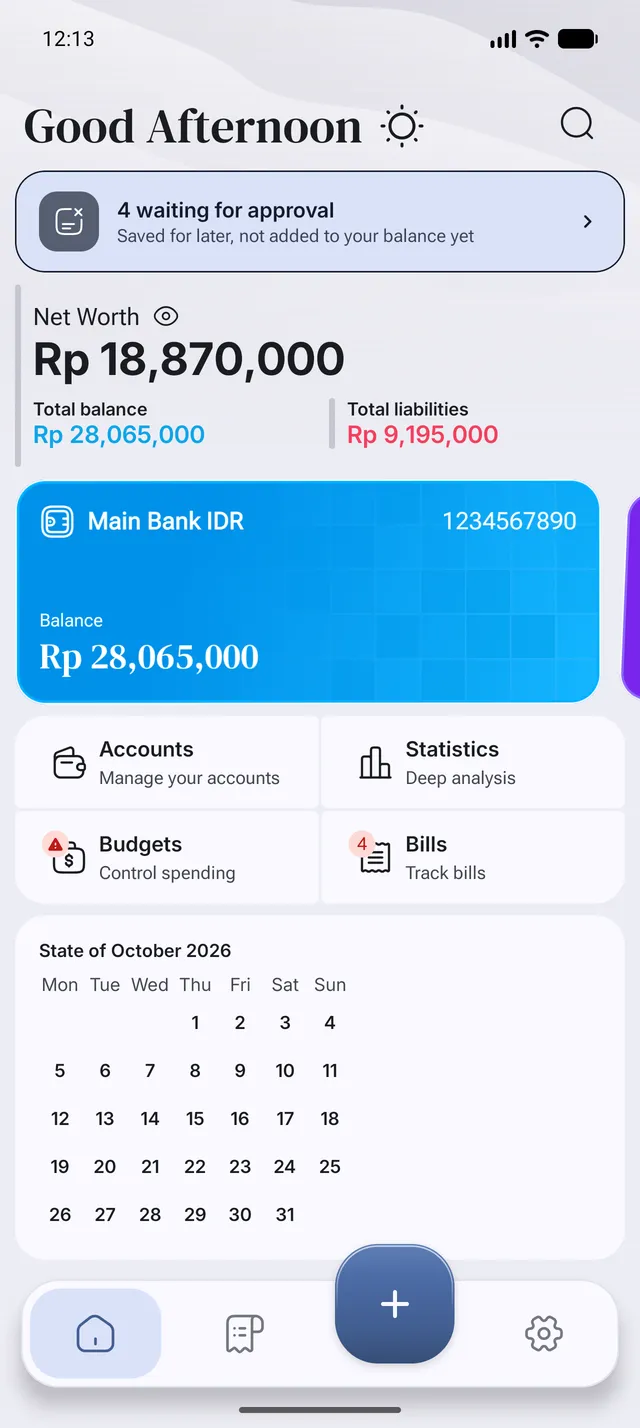
Open Home
Tap Home in the bottom navigation. Net Worth, Total balance and Total liabilities summarize your accounts for the displayed currency.
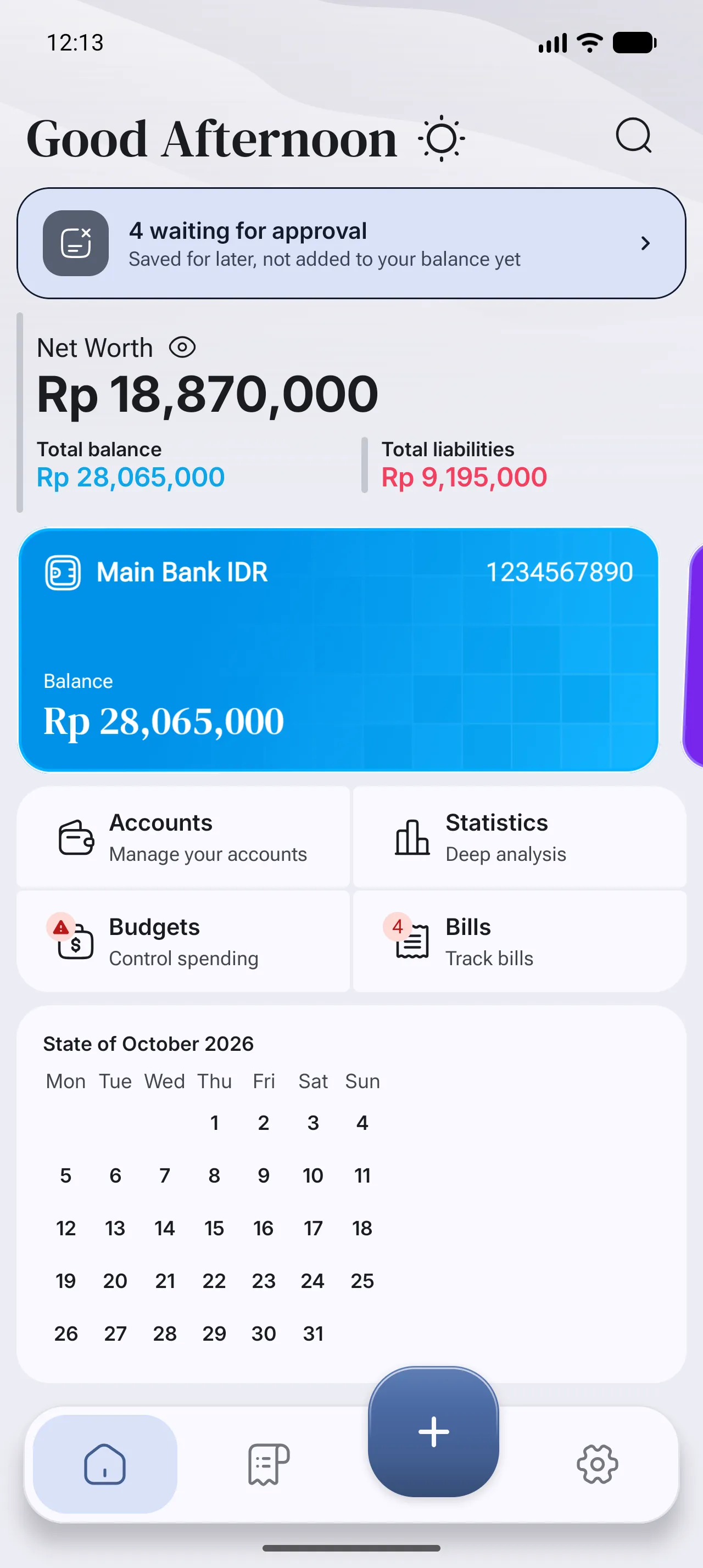
Open Statistics
Tap Statistics below your account cards to review reports based on your recorded transactions.
Review Changes
Changes calls attention to unusual expenses, category changes and spike days. Check the comparison dates shown in the report. Tap a calculation-details icon to understand how a result was calculated.