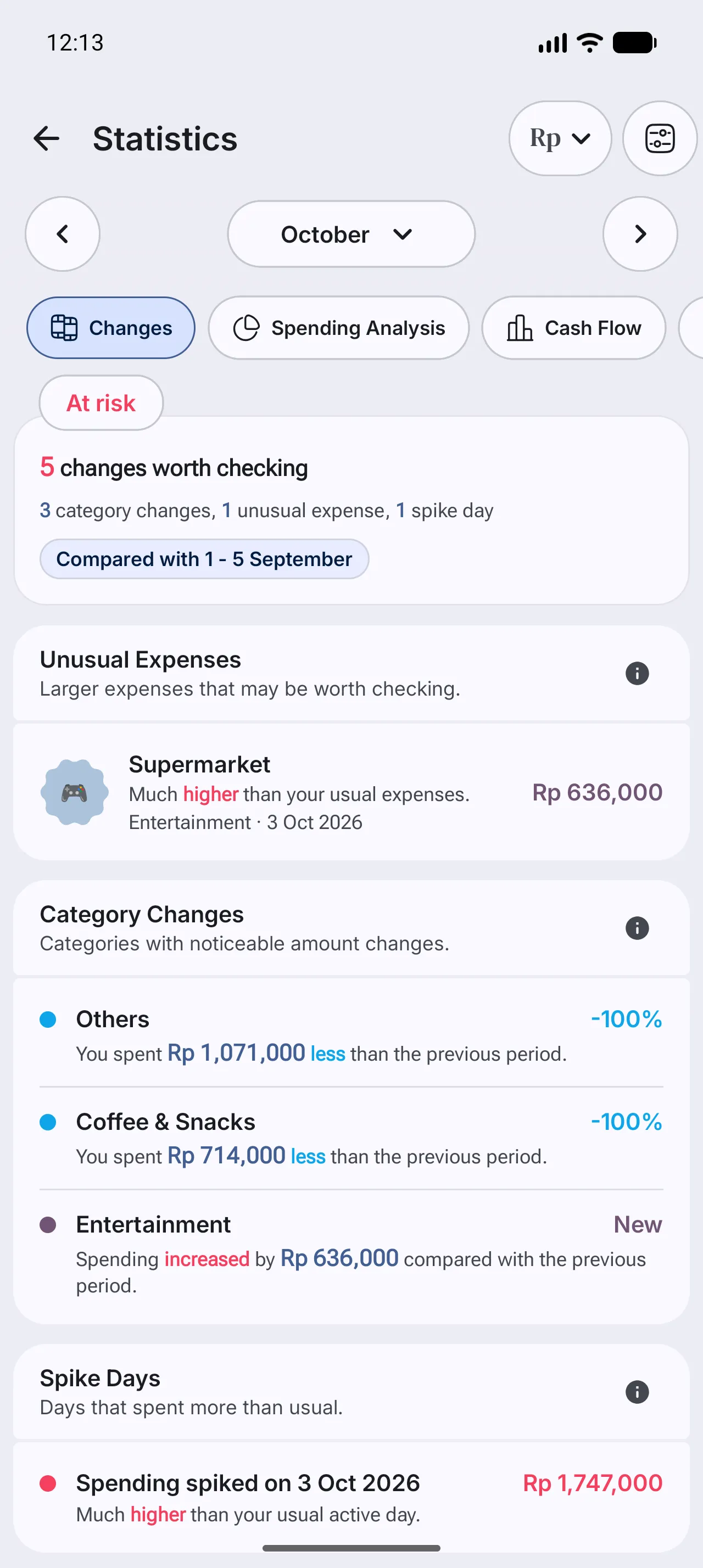
Filter reports and compare periods.
Focus reports on the records you want to review.
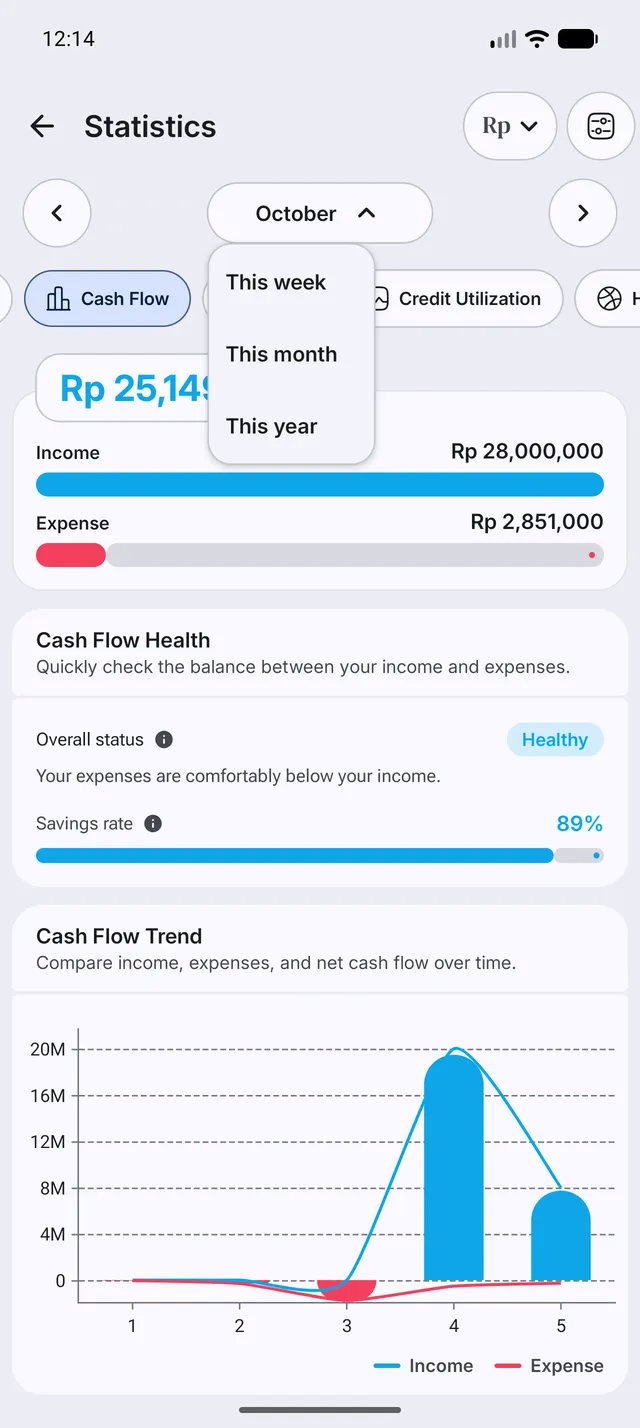
Choose the period
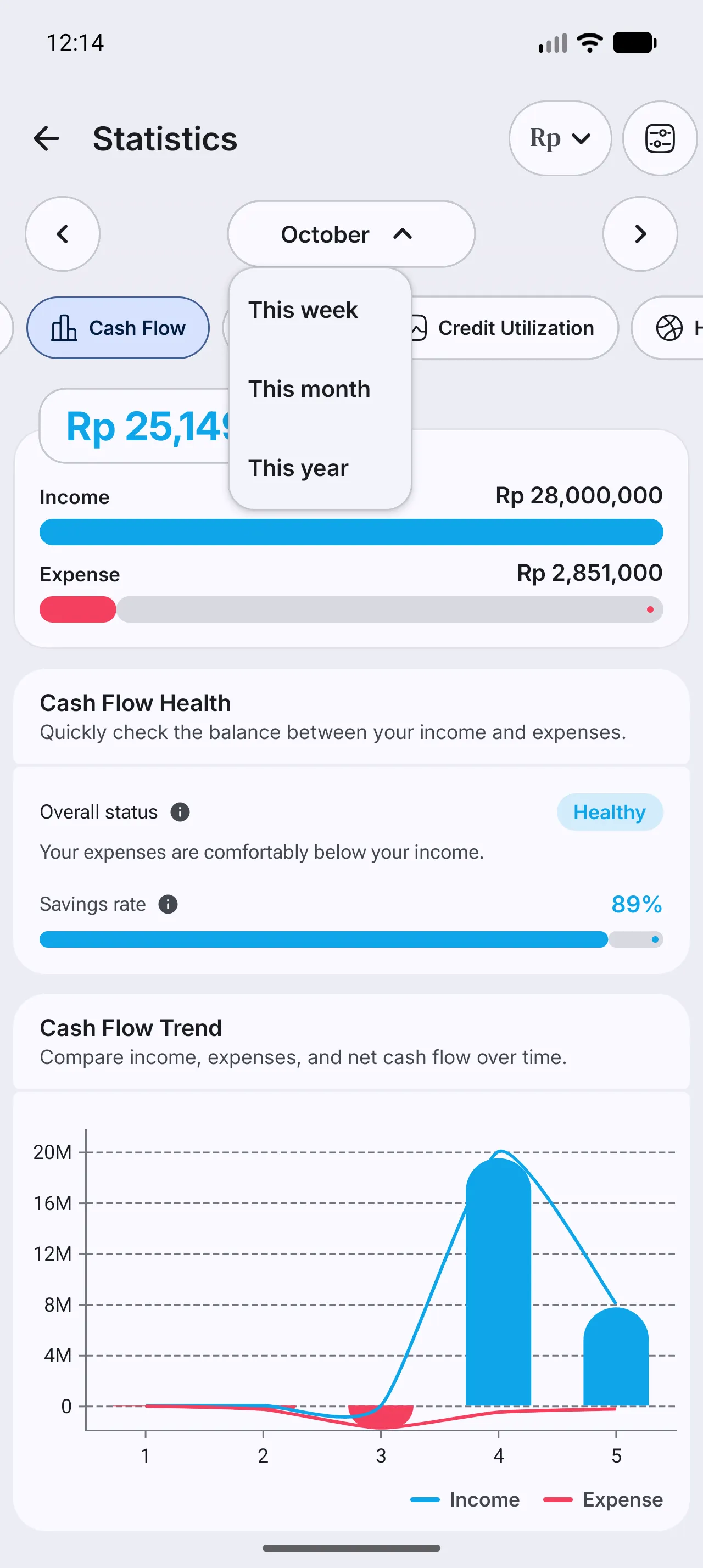
In Statistics, tap the period label to choose This week, This month or This year. Use the arrows beside the period to move backward or forward.
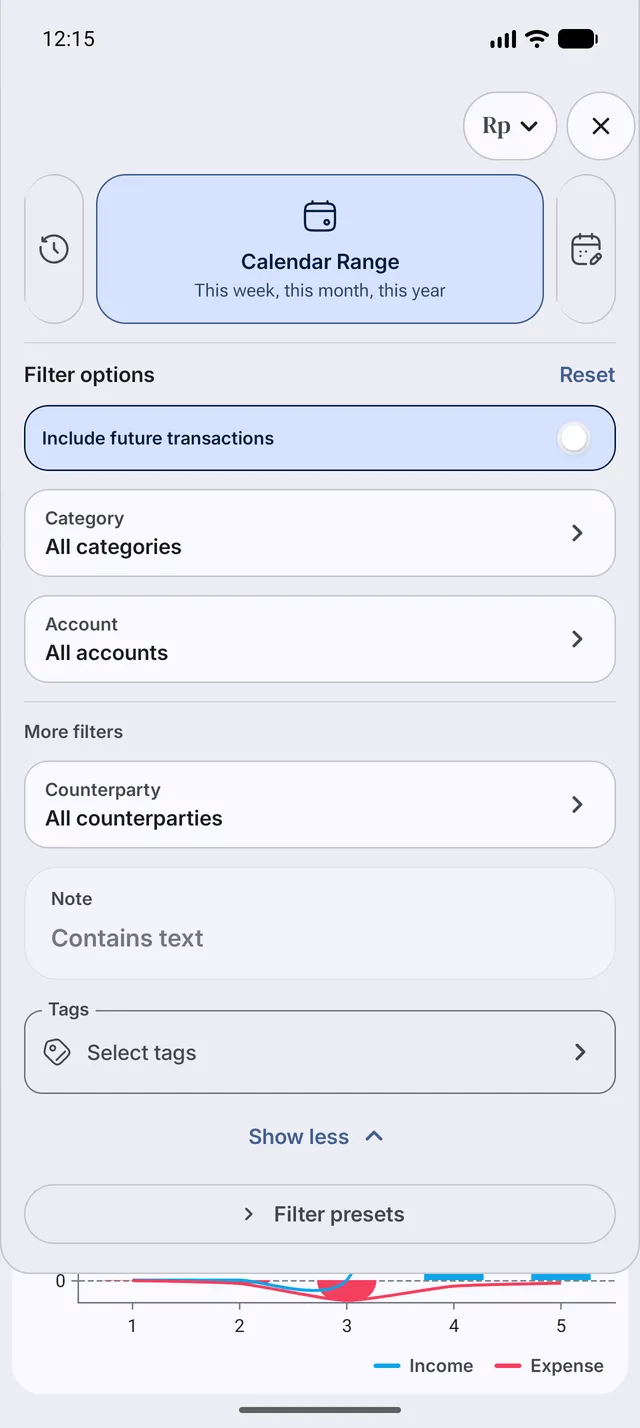
Open filter options
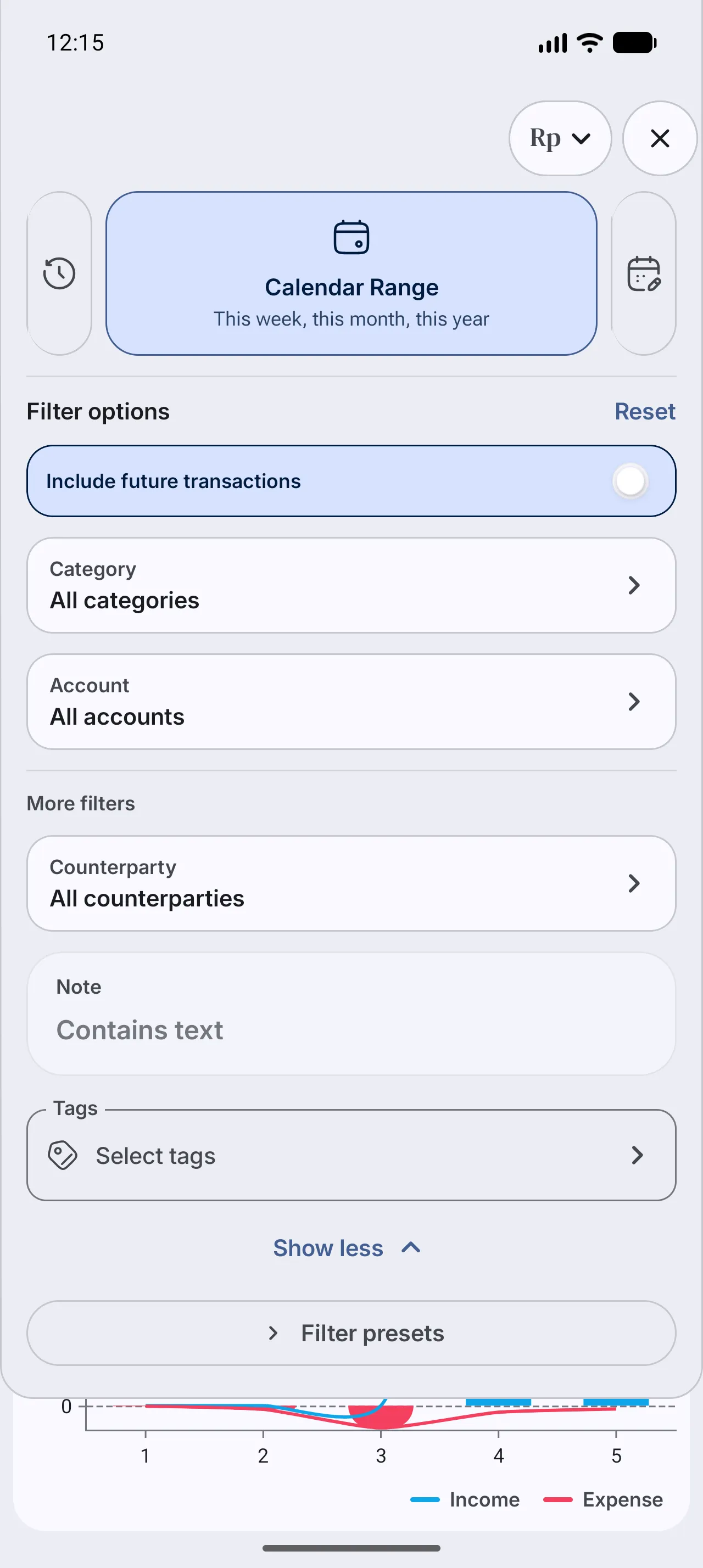
Tap the filter icon at the top right. Choose the accounts and categories you want included. Include future transactions controls whether future-dated records are included.
Narrow the records
Show more reveals Counterparty, Note and Tags. Use Reset to clear the filters. Check the currency control at the top so you know which currency the report uses.
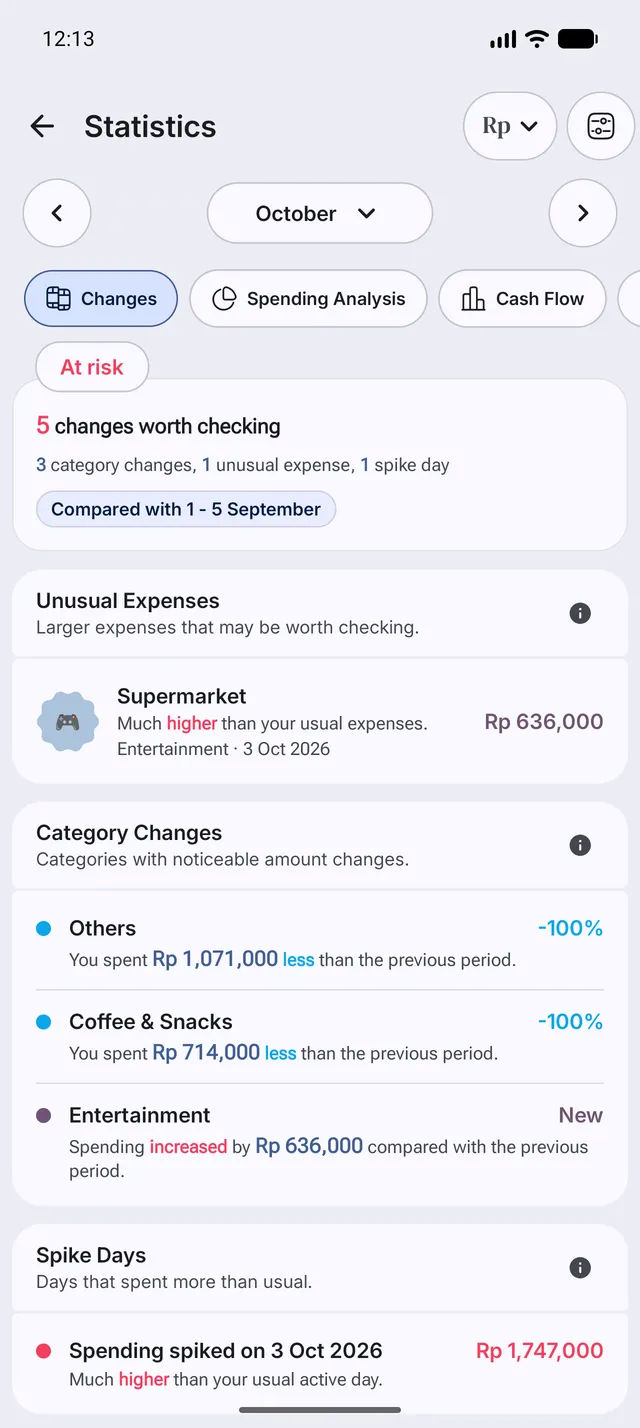
Check the comparison dates
On Changes, read Compared with before interpreting increases or decreases. The comparison shown can cover only the elapsed part of the current period.