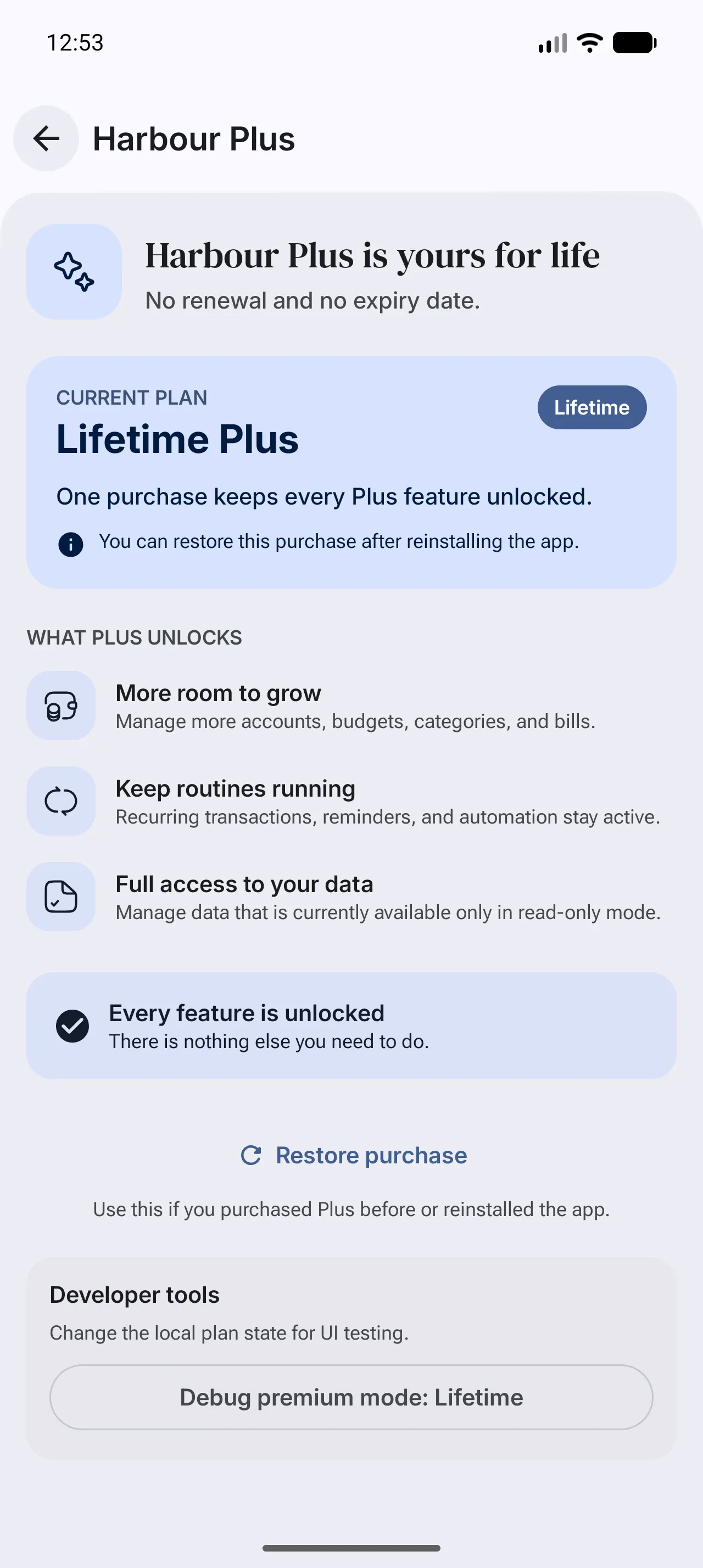
Understand what happens when Plus expires.
Know how Free limits affect existing records.
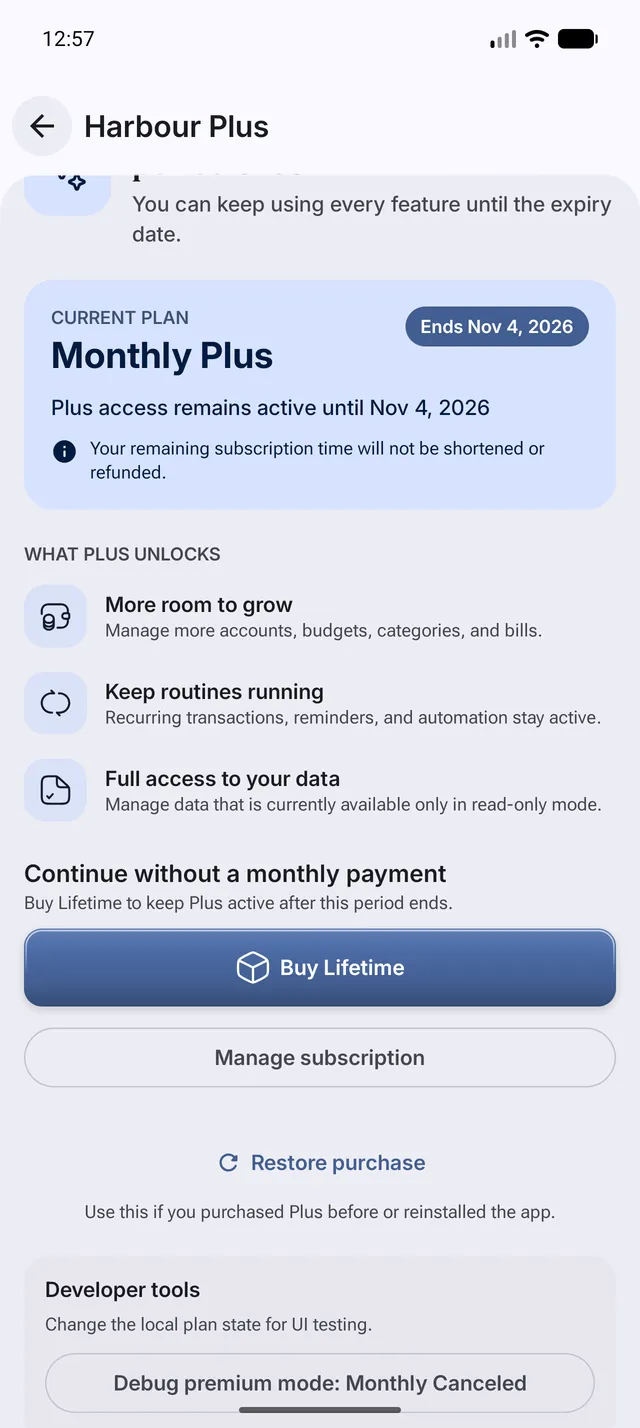
Check the end date
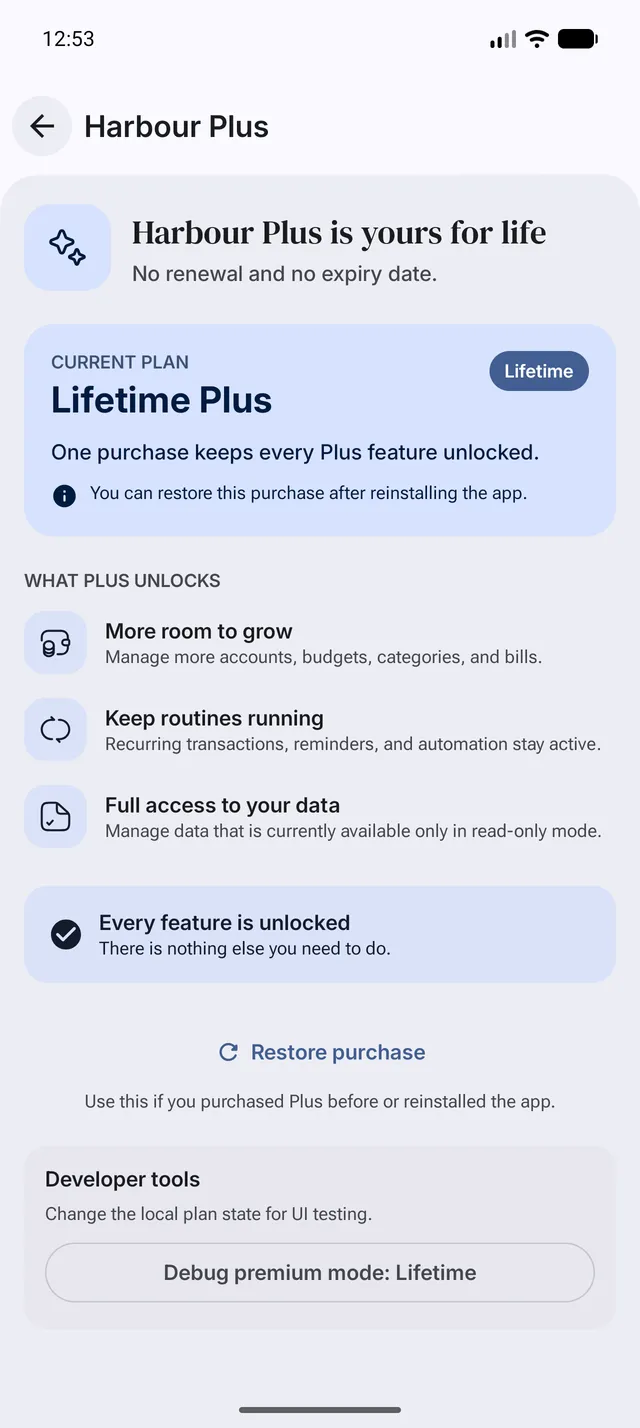
A canceled Monthly subscription remains active until its end date. Lifetime does not expire. Read the status on Plan rather than assuming cancellation immediately removes Plus.
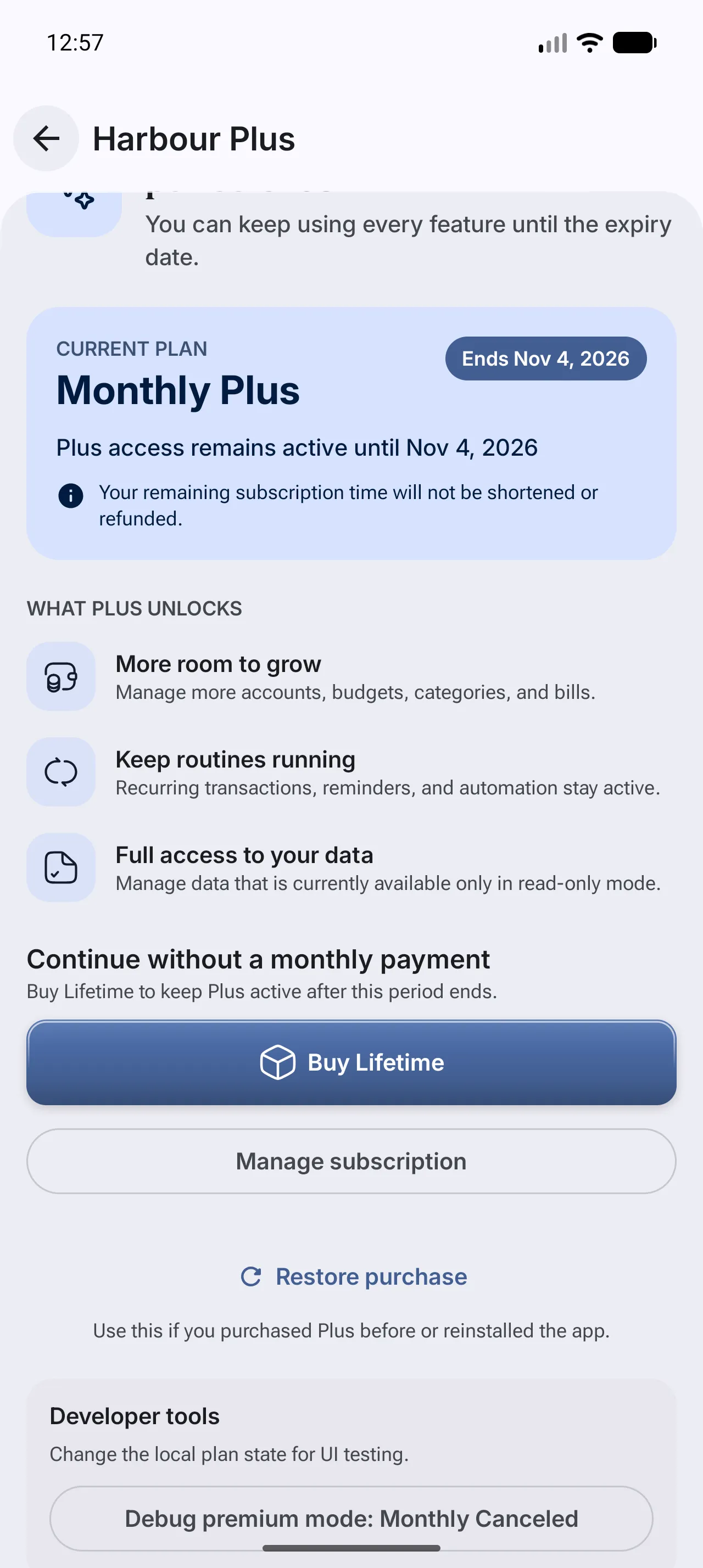
Understand read-only access
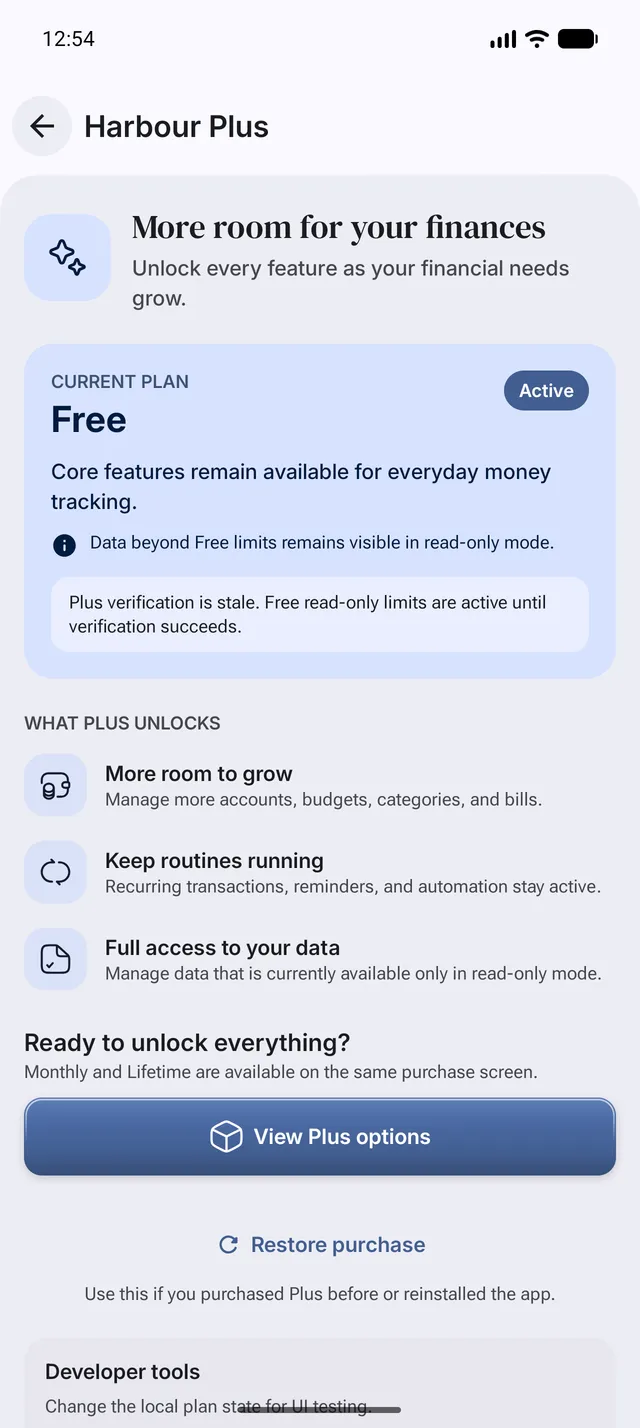
After Plus ends, Free limits apply. Existing items above those limits remain visible but cannot be edited. Automation that uses locked items is also restricted.
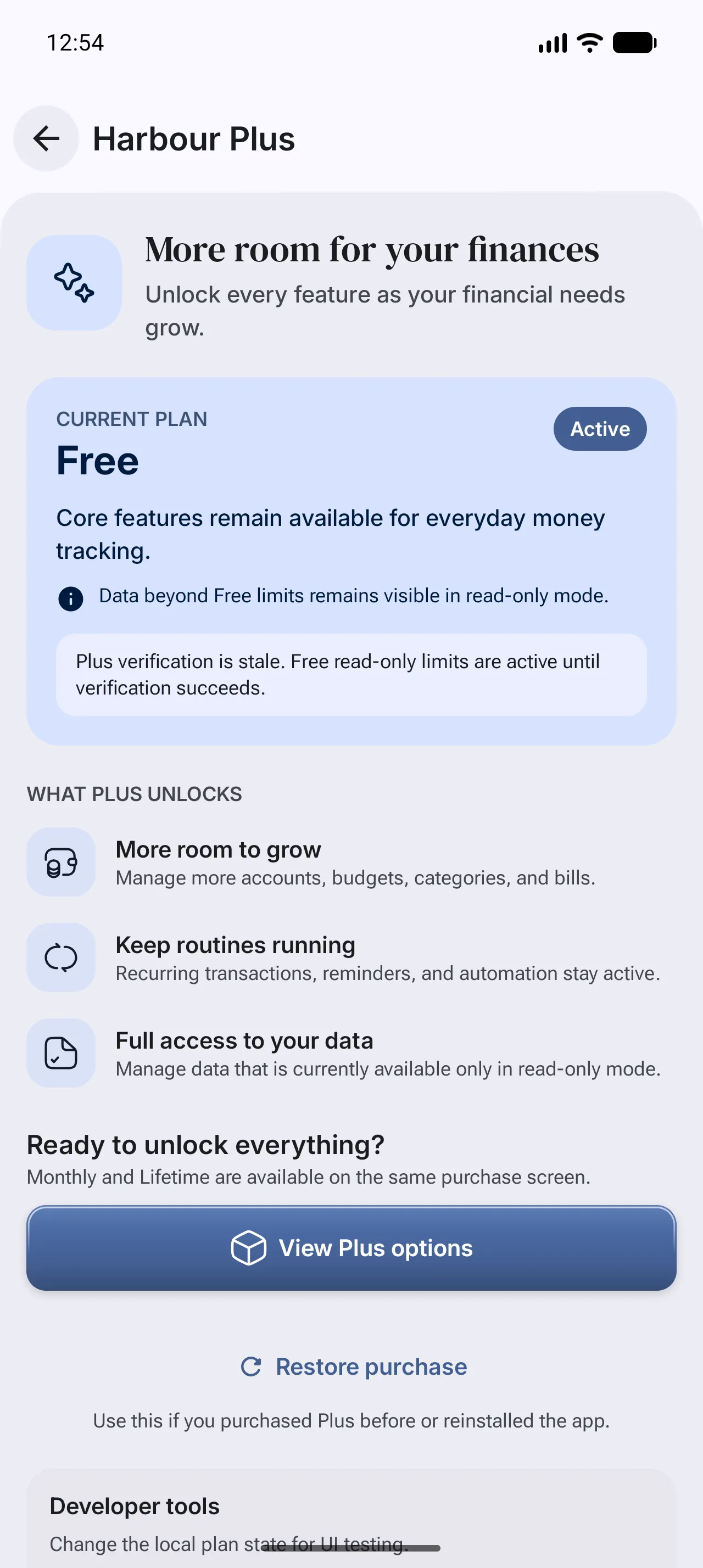
Check verification when access changes
Harbour can temporarily use a previously verified Plus status offline. If the previous verification is too old, Free limits can apply until Harbour verifies your purchase again. Check your connection and Plan status. Use Restore purchase when you already own Plus.