Manage your plan.
Check renewal details and restore a previous purchase.
Check your plan status
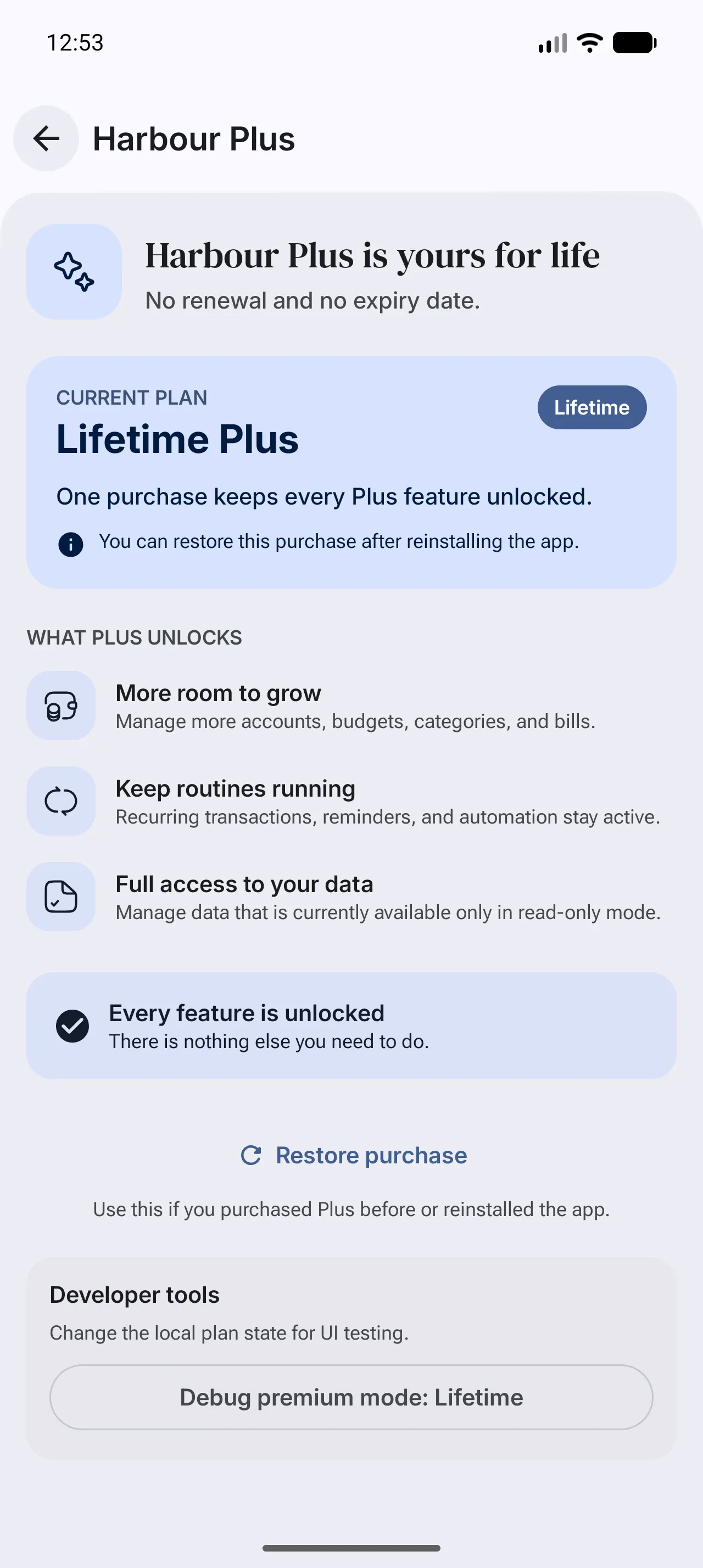
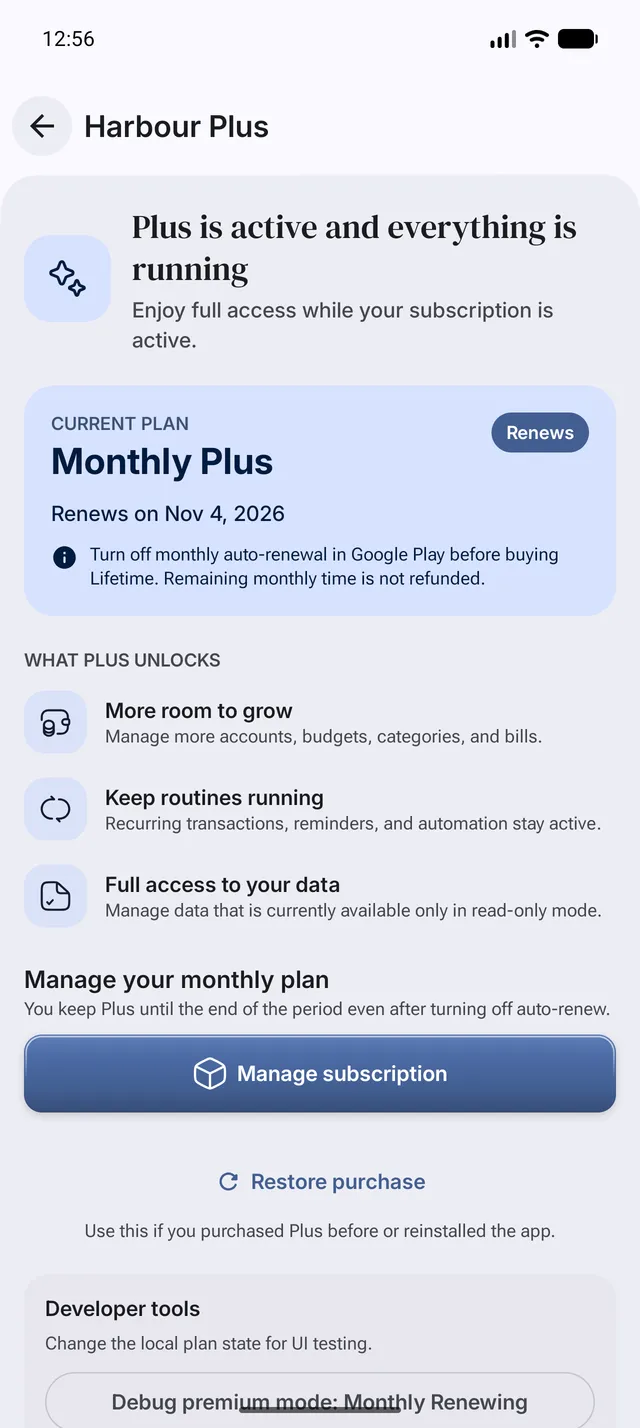
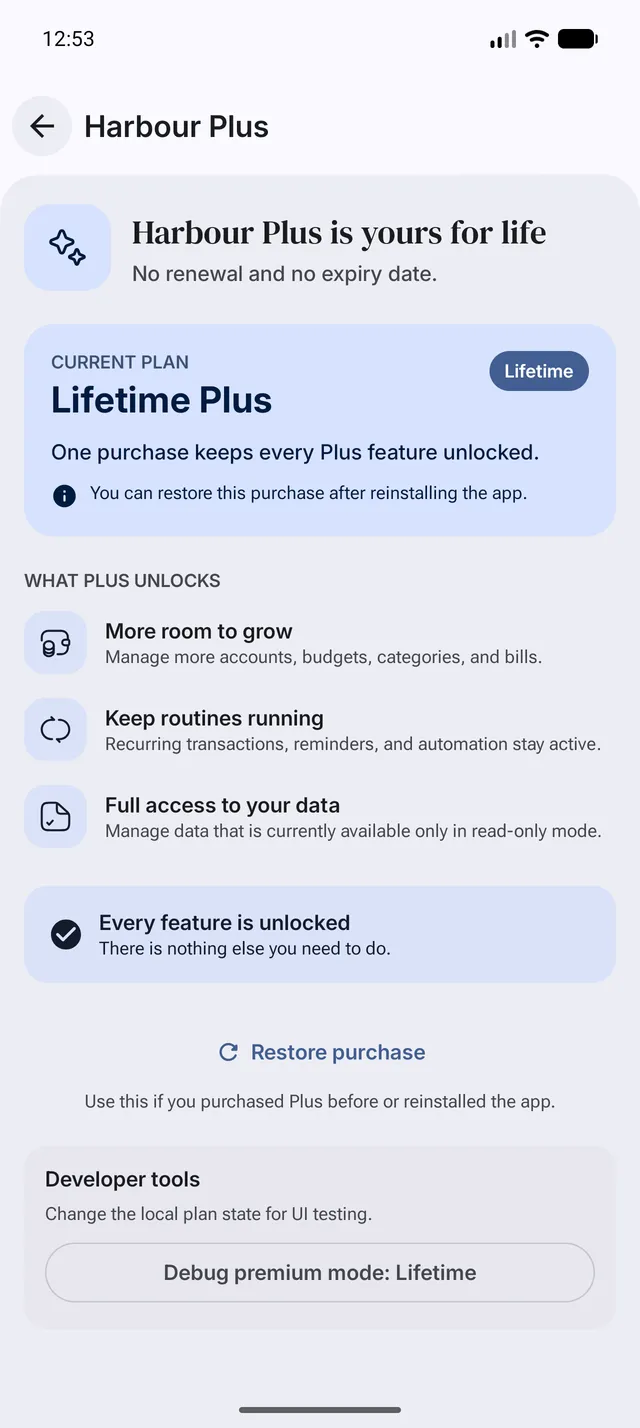
Open Settings, About, then Plan. Review Current Plan and its renewal or end date. Lifetime has no renewal date.
Manage Monthly in Google Play
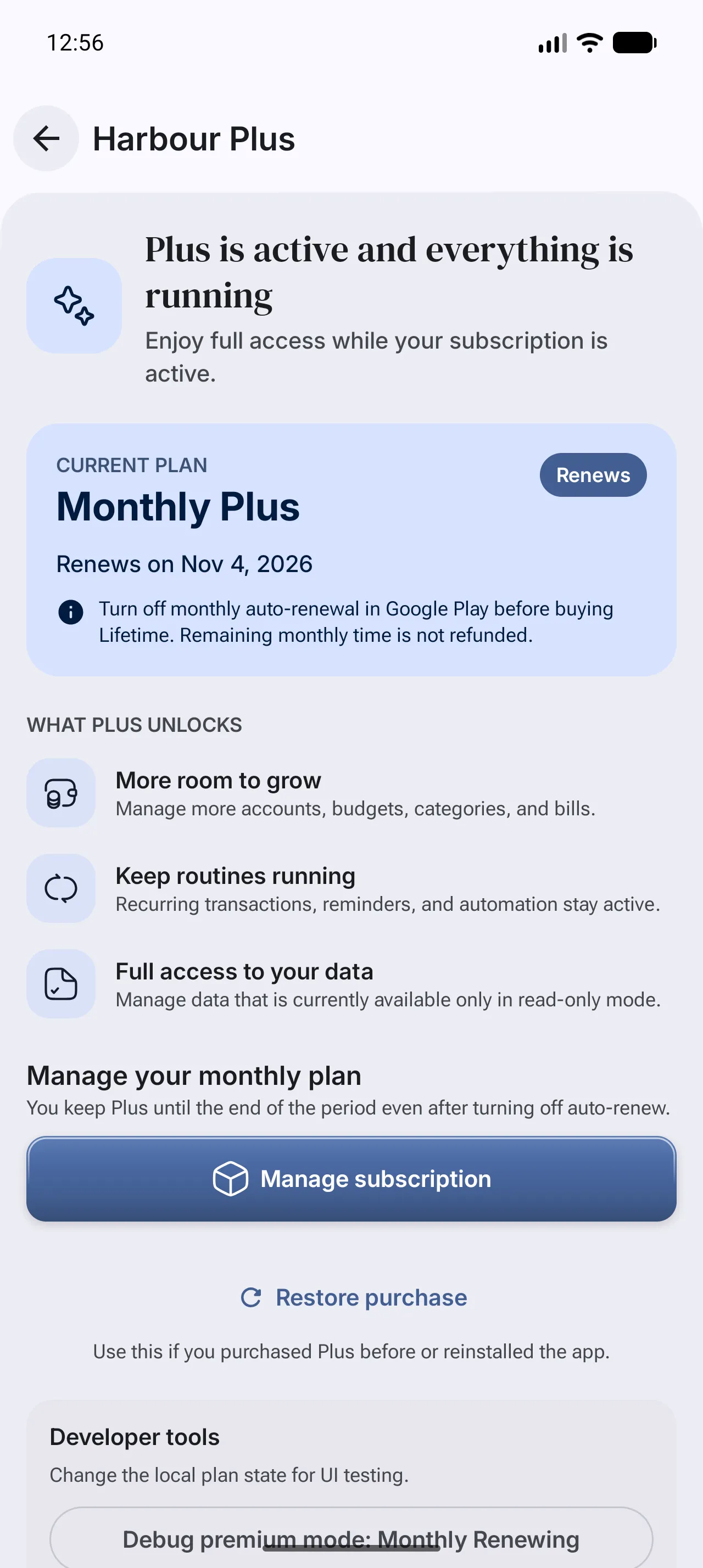
Tap Manage subscription to open subscription management. Turning off auto-renew does not end the remaining paid period. Review the terms in Google Play before making a change.
Restore an existing purchase
If you purchased Plus before or reinstalled Harbour, use Restore purchase on the Plan page. Use the Google Play account associated with the purchase and check the result. Restoring is different from buying a new plan.