Set up an app lock.
Require a PIN when returning to Harbour.
Open App Lock
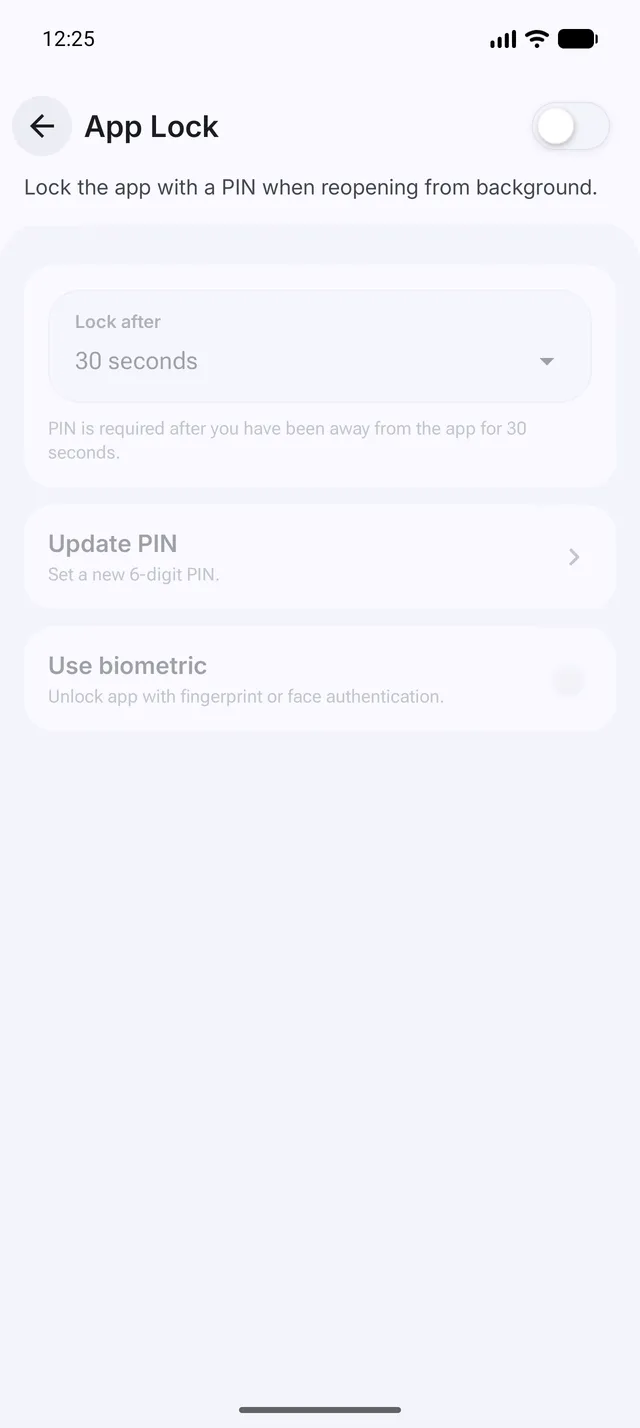
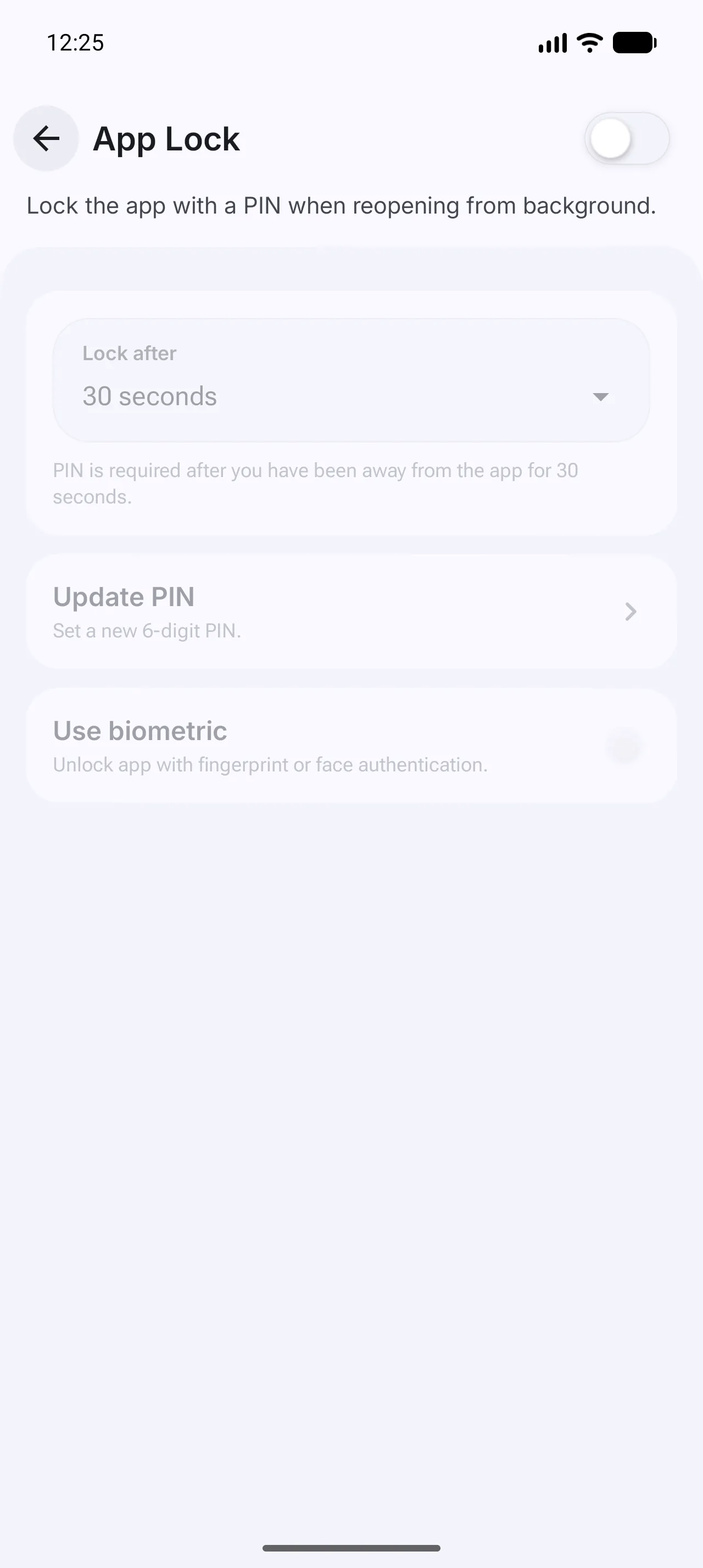
In Settings, tap App Lock under General. Turn on the switch at the top to begin setting a PIN.
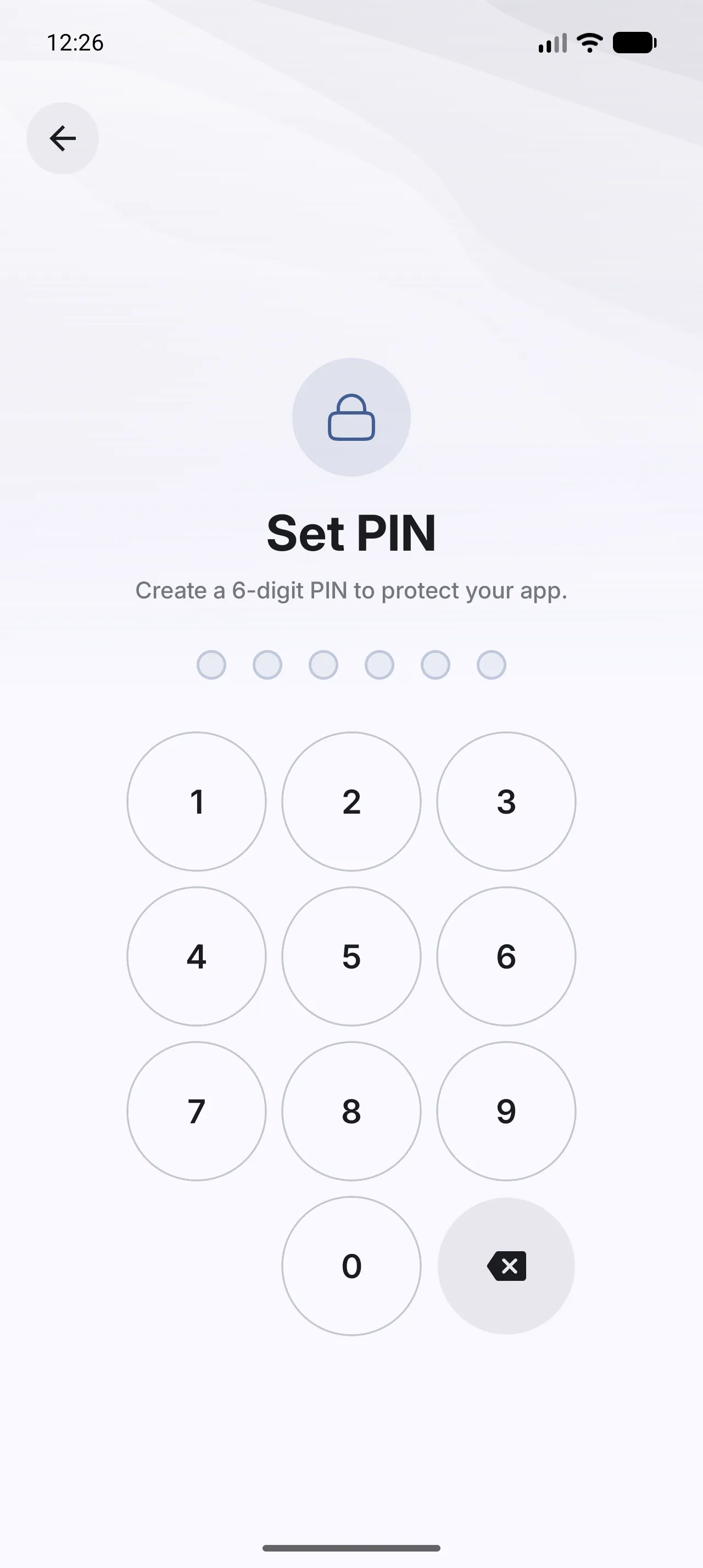
Create and confirm your PIN
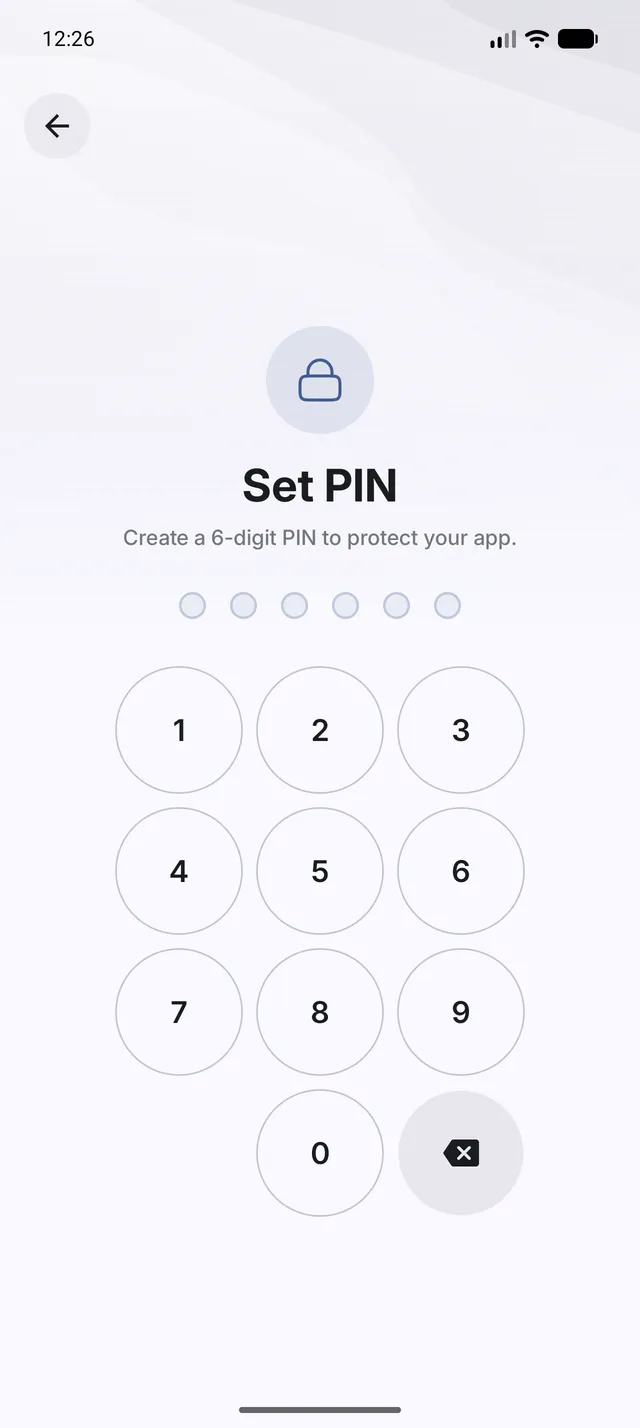
Enter a six-digit PIN, then enter it again on the confirmation screen. Choose a PIN you can remember and keep it private.
Choose when to lock
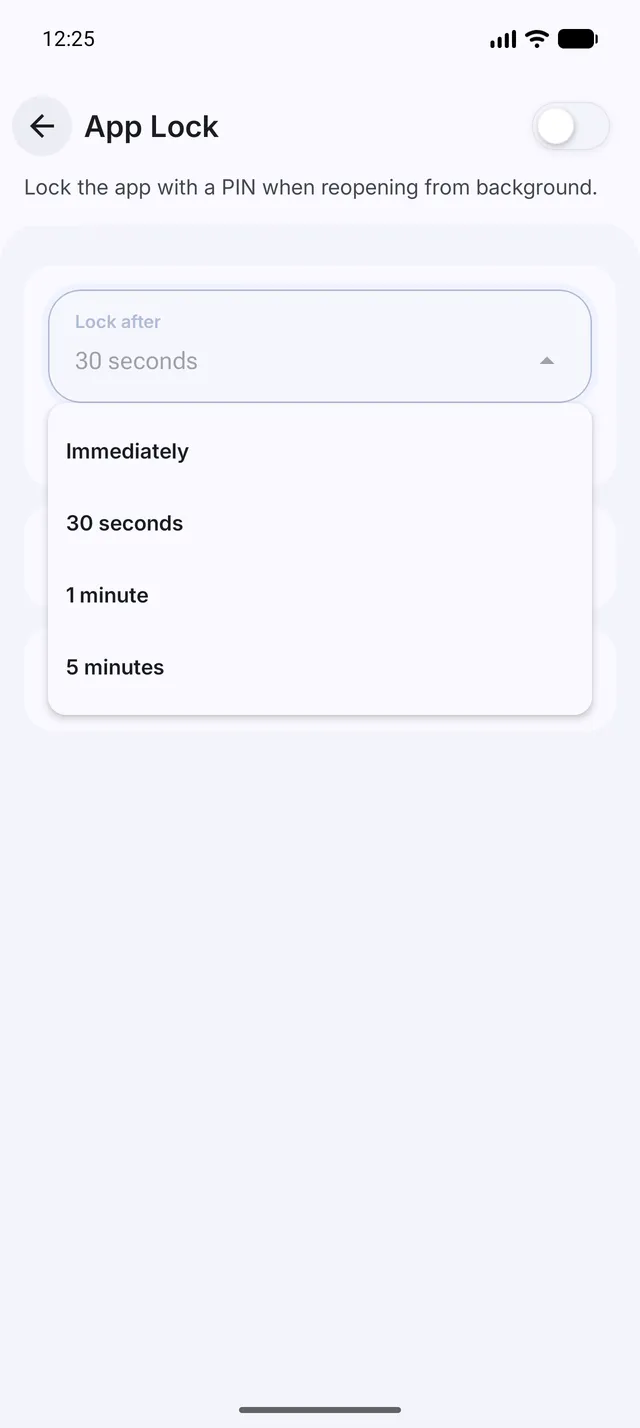
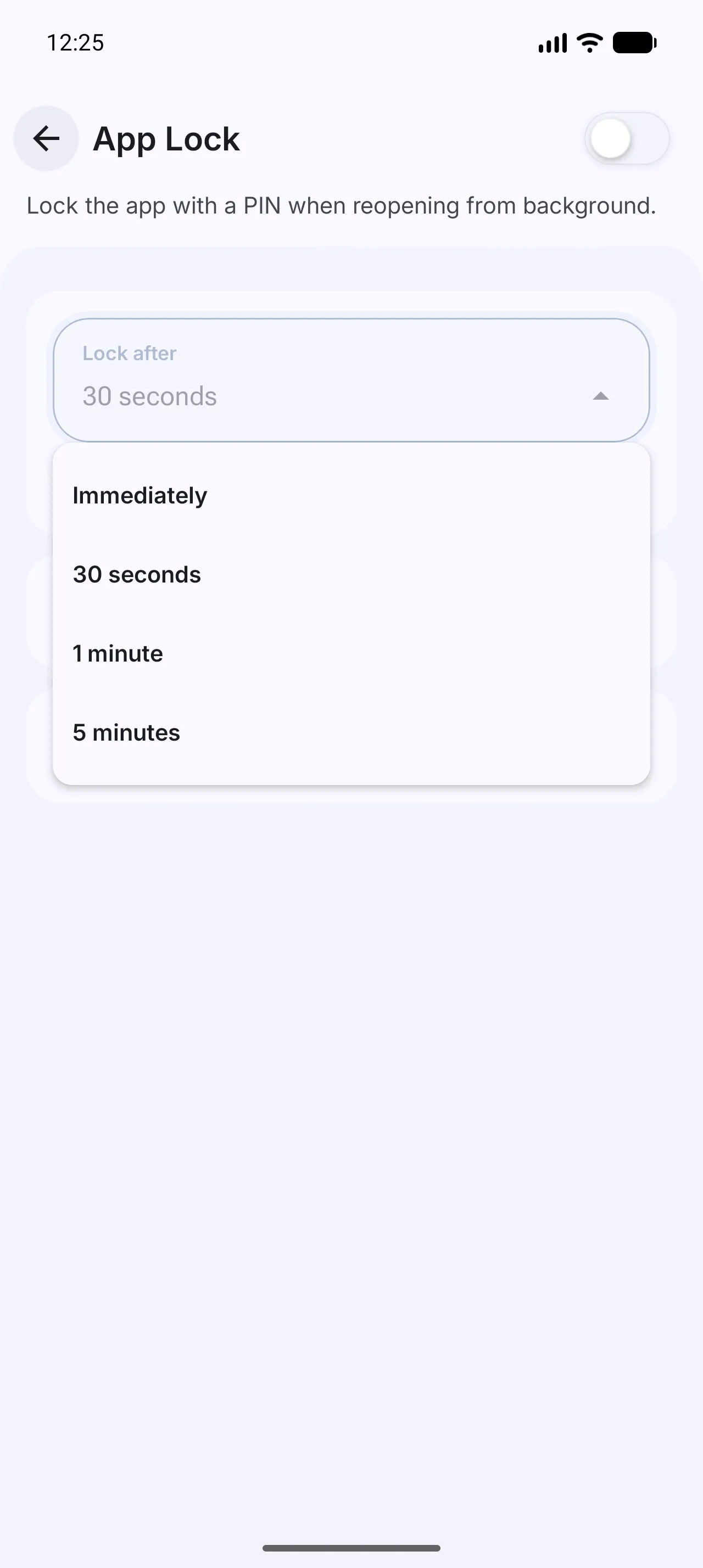
After setting the PIN, tap Lock after. Choose Immediately, 30 seconds, 1 minute or 5 minutes. The delay applies when reopening Harbour after it has been in the background.
Review unlocking options
Use biometric allows fingerprint or face unlocking when supported and configured on your device. Update PIN changes your six-digit PIN. These controls become available after app lock is enabled.