Clear app data.
Review what will be removed before clearing records.
Make a backup first
If you might need your current records later, open Backup & Restore and create a backup before continuing. Clear Data cannot be undone.
Review Clear Data
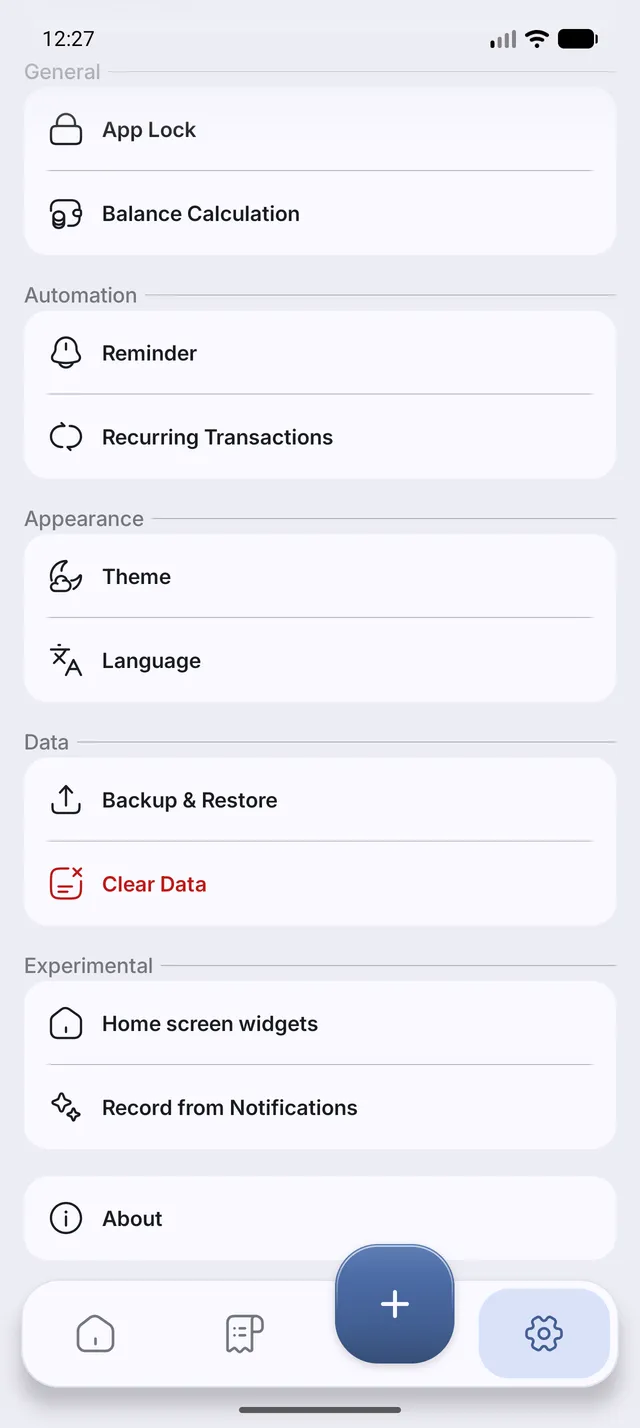
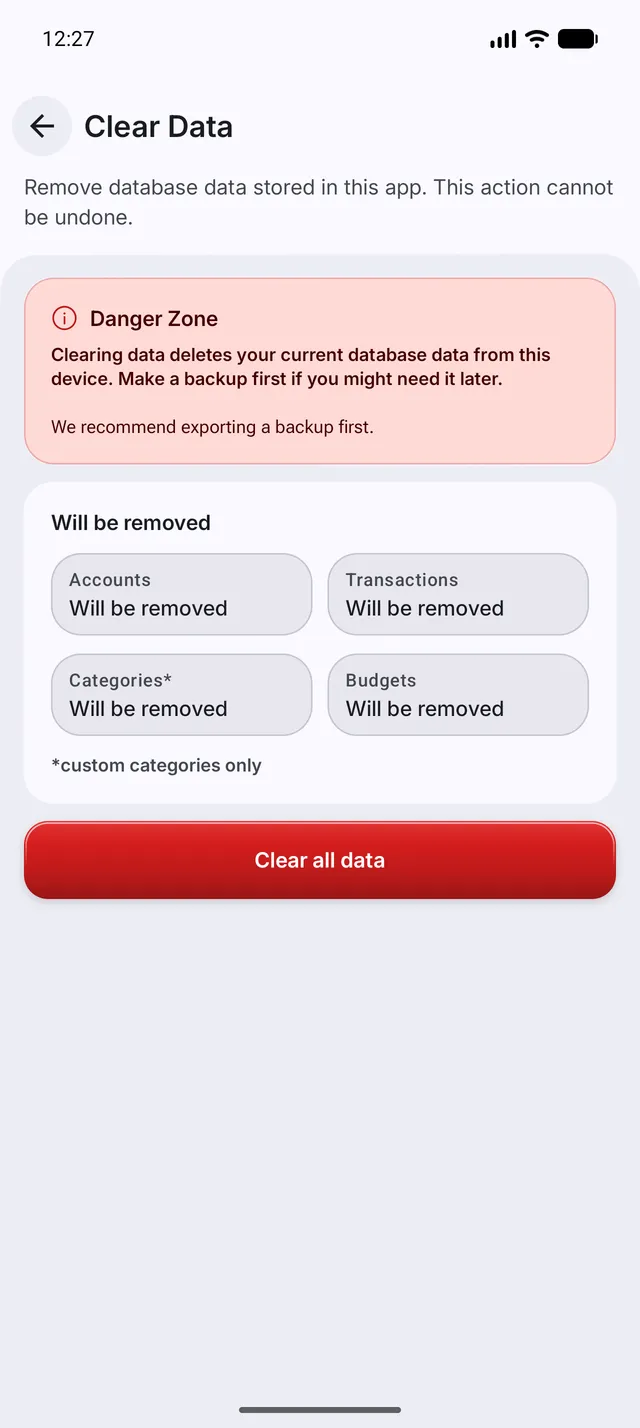
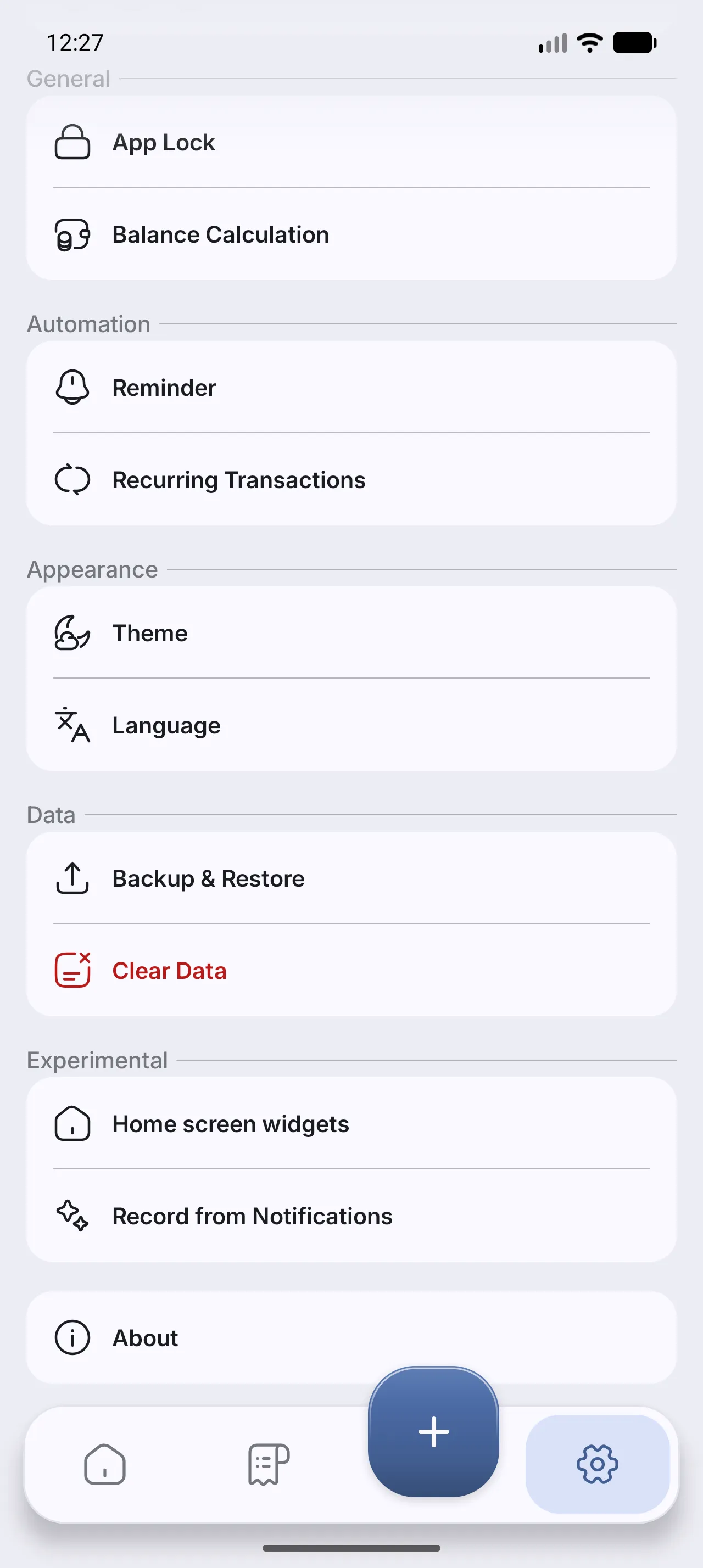
In Settings, tap Clear Data. Review the items listed under Will be removed, including accounts, transactions, custom categories and budgets. Default categories and app settings remain.
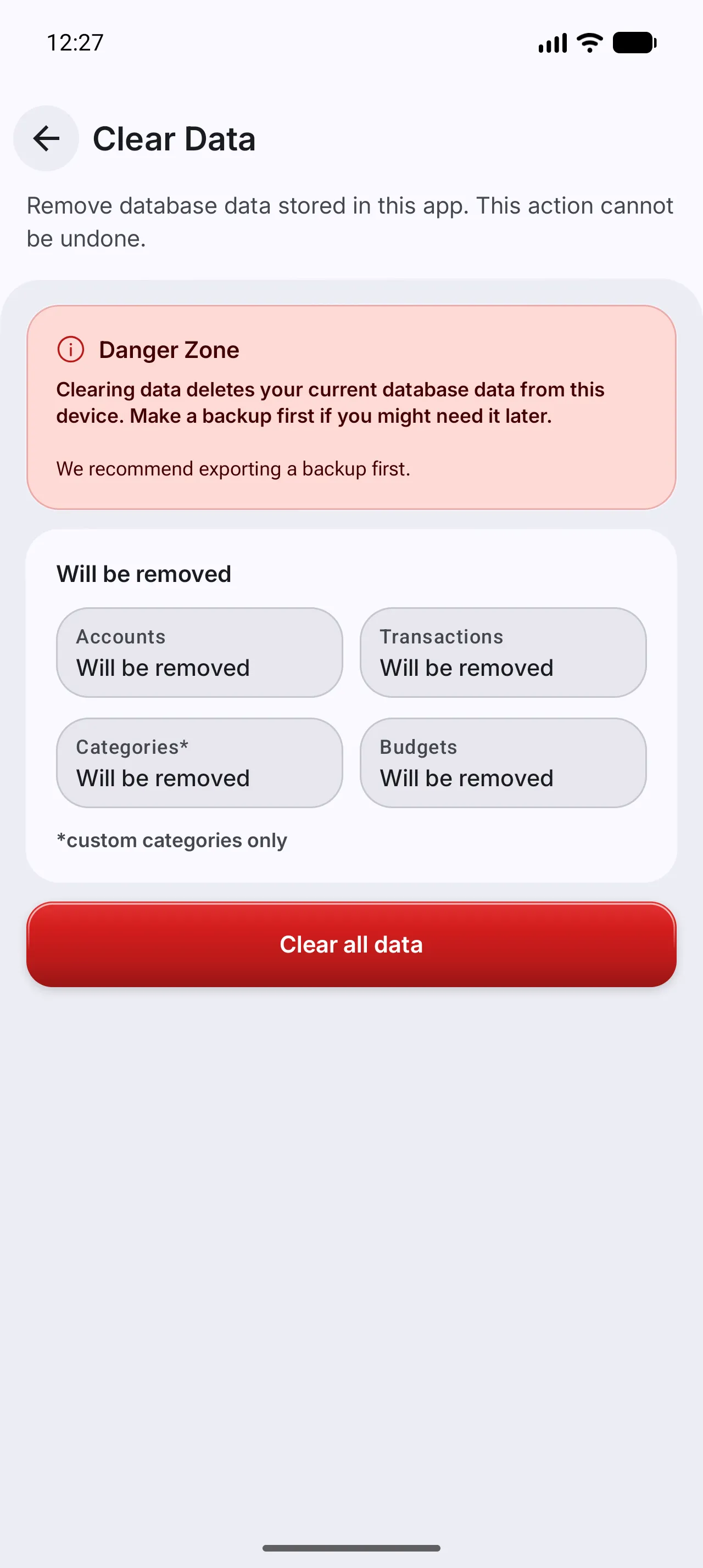
Read the confirmation
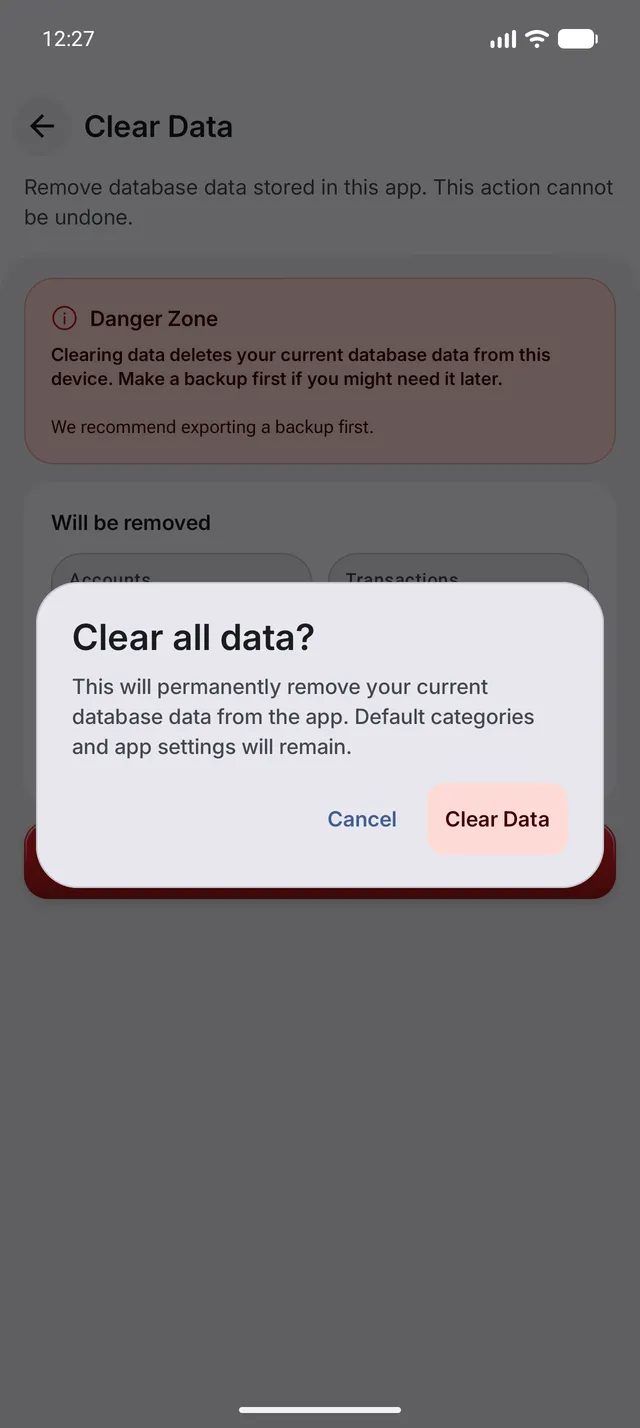
Tap Clear all data to open the confirmation. Check that you have saved any backup you need. Tap Cancel to keep your records.
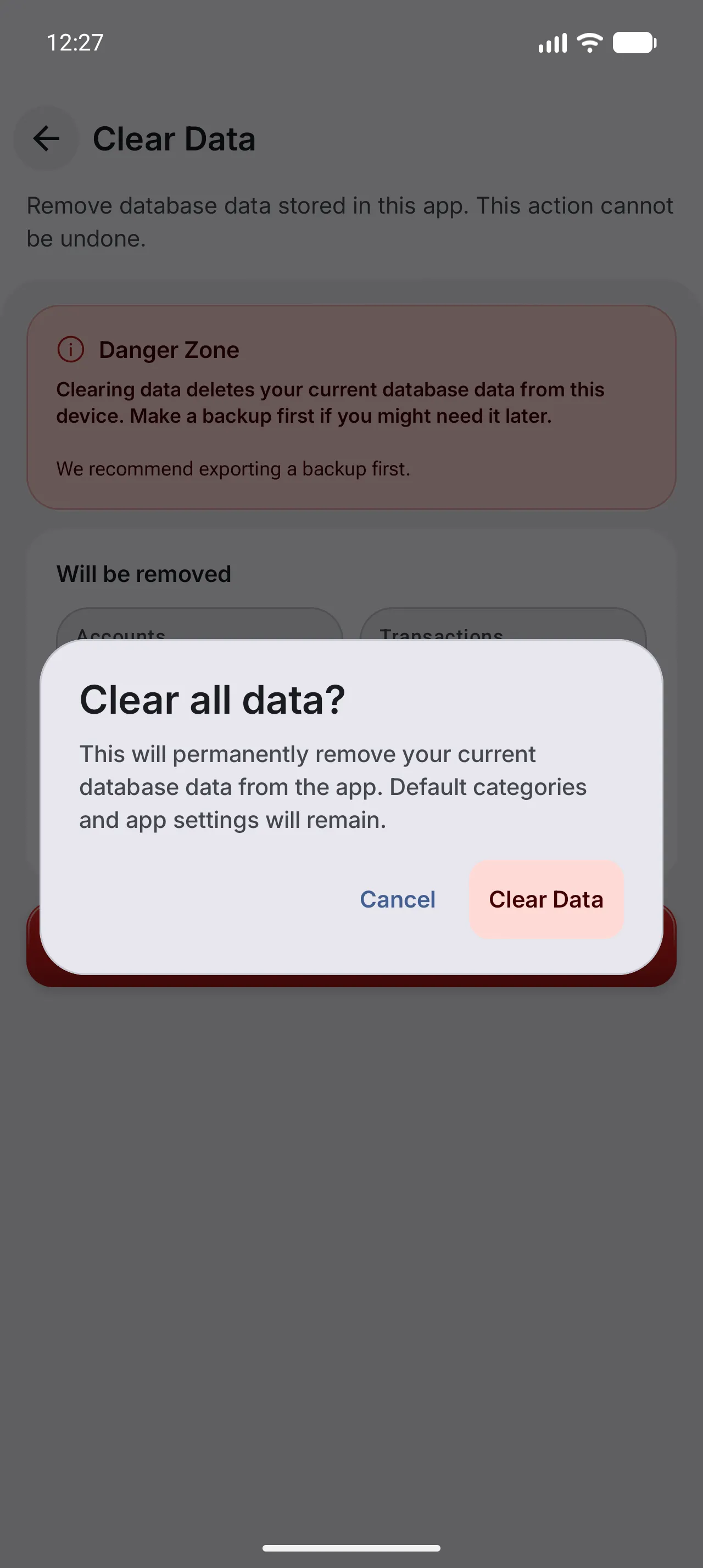
Clear only when ready
If you intend to remove the records, tap Clear Data in the confirmation and wait for the result. This clears the records in Harbour, not backup files you previously saved elsewhere.