View budget progress.
Compare spending with your budget limit.
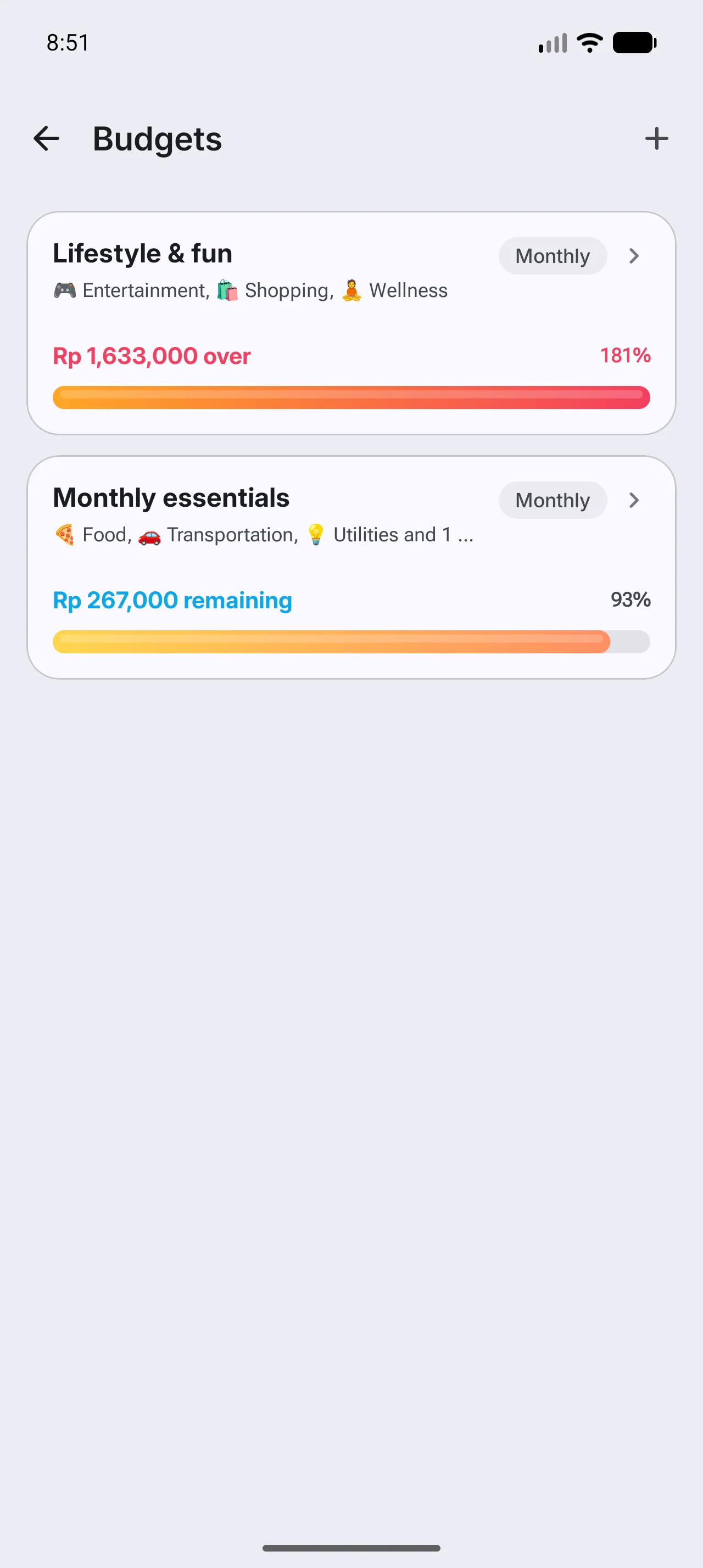
Open a budget
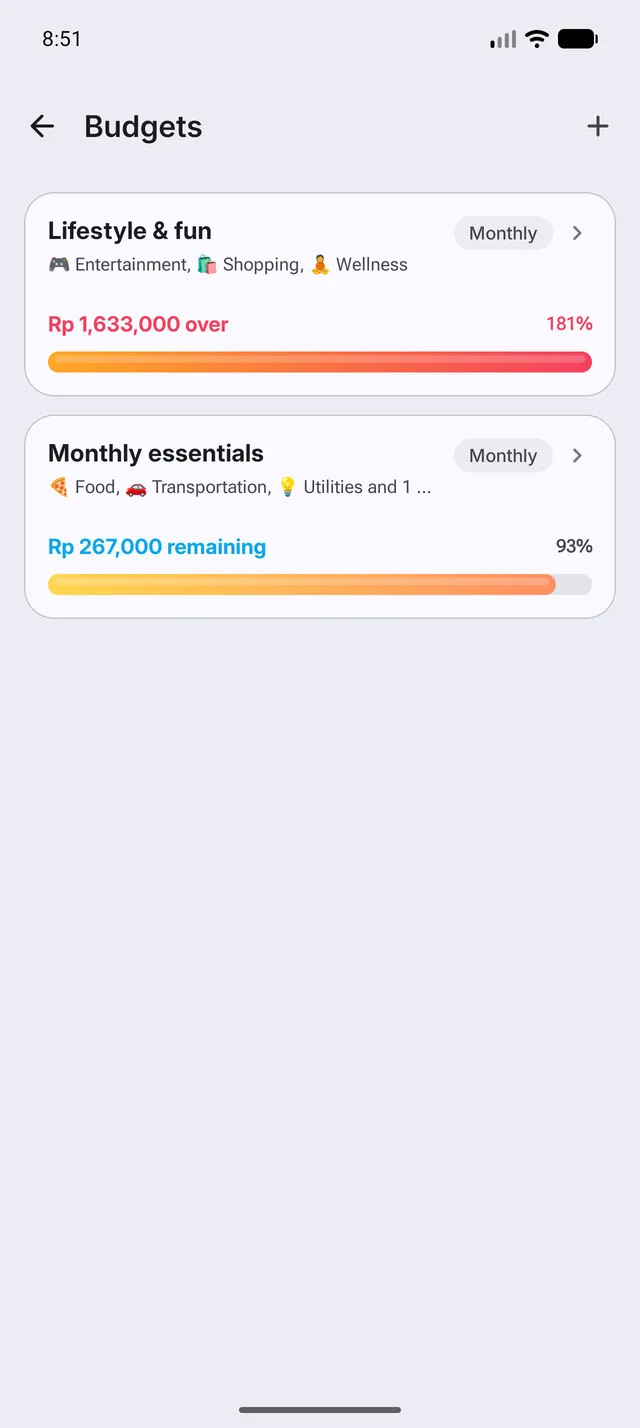
On Home, tap Budgets, then select the budget you want to review. You can also open Settings, expand Finance Library with Show 3 more, and tap Manage Budgets.
Review the selected period
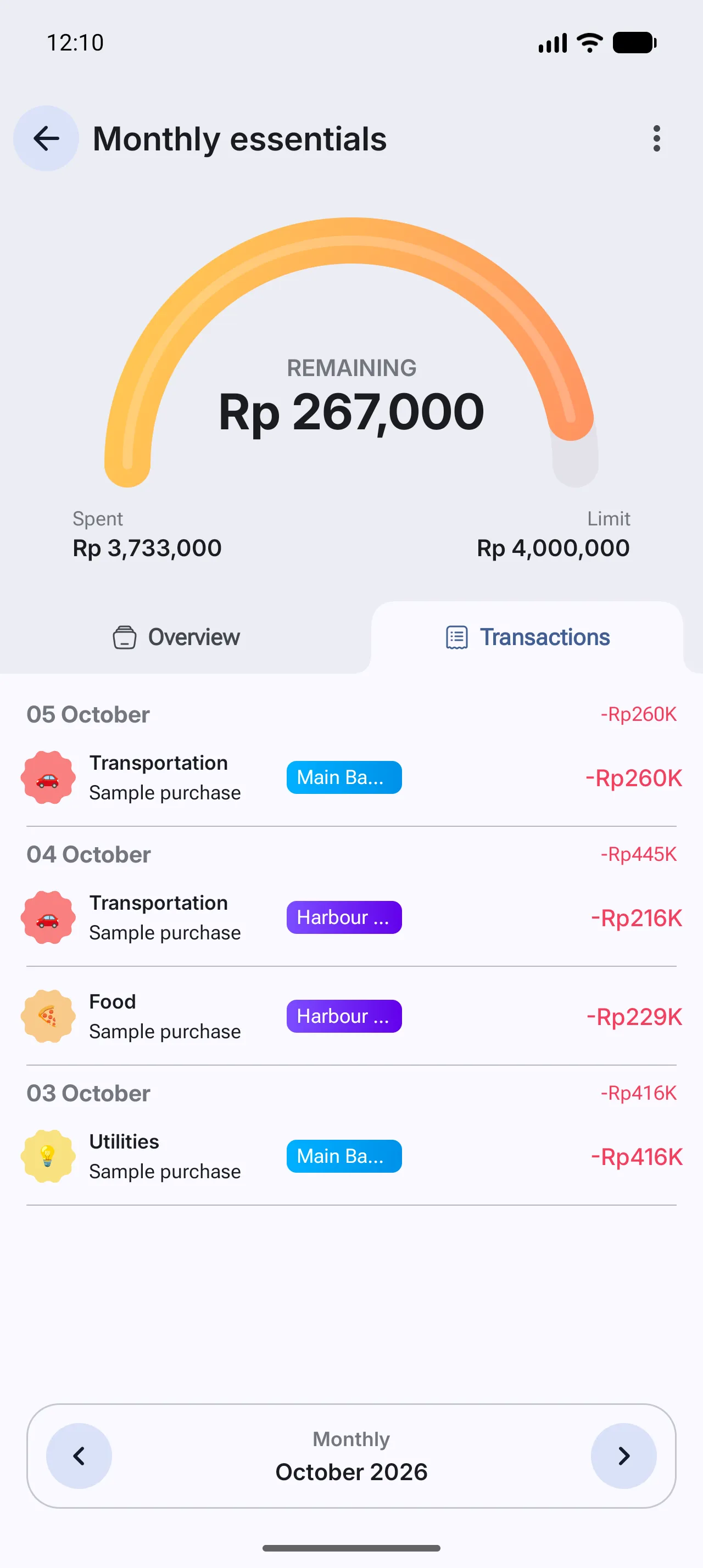
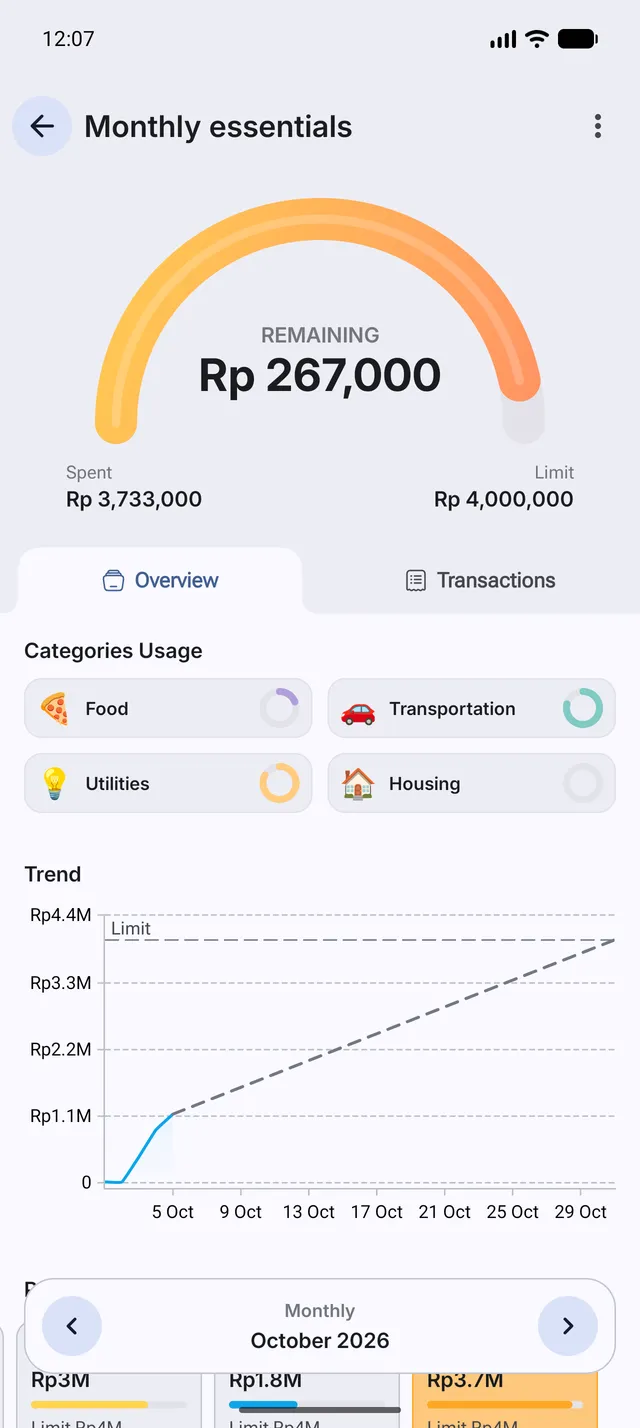
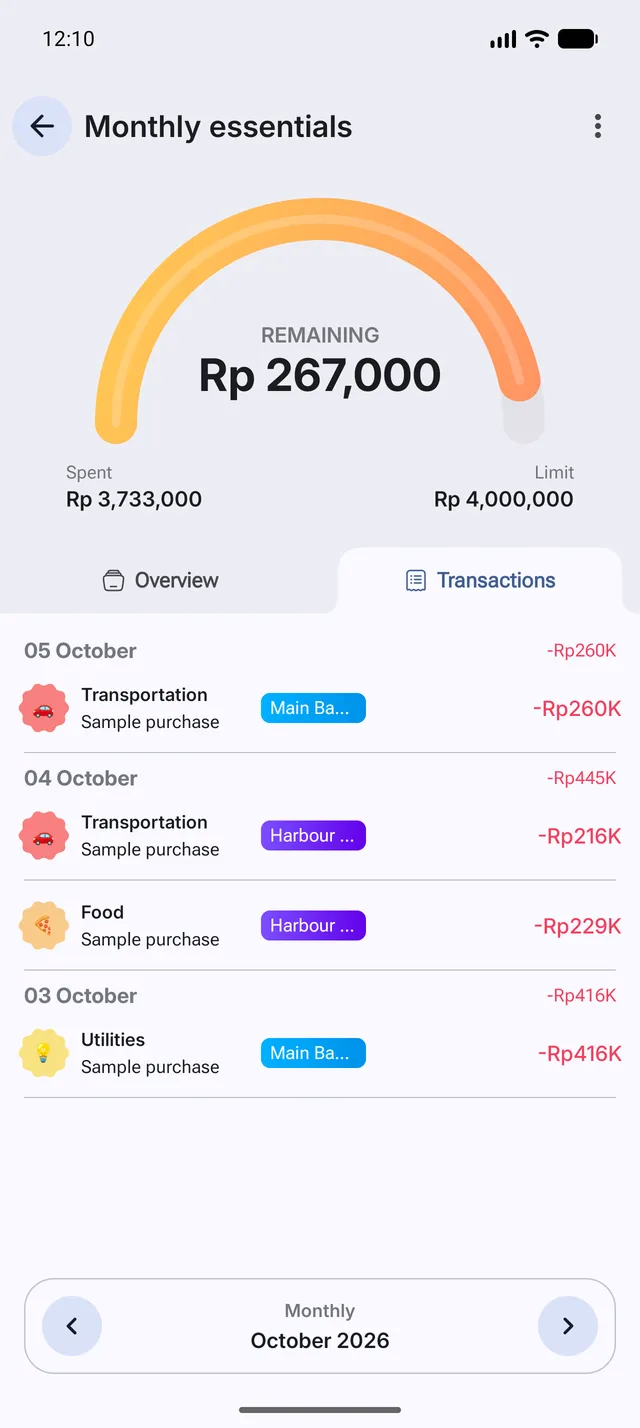
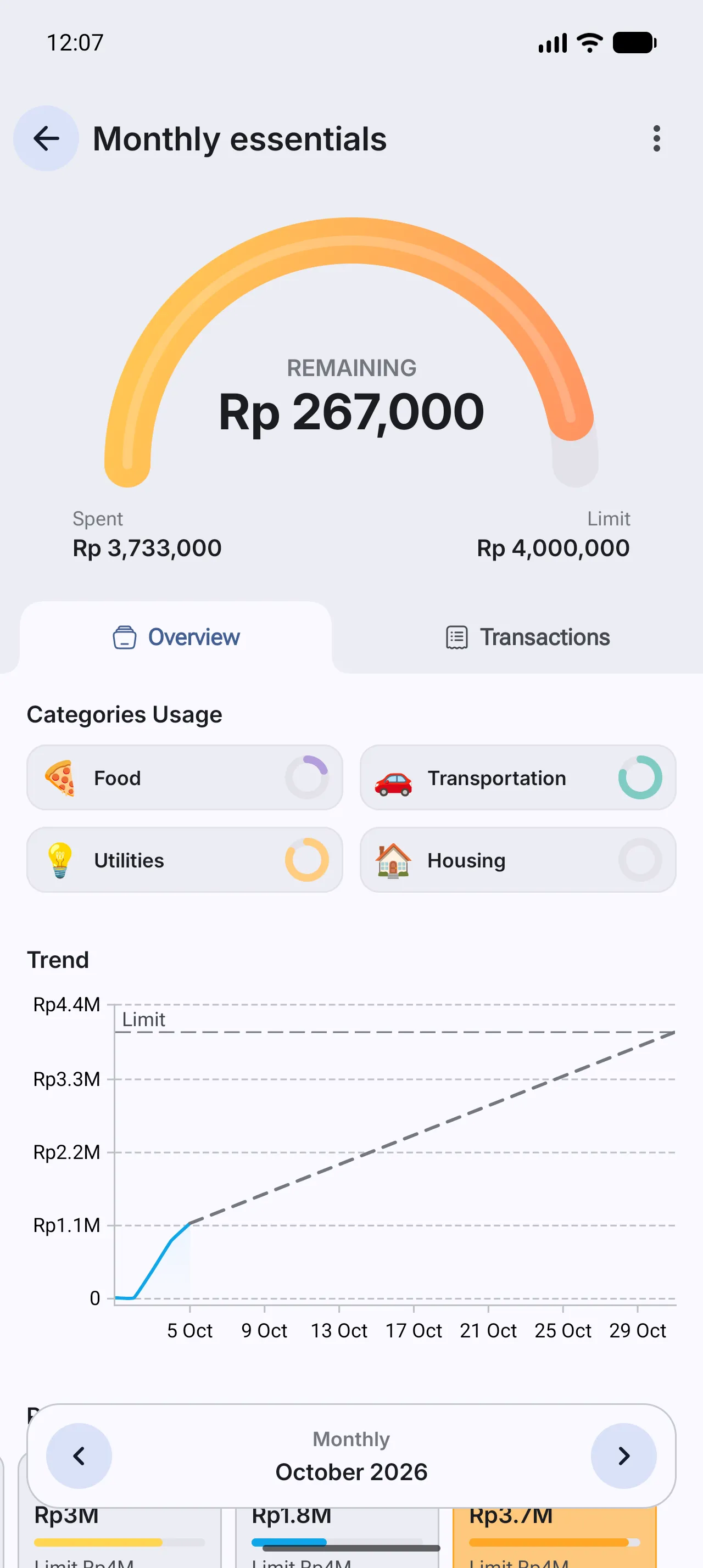
Check the period at the bottom. Use its arrows to move between periods. The summary shows Spent, Limit and the amount remaining or over the limit.
Check categories and trends
Overview shows Categories Usage, the spending trend and period comparisons. These help you see which expenses contribute to the budget.
Review the transactions
Tap Transactions to see the expenses included in this budget for the selected period. Tap an entry to view its details.