Edit or delete a budget.
Update a budget or remove one you no longer need.
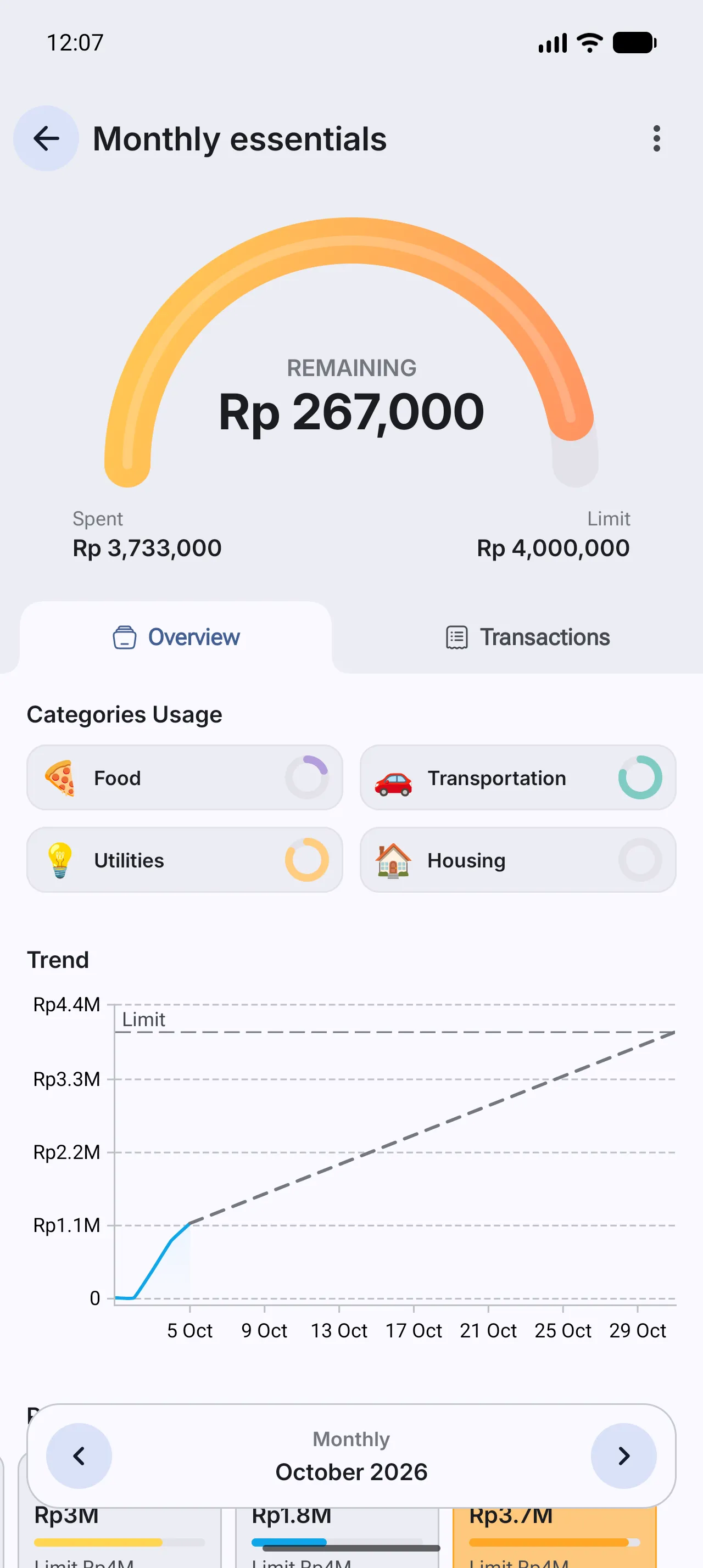
Open the budget menu
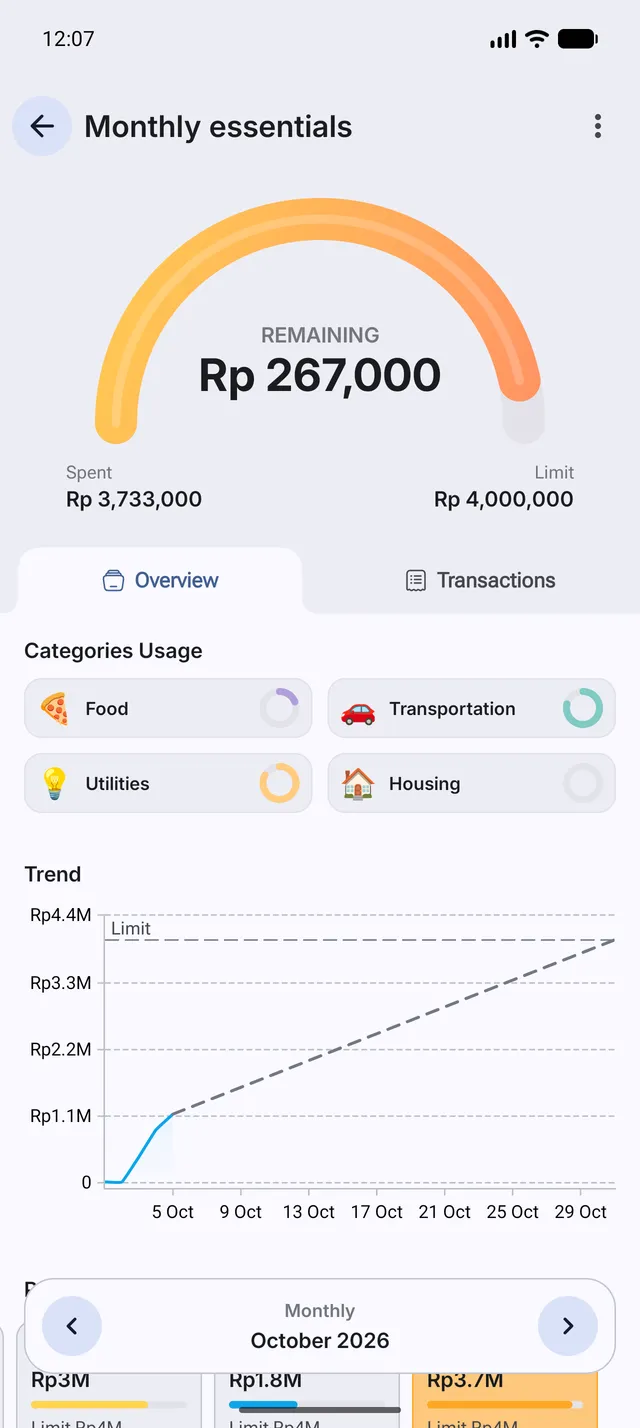
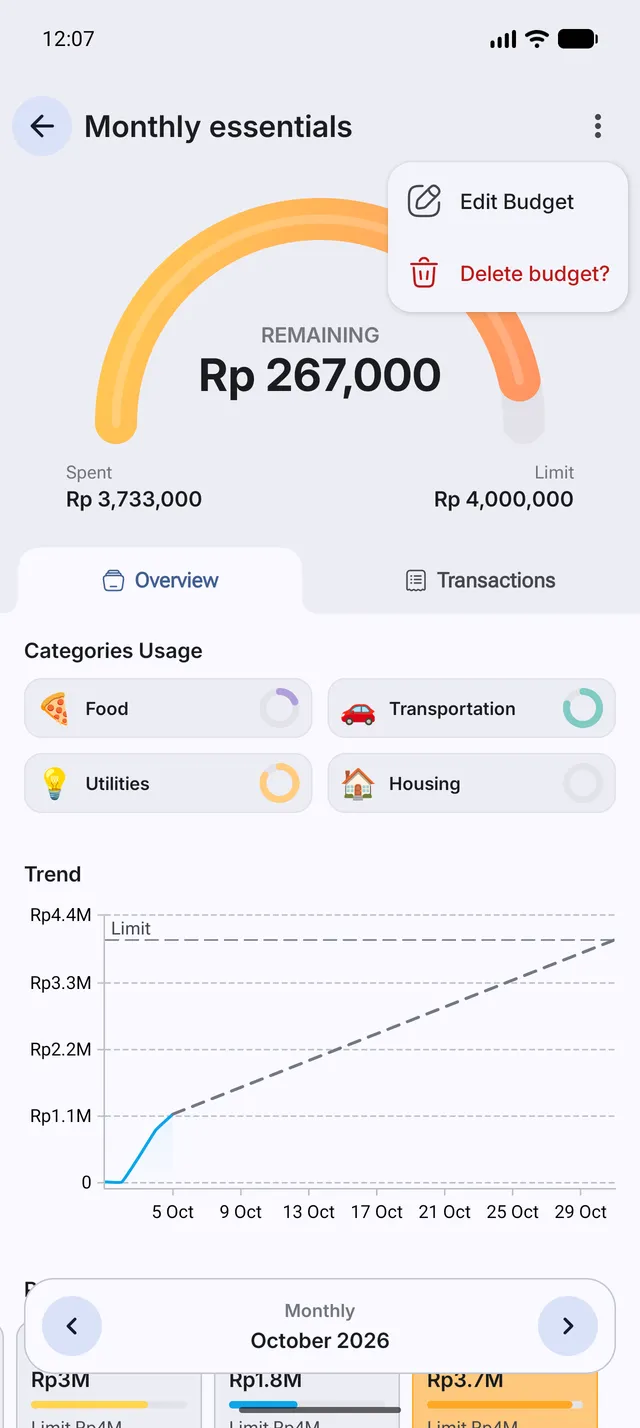
Open the budget, then tap the three-dot menu at the top right.
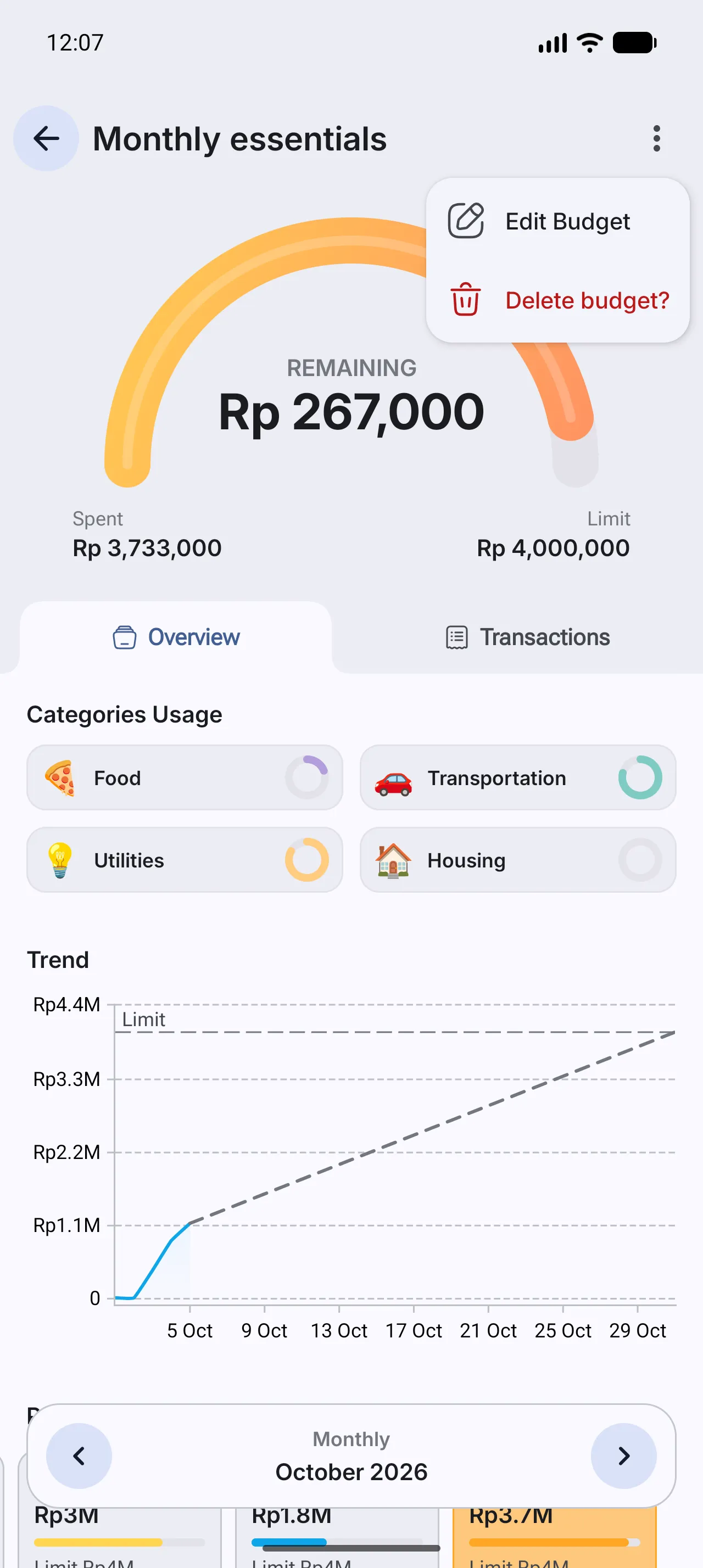
Choose Edit Budget
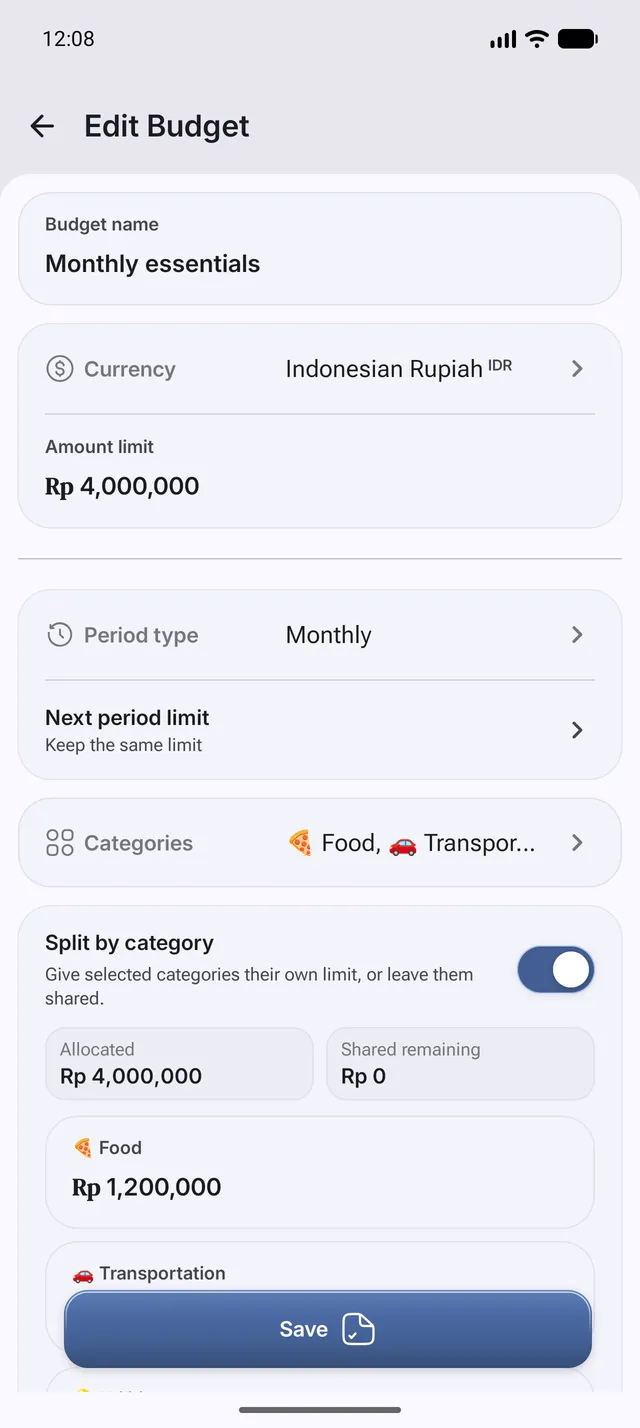
Tap Edit Budget to change its name, limit, categories and other settings.
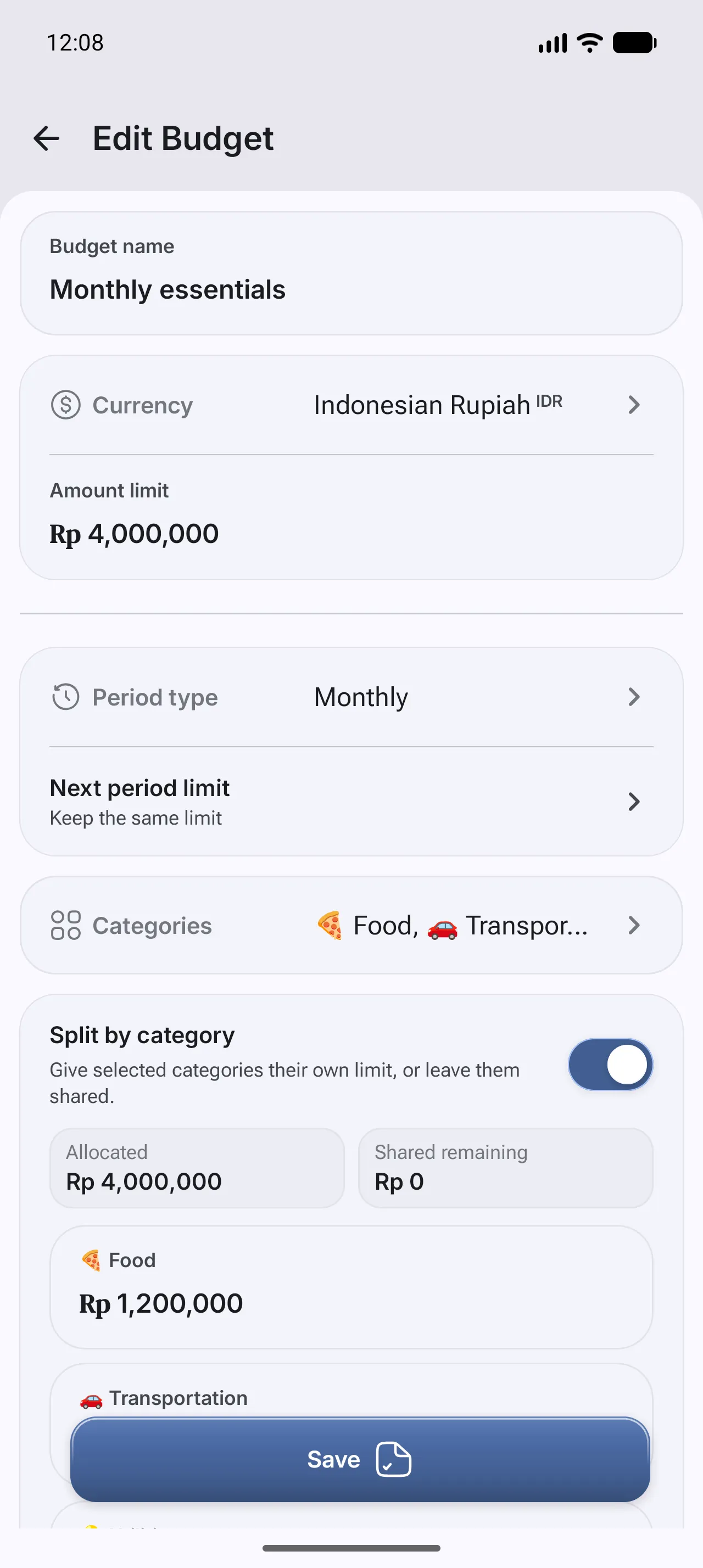
Review and save
Make your changes, then tap Save. If you change a repeating budget’s limit or category allocations, choose which periods should receive the change.
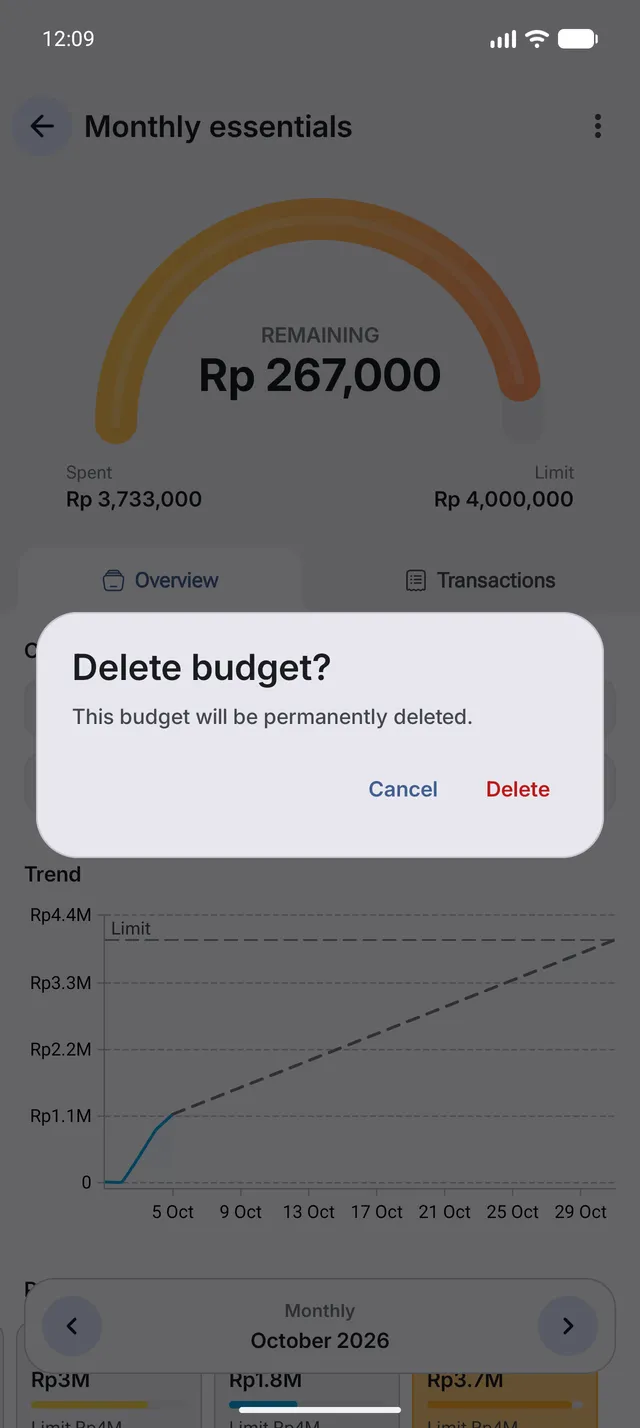
Delete only when you are ready
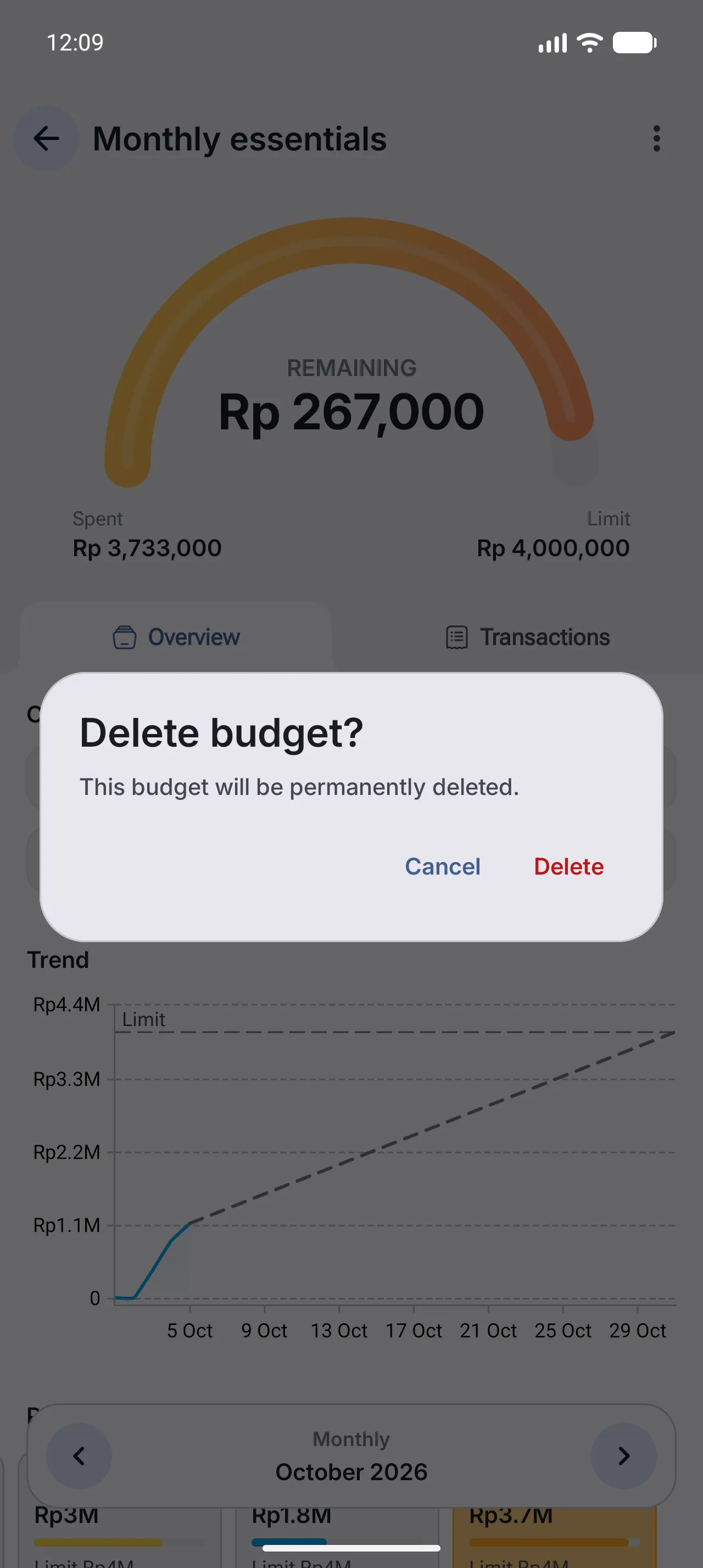
To remove the budget, choose Delete budget from the menu. Review the confirmation: deletion is permanent. Tap Cancel to keep the budget or Delete to remove it.