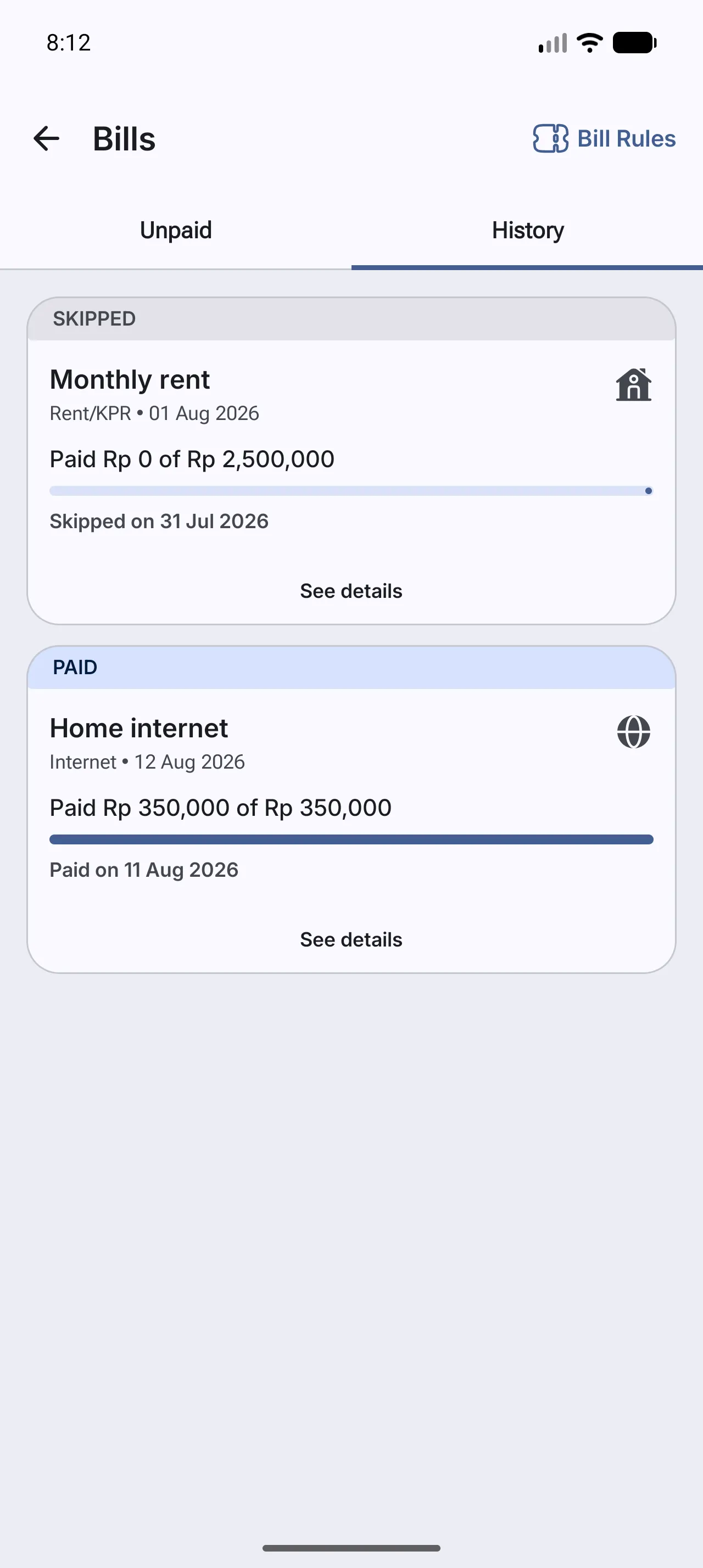
View upcoming and unpaid bills.
Check due dates, remaining amounts, and payment history.
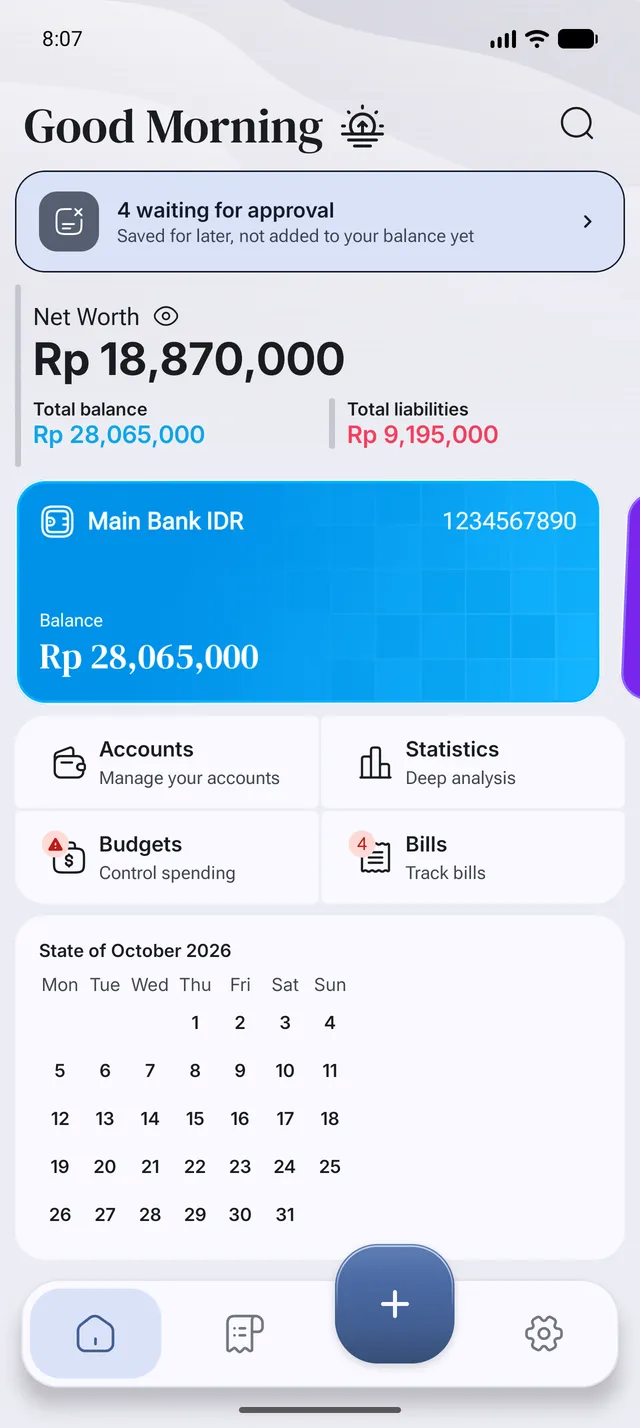
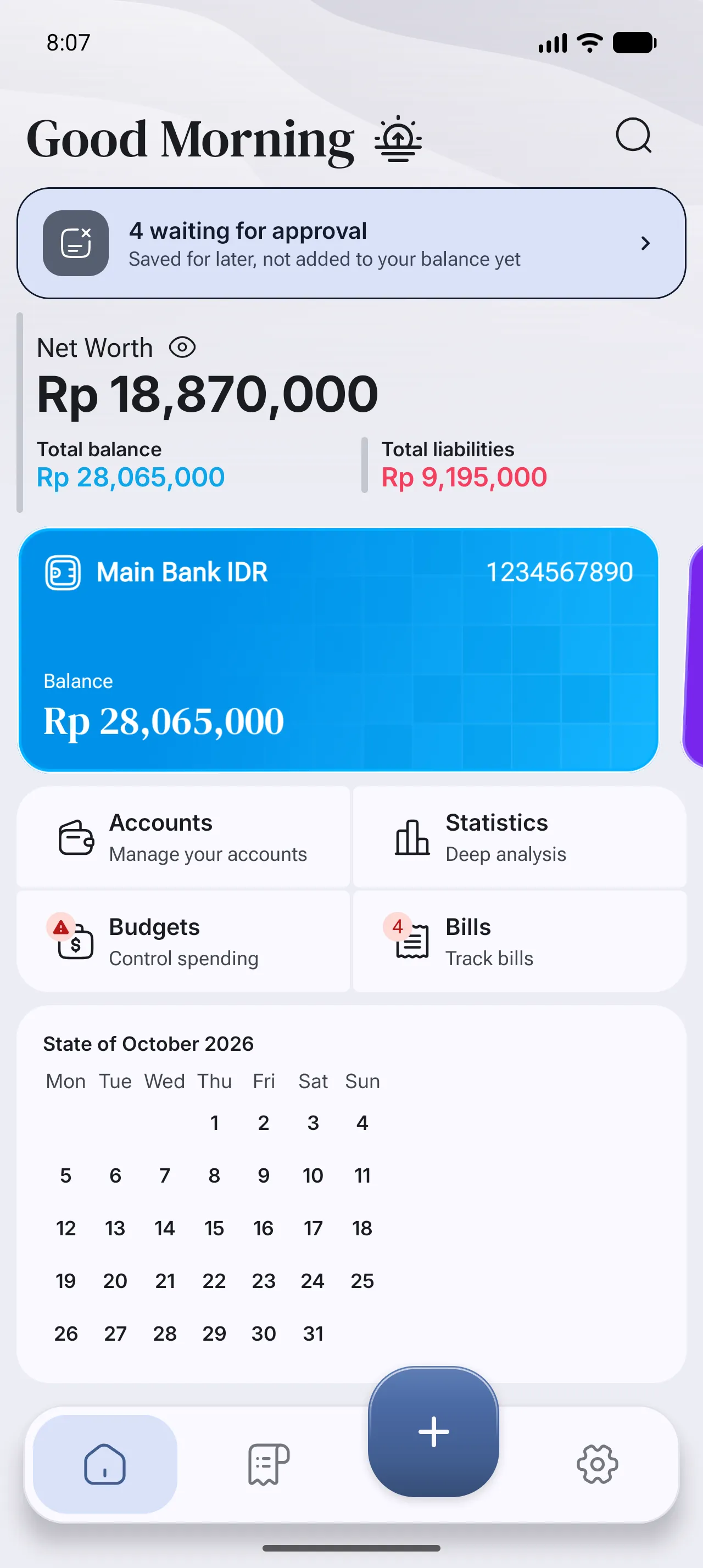
Open Bills
From Home, tap Bills.
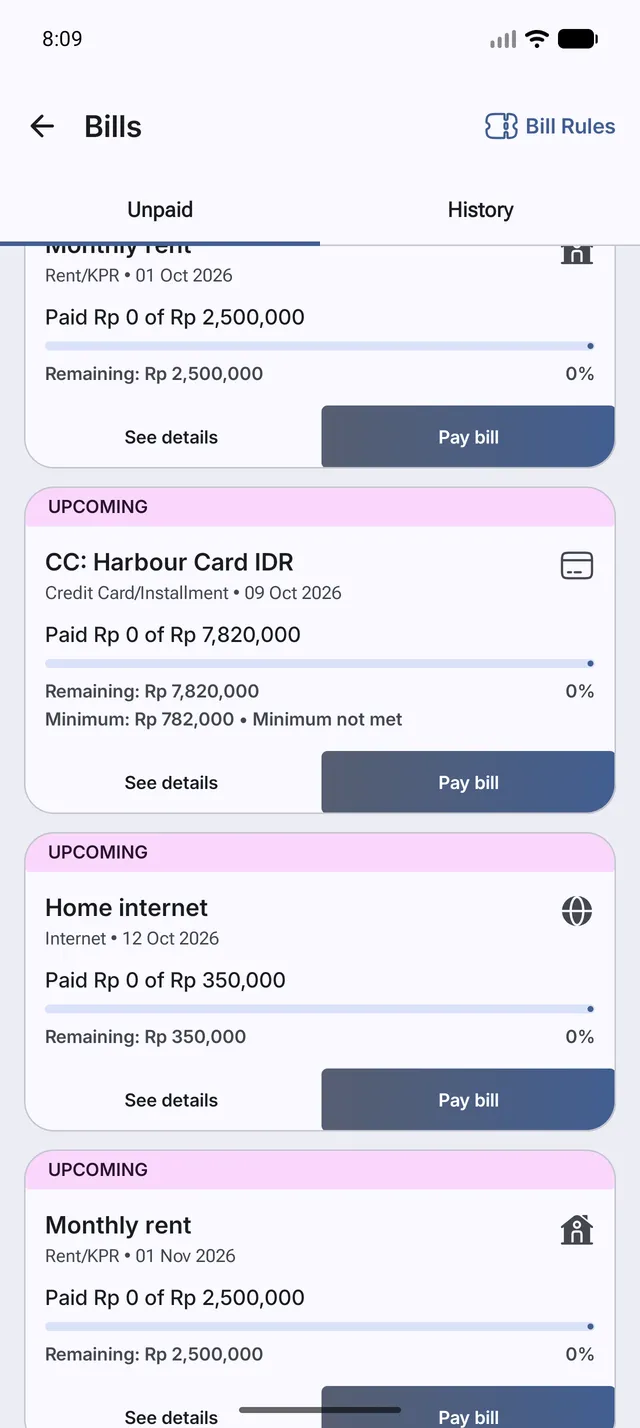
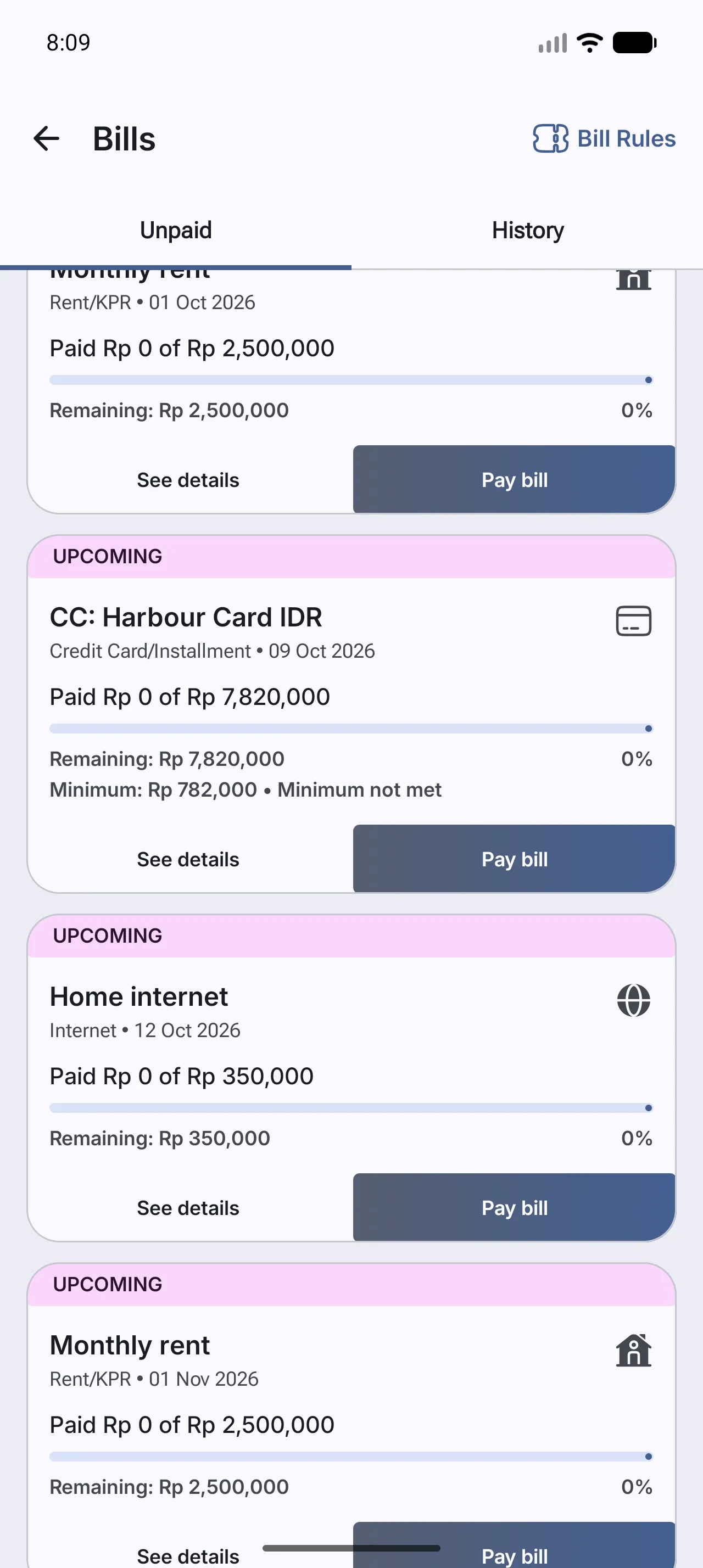
Check unpaid bills
Unpaid includes upcoming, due, overdue, and partially paid bills. Scroll to find the bill you want. Each card shows its due date and remaining amount.
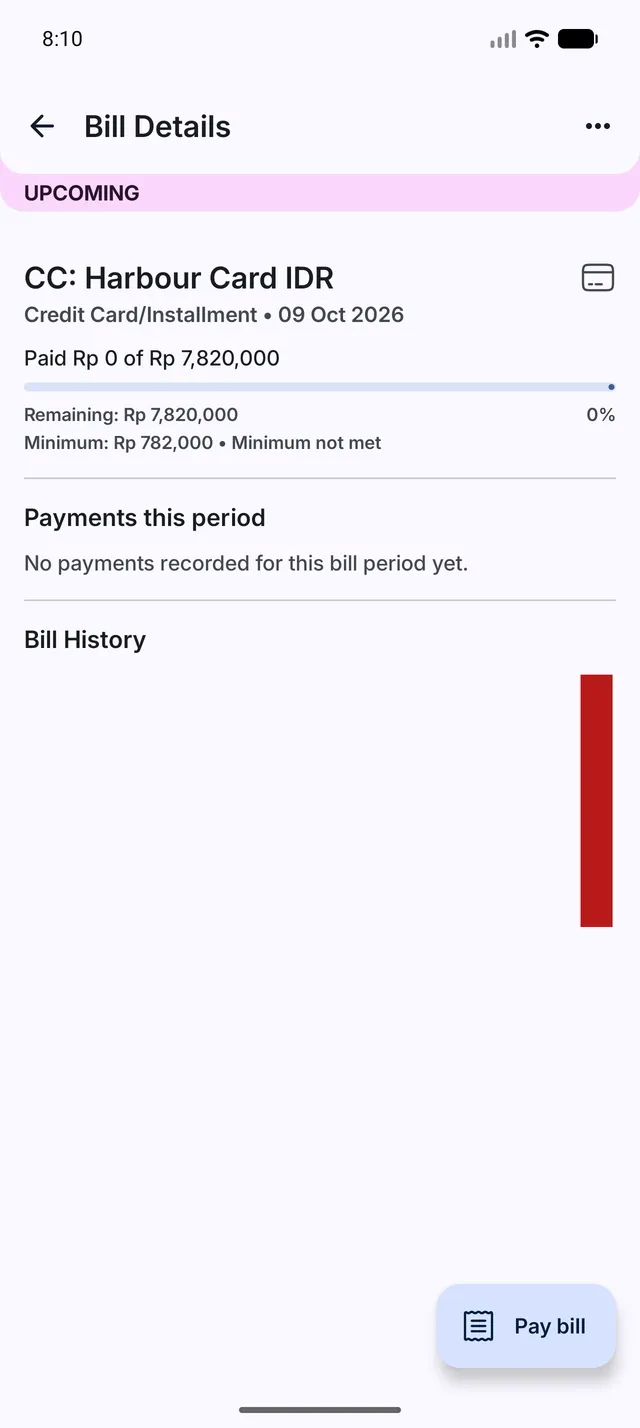
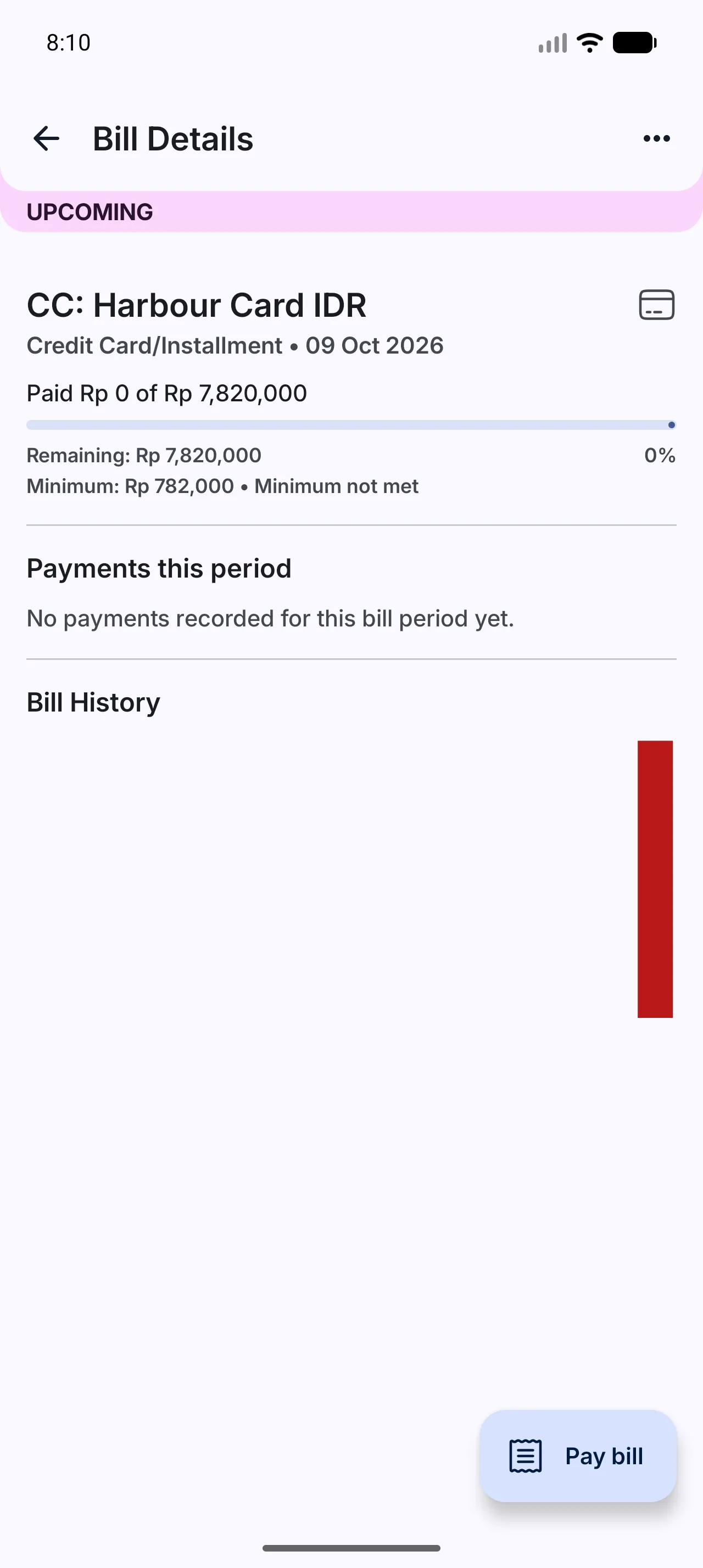
Review the details
Tap See details on a bill. Check its amount, due date, and recorded payments. Credit card bills also show the minimum payment when applicable.
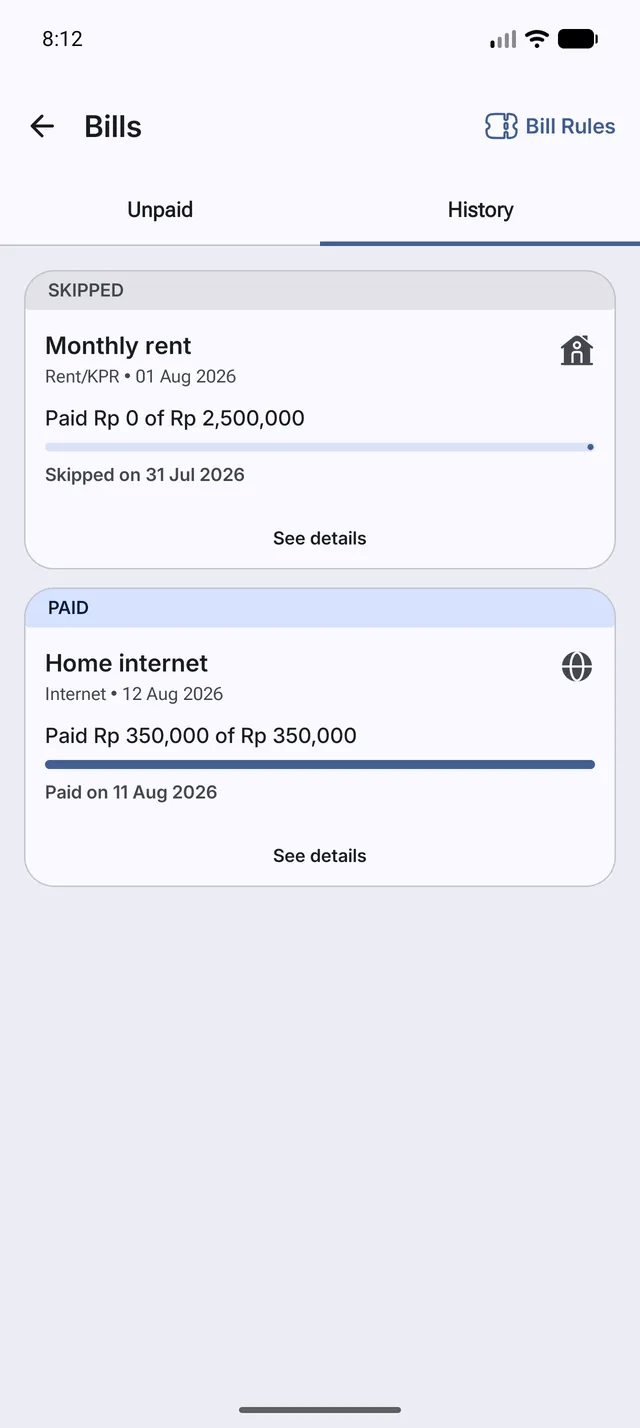
Browse completed periods
Return to Bills and tap History. This tab contains paid and skipped bill periods. Tap See details to review a period.