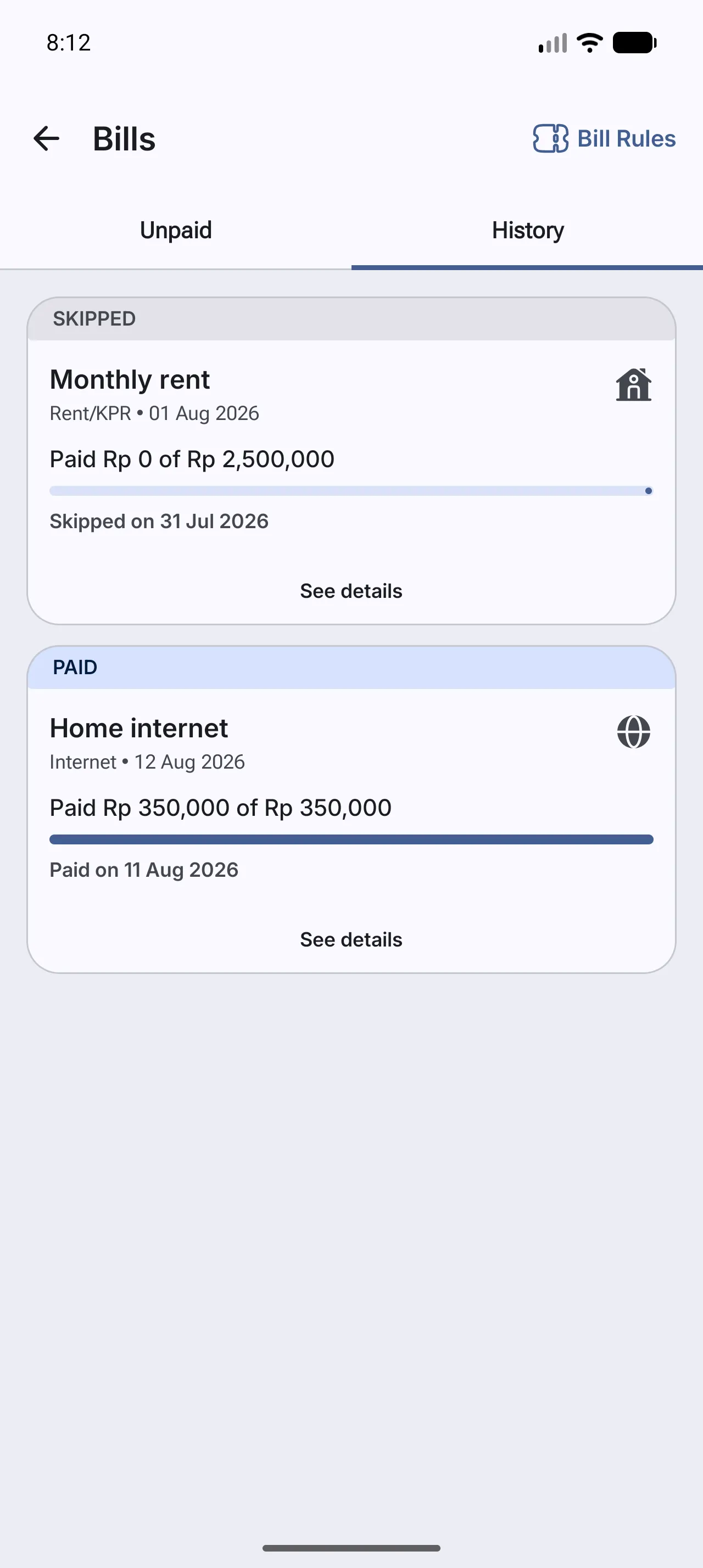
Skip a bill period.
Mark a period you do not need to pay.
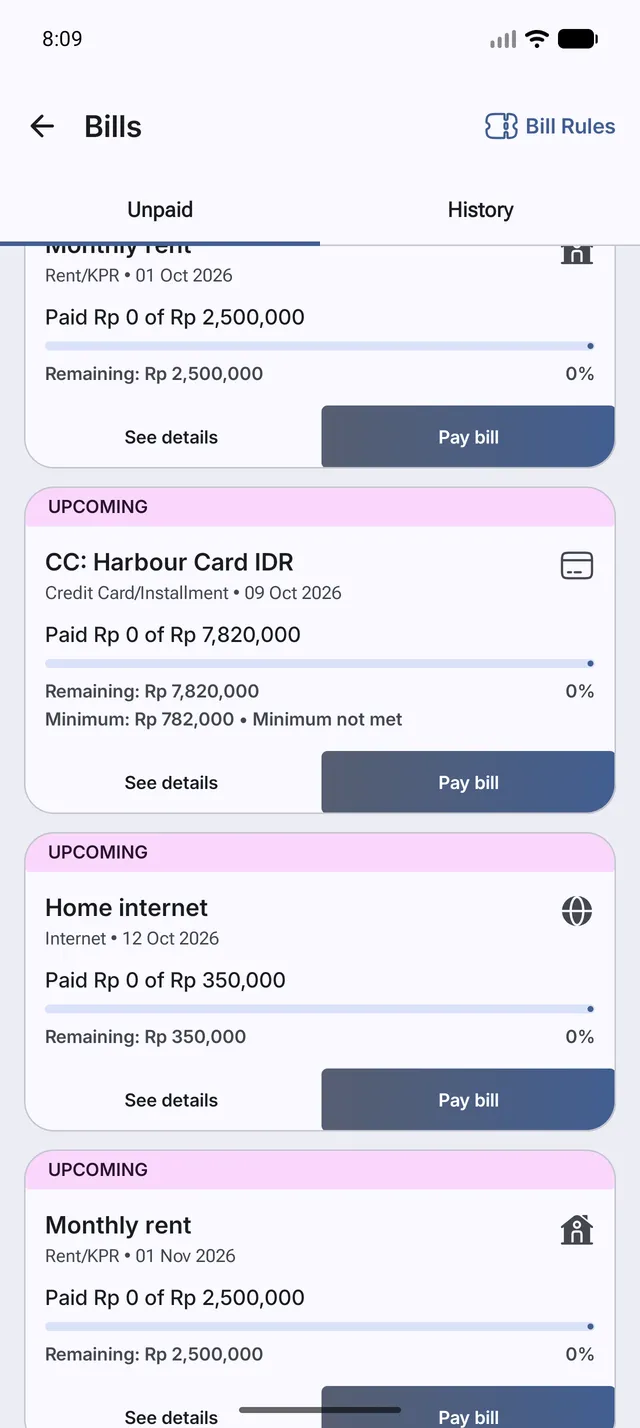
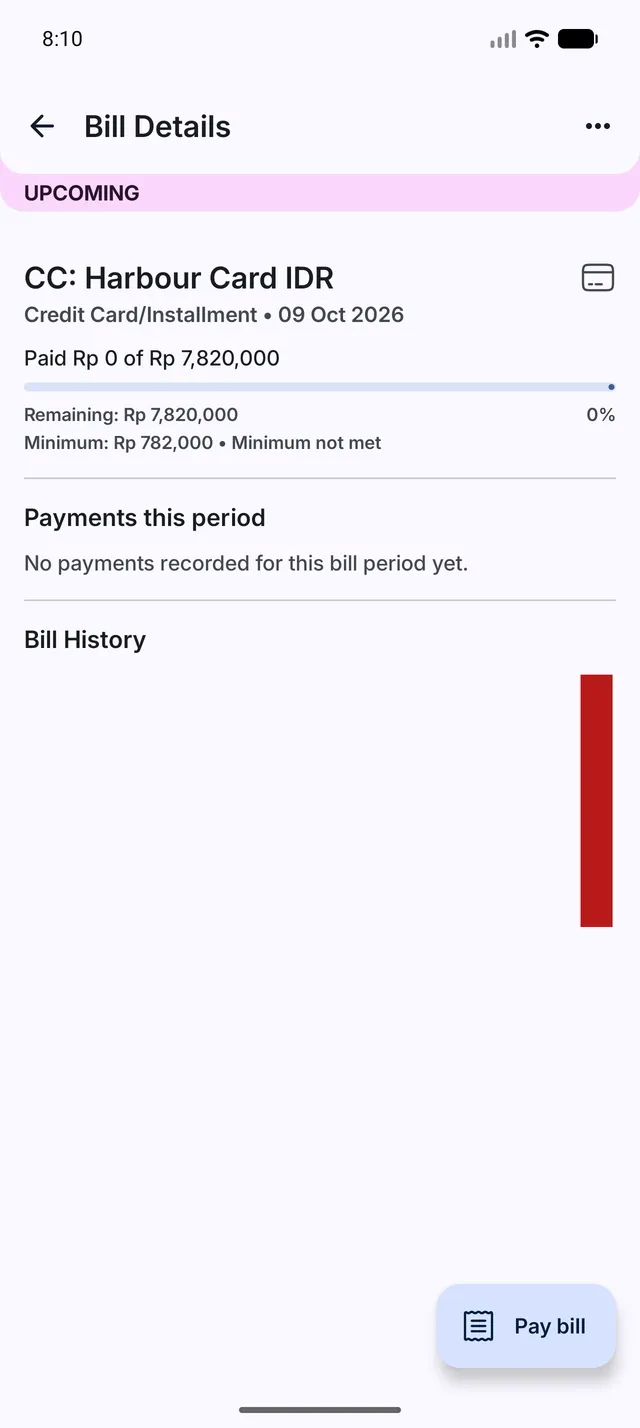
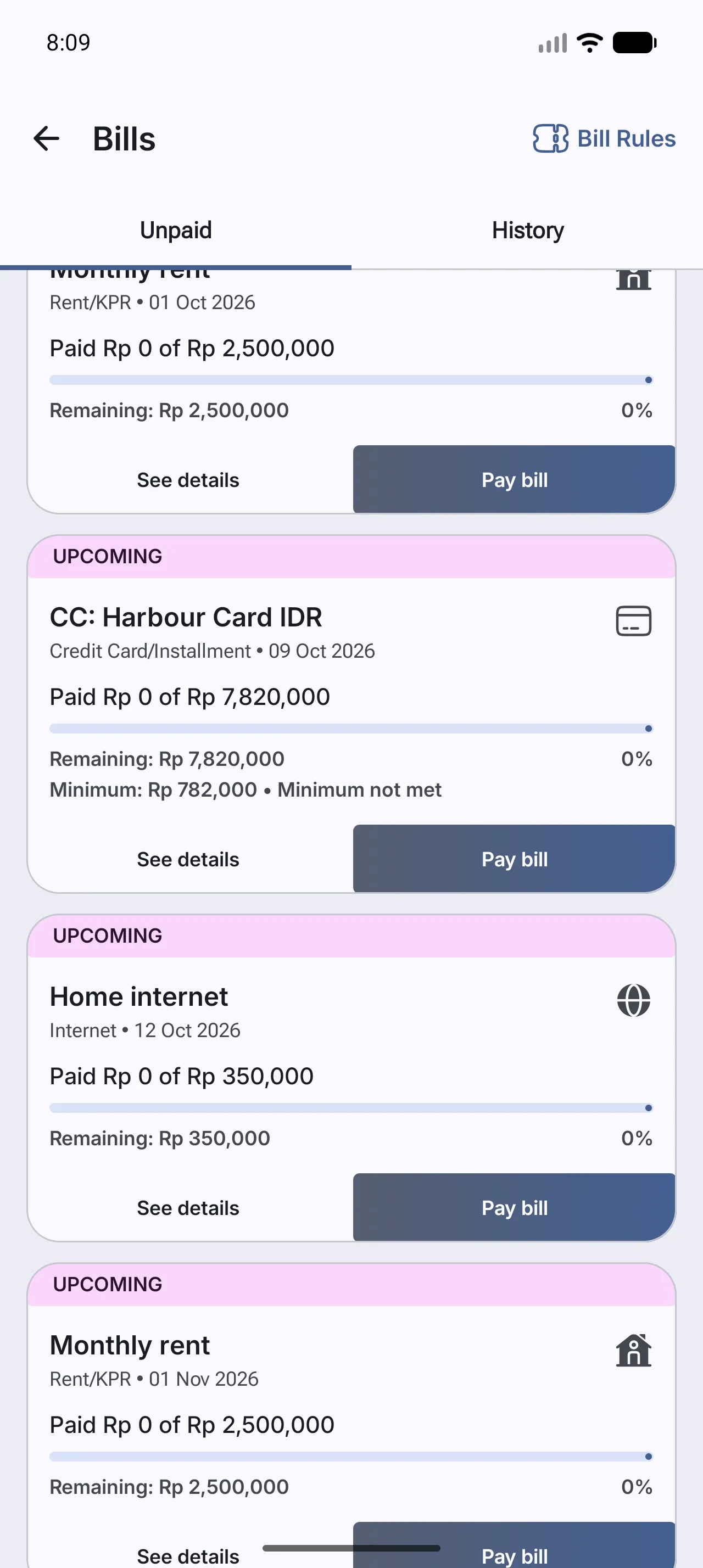
Open the unpaid period
Open Bills and tap See details on the period you want to skip. A period with a recorded payment, including a partial payment, cannot be skipped.
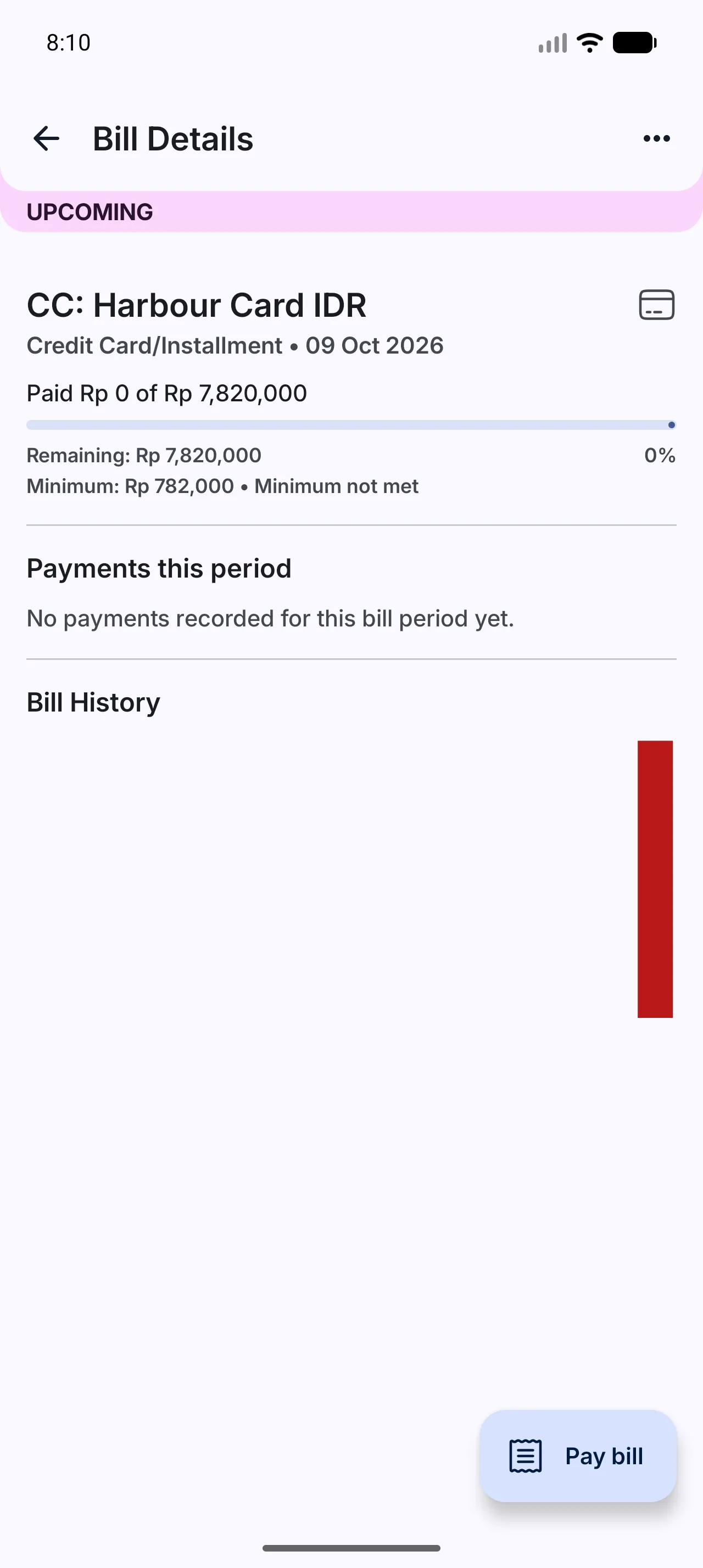
Open the menu
In Bill Details, tap the three-dot menu at the top right.
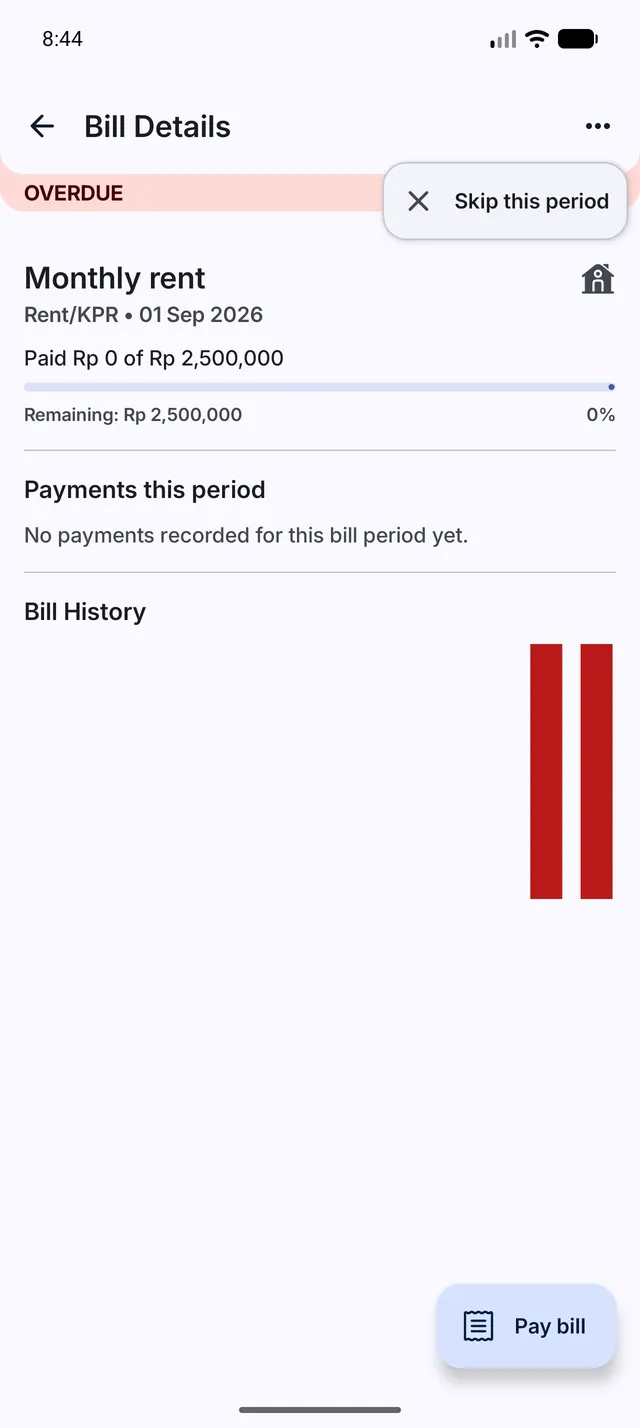
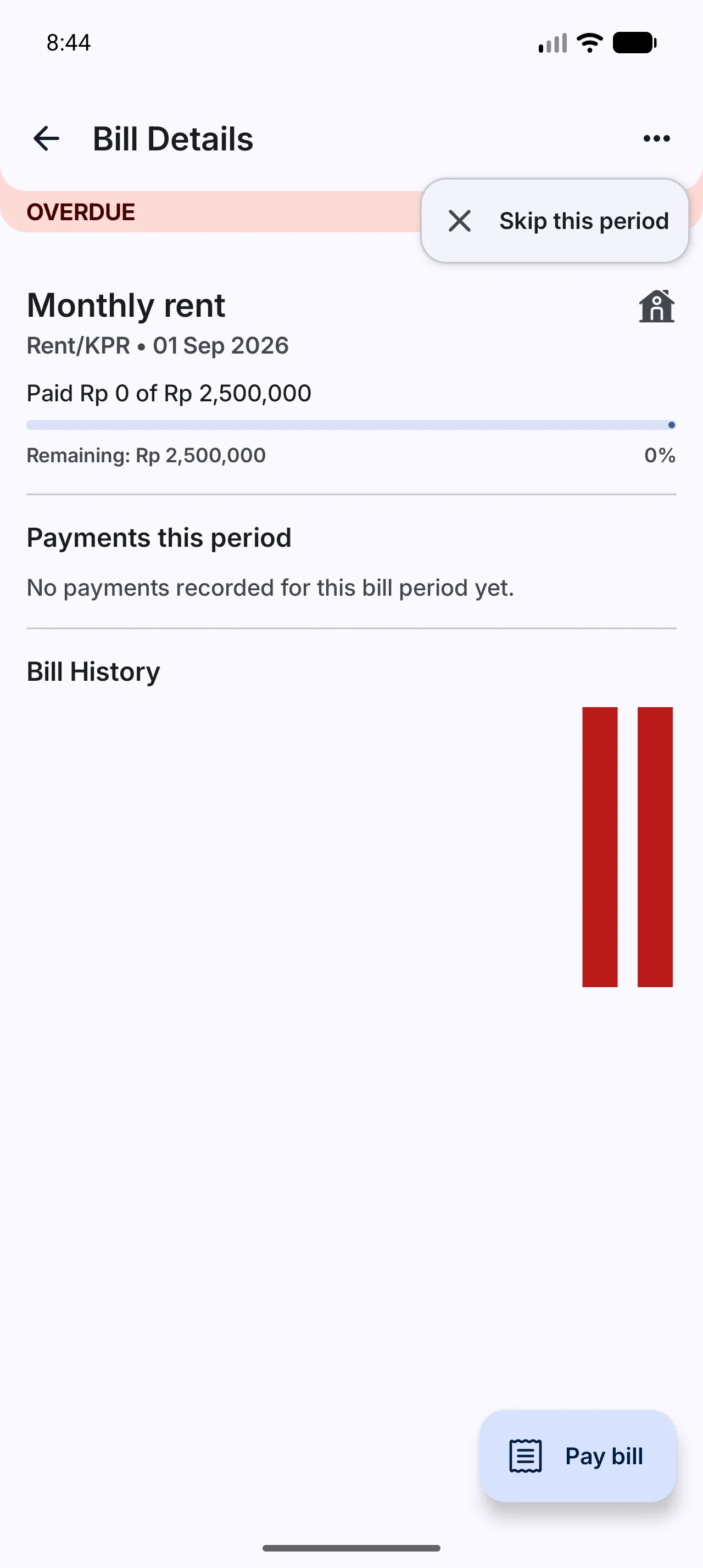
Skip this period
Tap Skip this period only when you are sure. It applies immediately, without a confirmation. The period moves to History and its reminder is canceled. The rule remains for future periods.
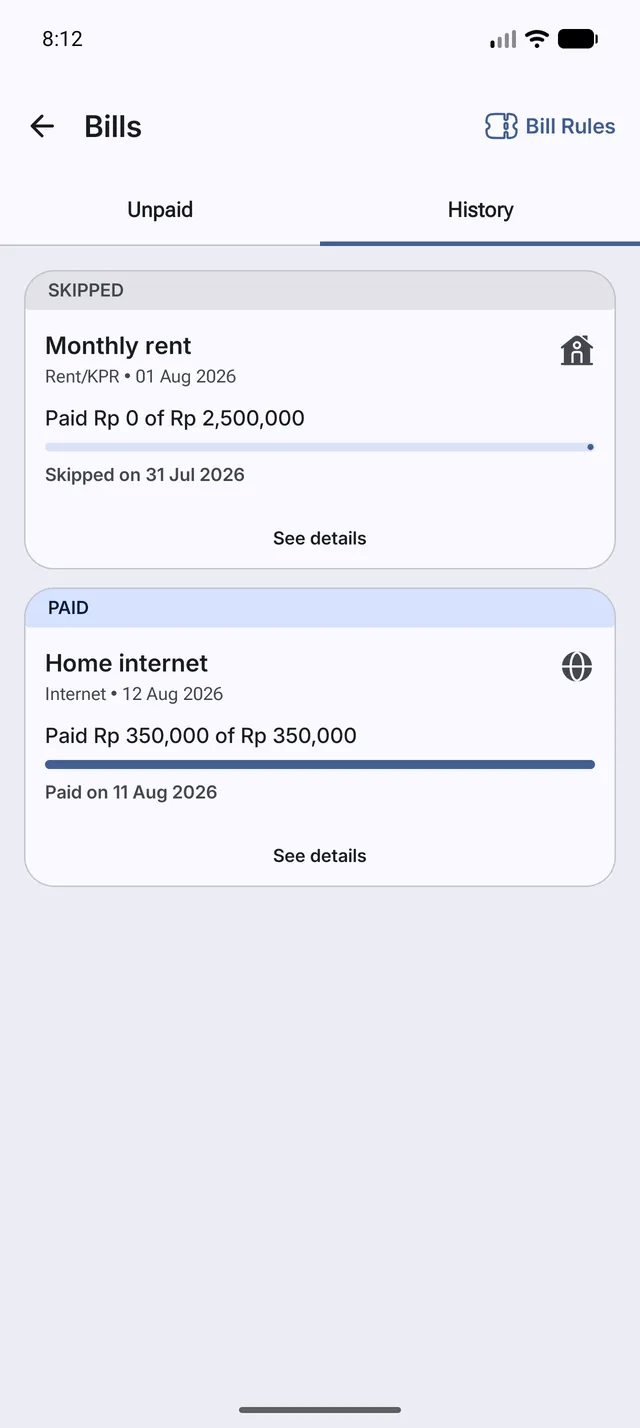
Find the skipped period
Return to Bills and tap History. Skipped periods show their status and skip date.