Record a bill payment.
Keep a record of the amount you paid.
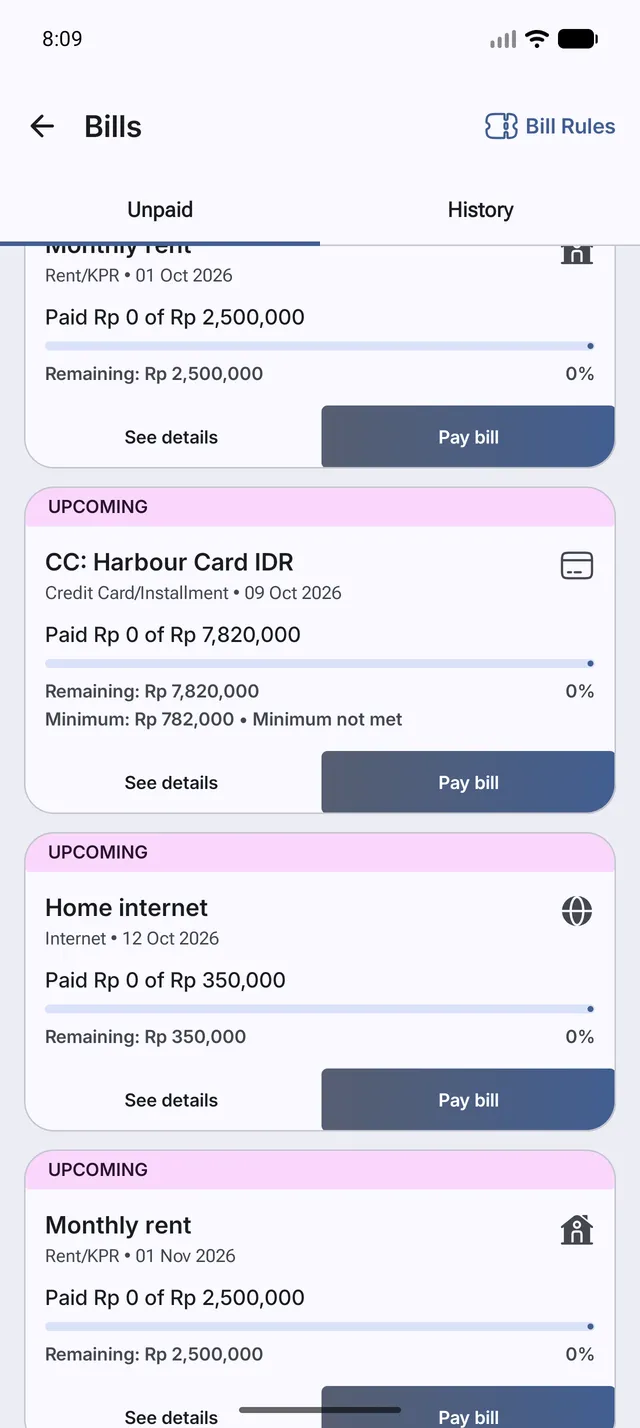
Choose the bill
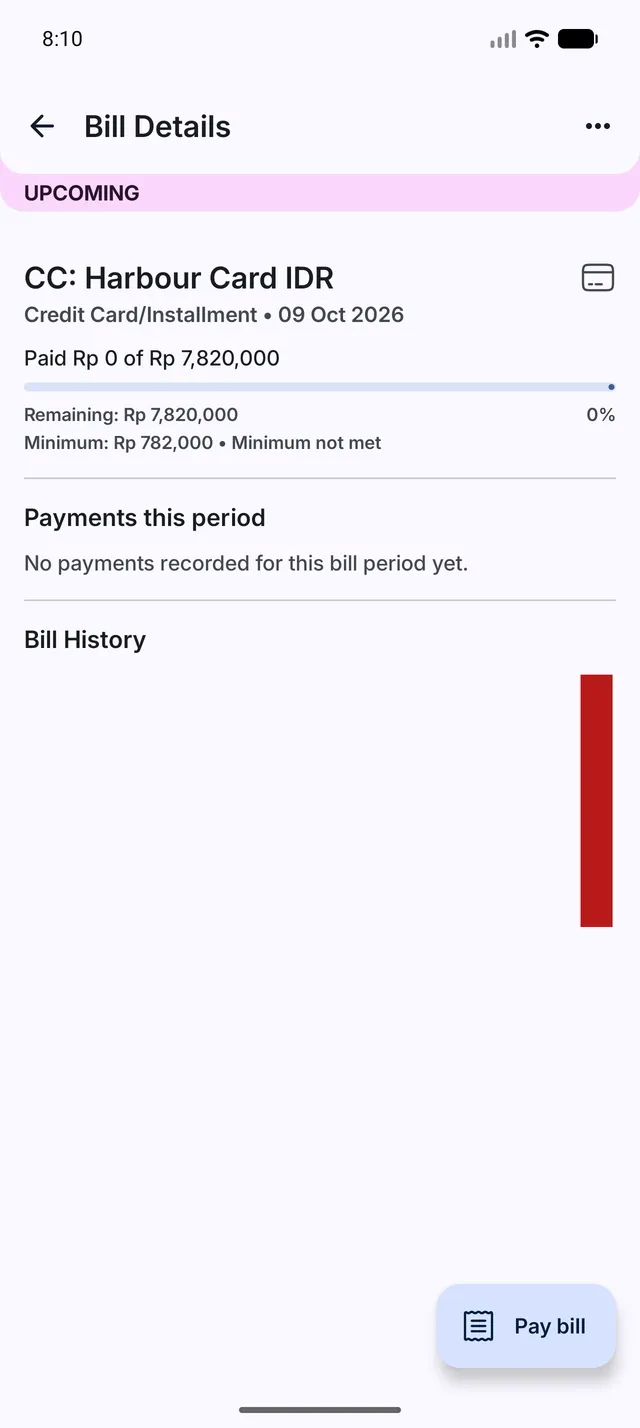
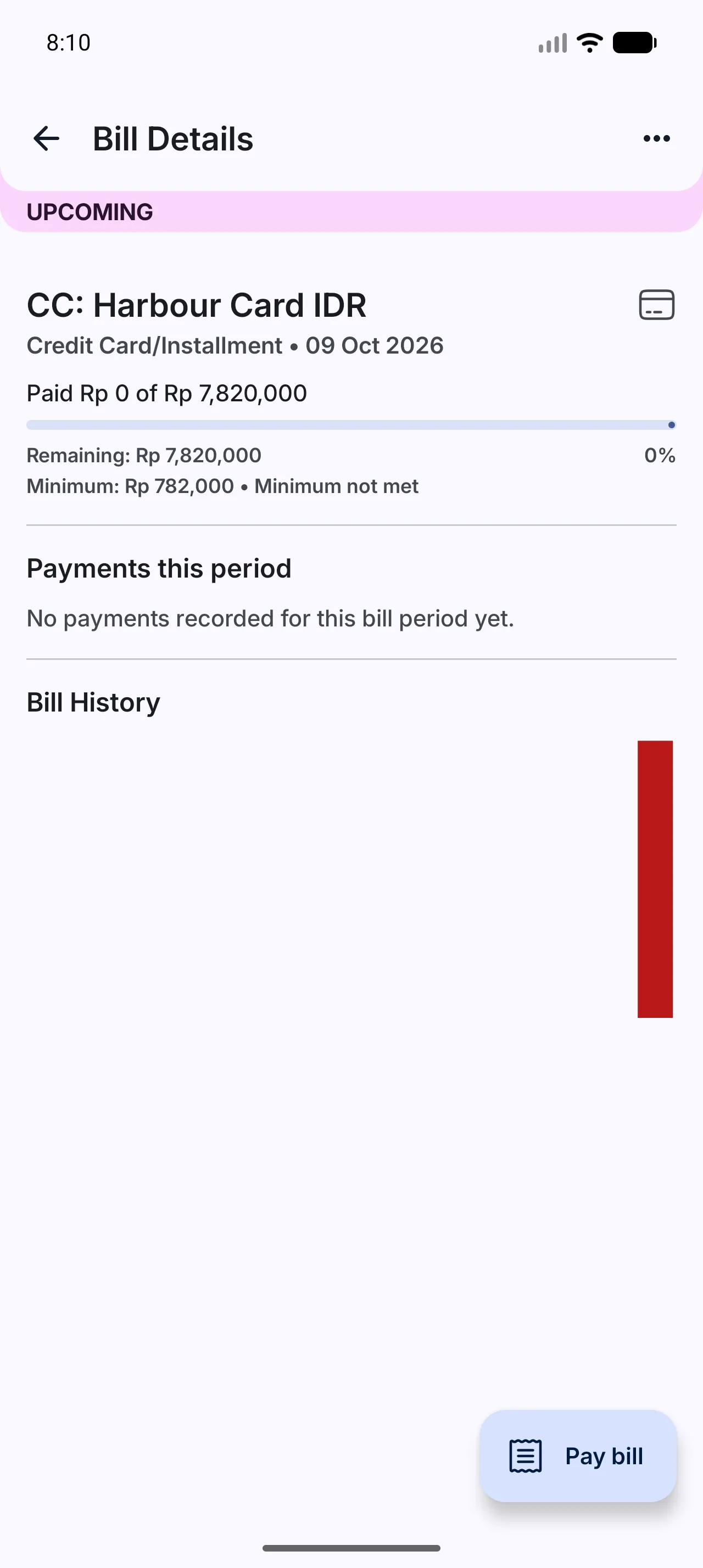
Open Bills from Home. Find the period you paid and tap See details.
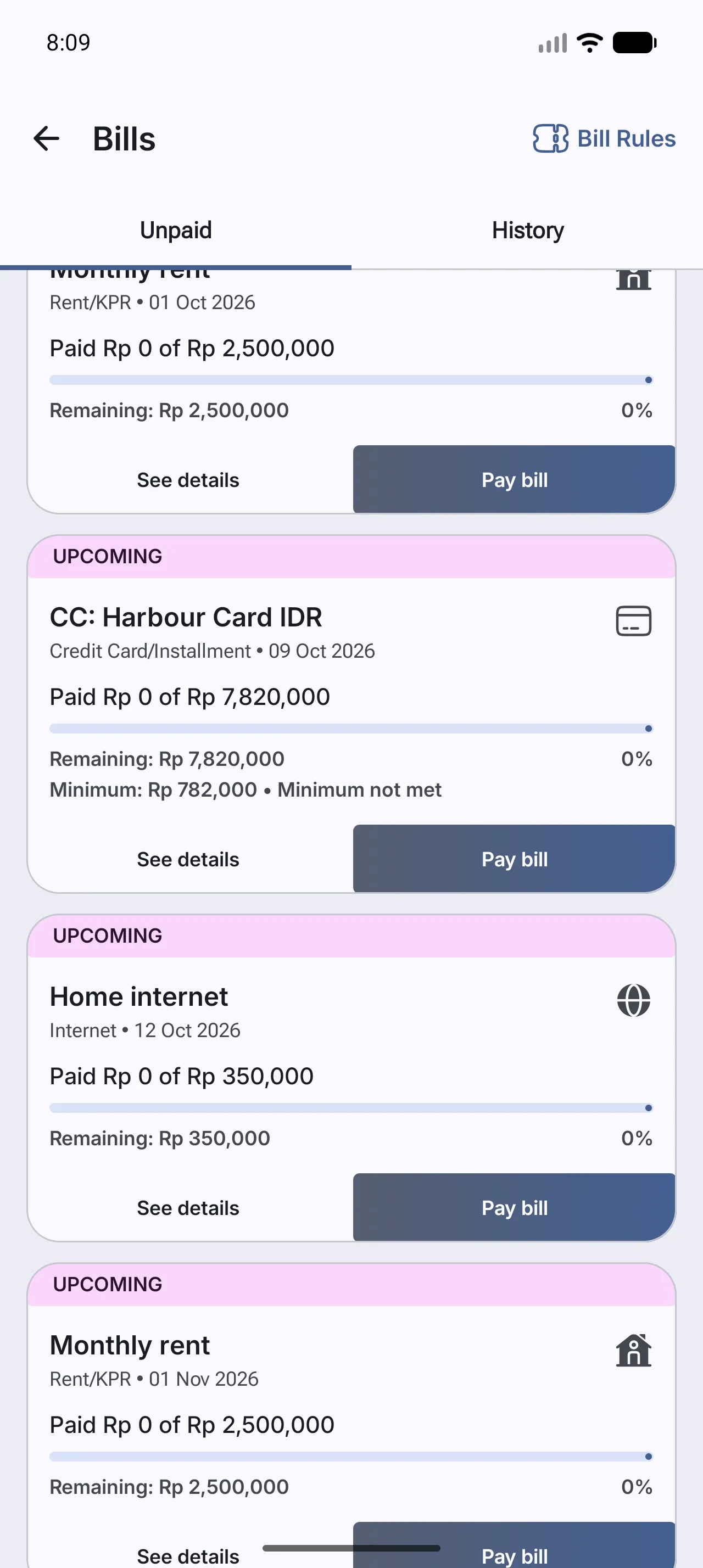
Open the payment form
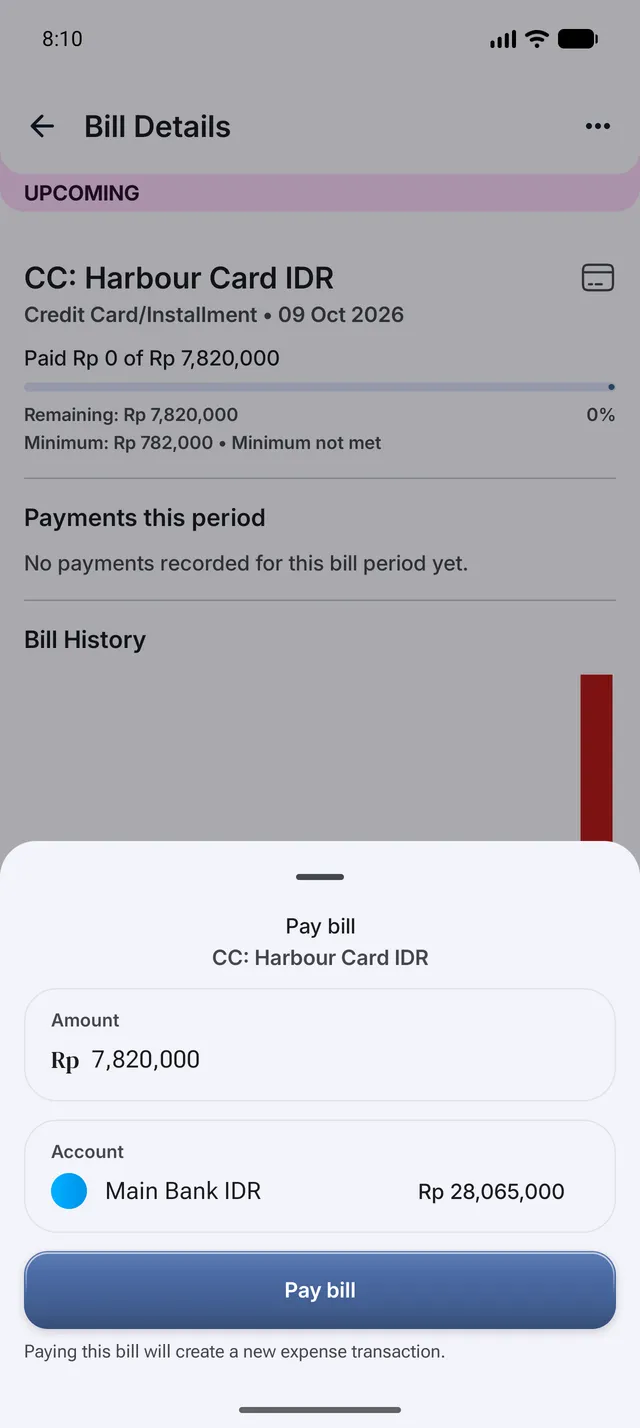
Check the due date and remaining amount, then tap Pay bill.
Check the amount
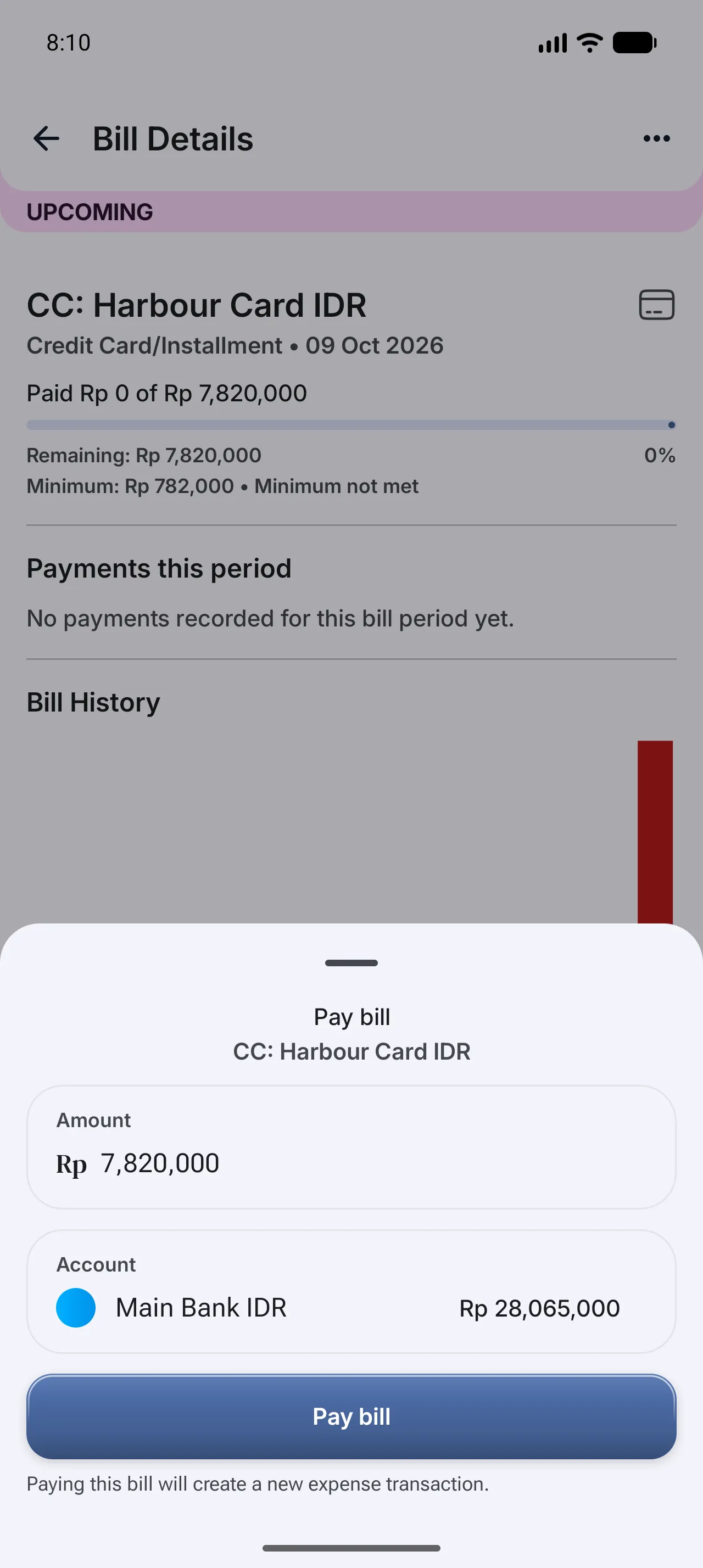
The form starts with the remaining amount. For a flexible bill, enter the amount you actually paid, including a partial payment. Fixed-amount bills keep the amount locked.
Select the payment account
Choose the account you paid from. It must use the bill’s currency. For a regular bill, also select the expense category.
Record and review
Check the details, then tap Pay bill. Harbour records a transaction; it does not send money. Return to the bill details to review the recorded payment. Fully paid periods appear in History.