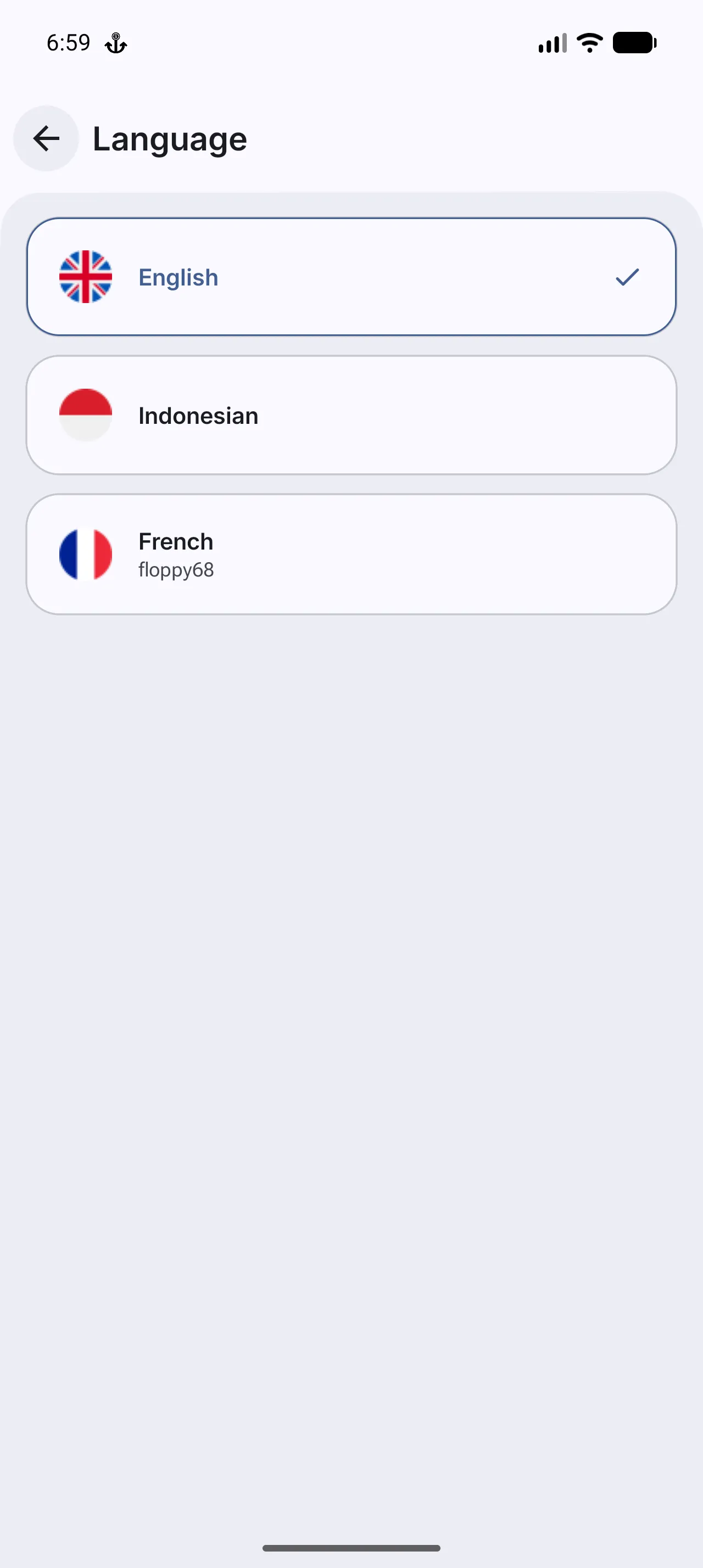
Change the app language.
Choose the language used in Harbour.
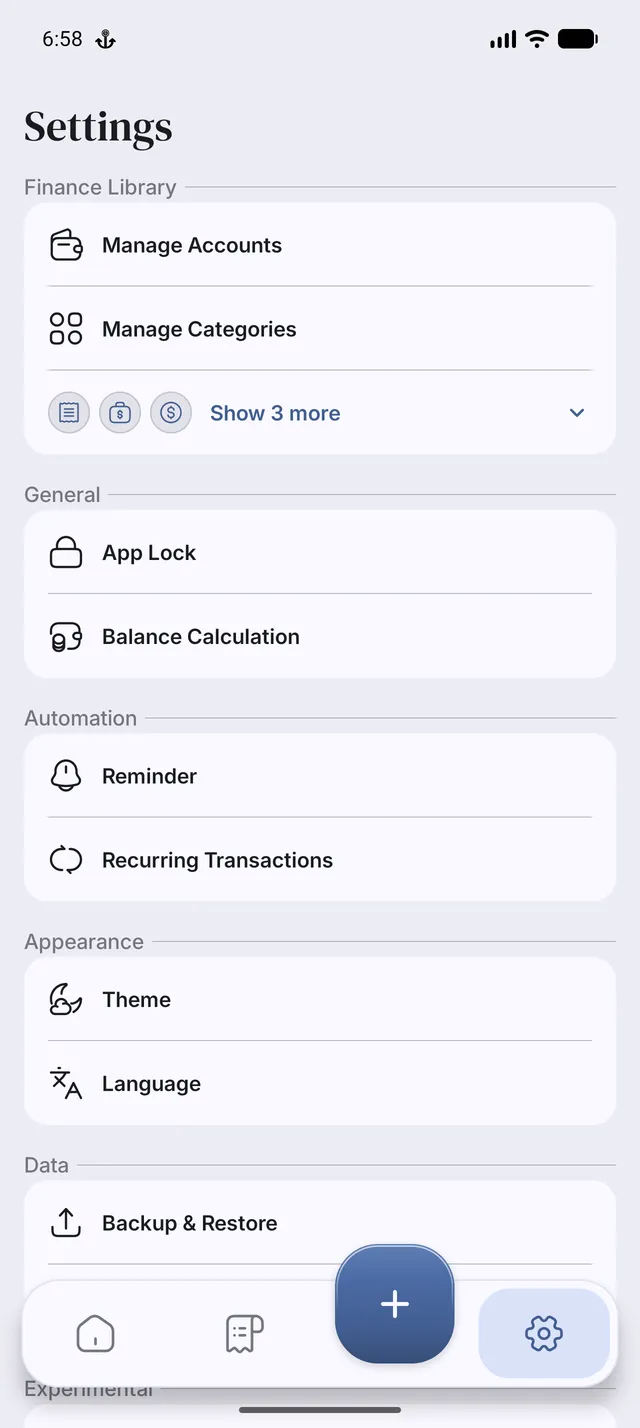
Open Language
In Settings, find Appearance and tap Language.
Choose a language
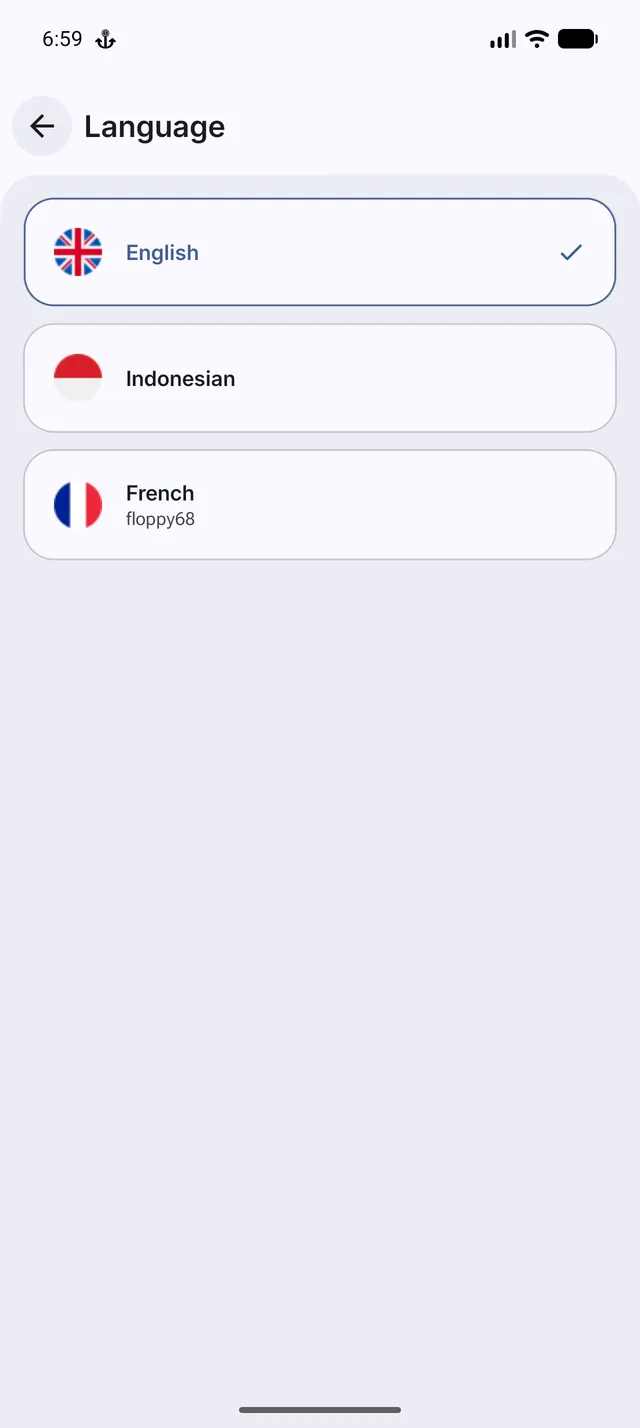
Tap the language you want to use. The change applies immediately, and a checkmark shows the selected language. Return to this screen whenever you want to change it again.