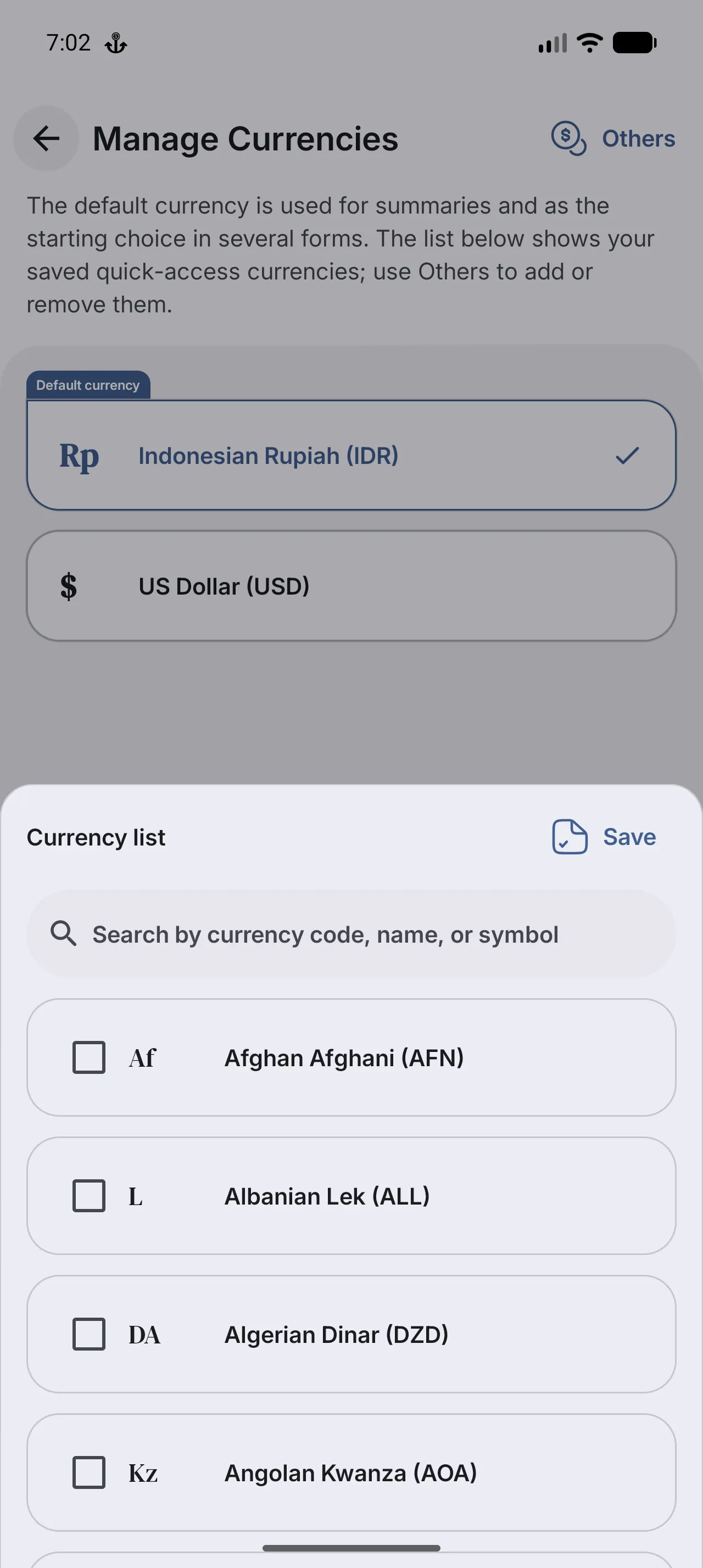
Manage your currencies.
Choose a default and the currencies you use often.
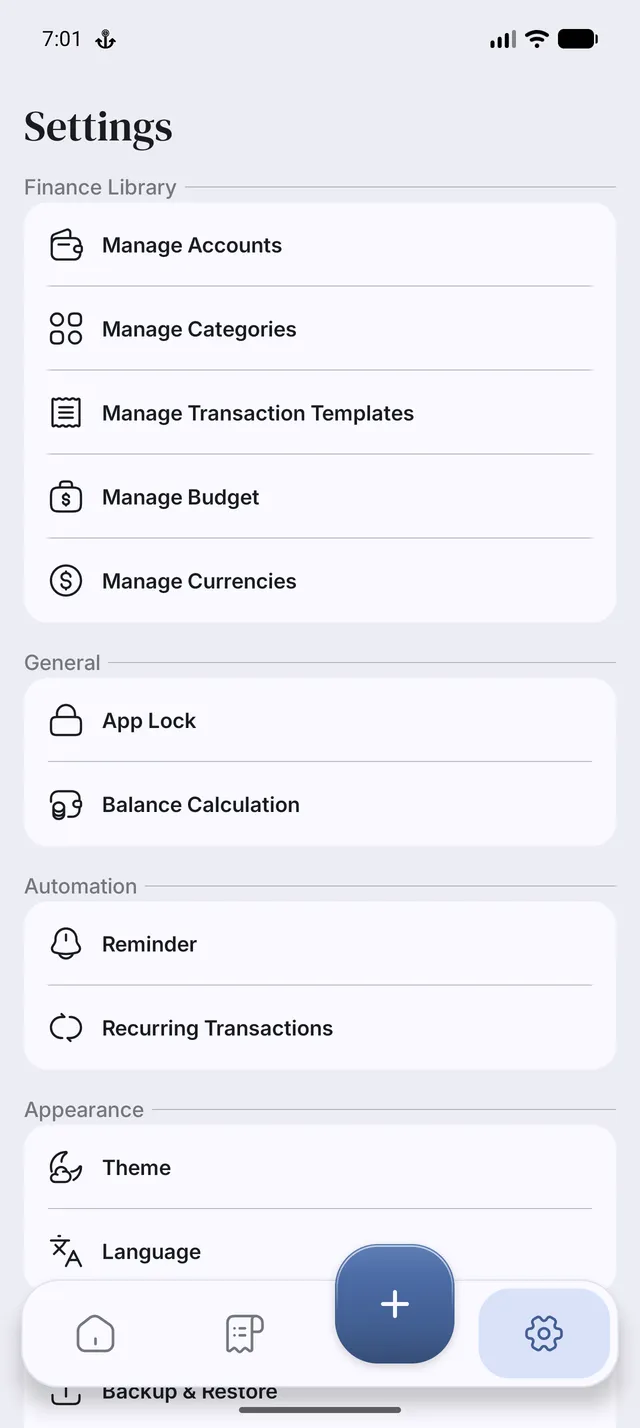
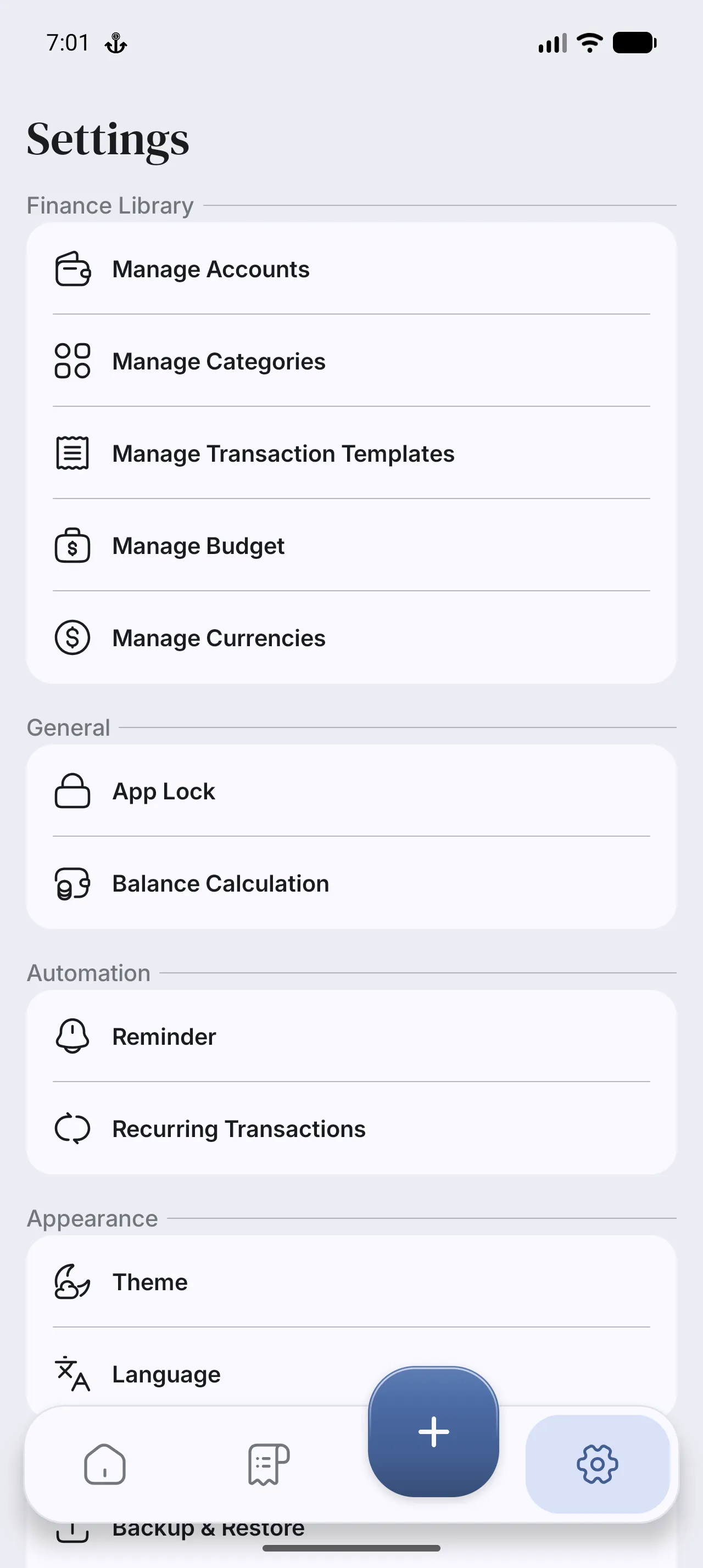
Open Manage Currencies
In Settings, tap Show 3 more under Finance Library, then tap Manage Currencies.
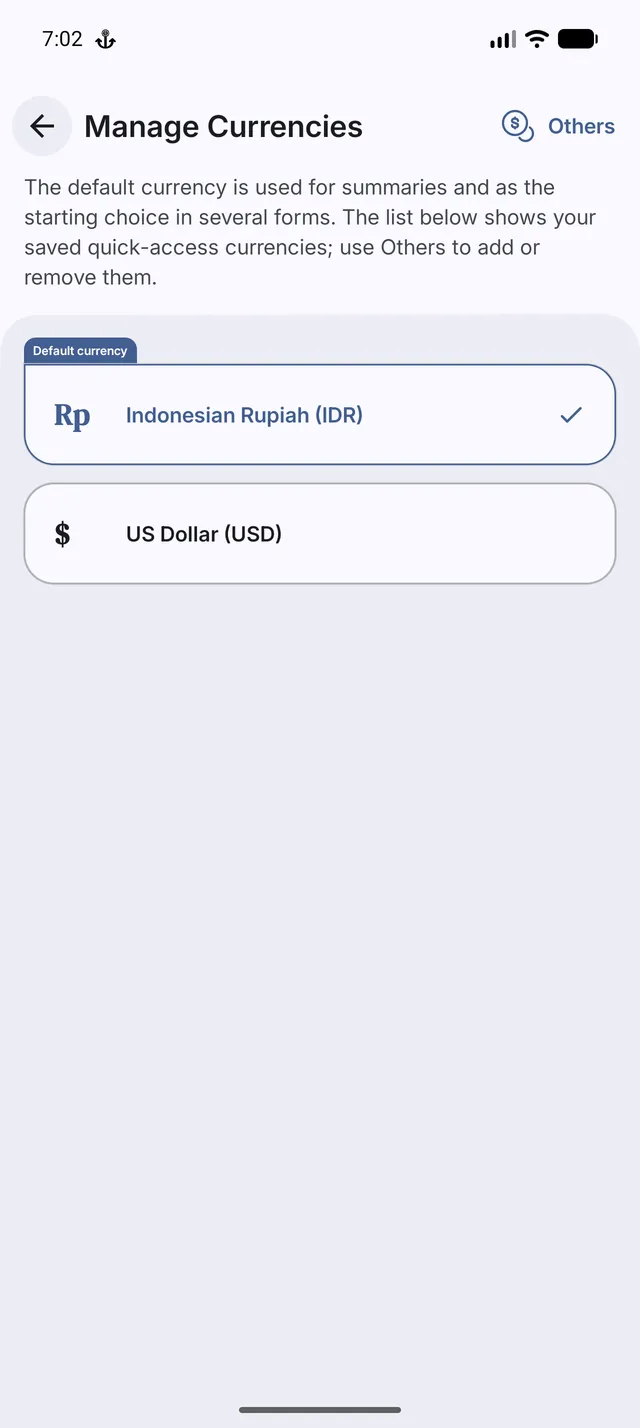
Choose a default currency
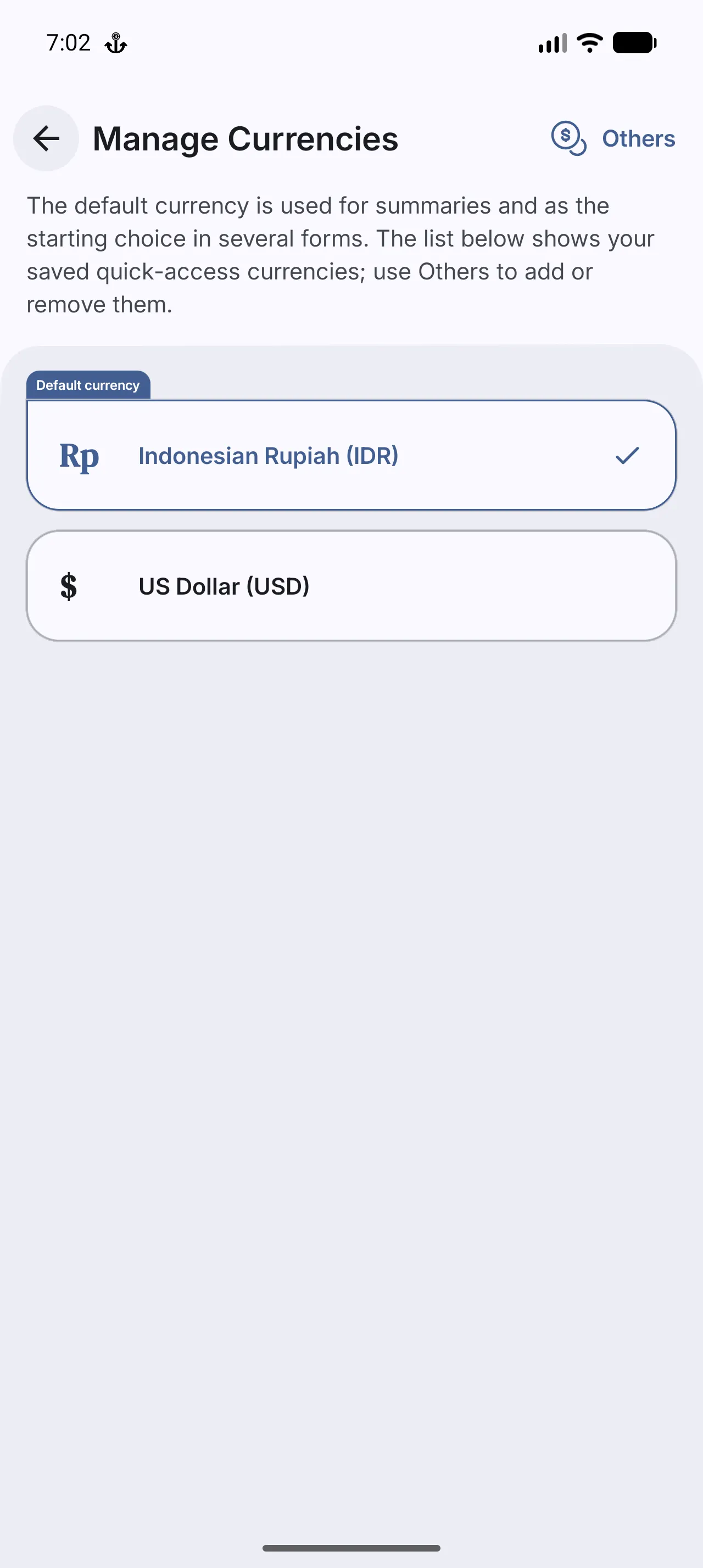
Tap a currency in this list to make it the default for summaries and the starting choice in several forms. This does not convert existing account balances.
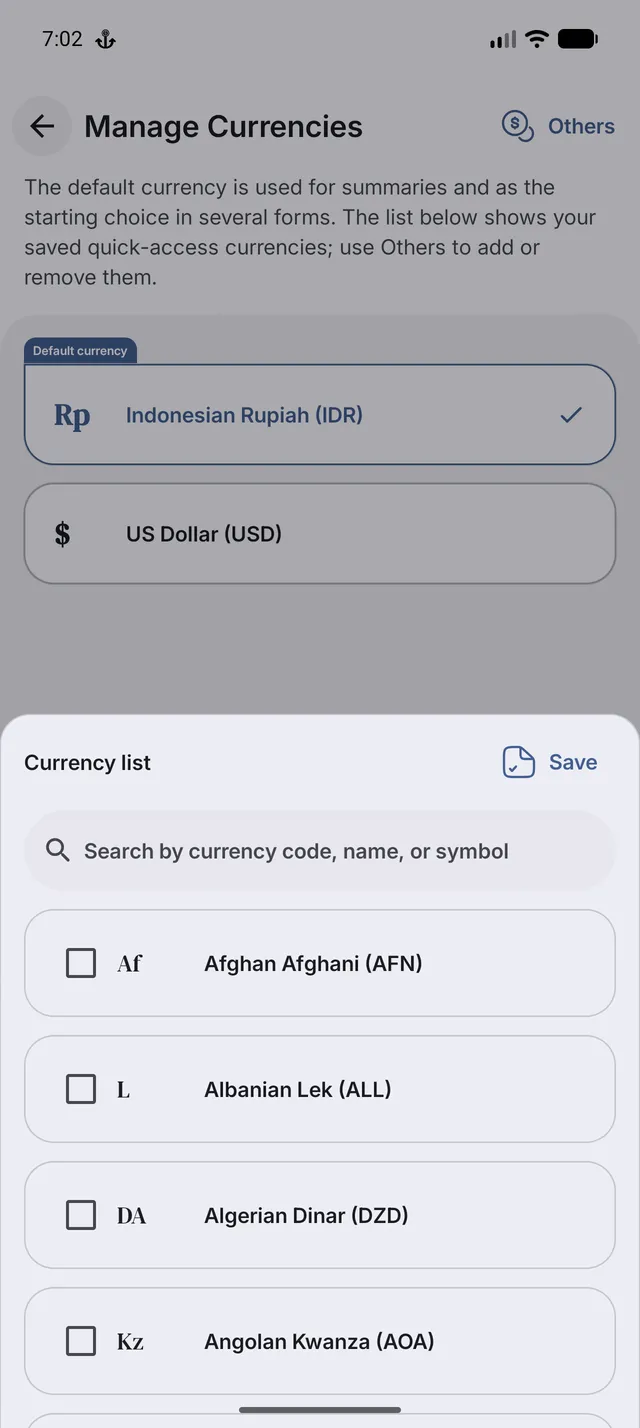
Open the full currency list
Tap Others to add or remove currencies from your quick-access list.
Update your quick-access currencies
Search by currency code, name, or symbol. Select the currencies you want in the list, then tap Save. Account totals stay separate by currency; transfers require the same currency on both accounts.