Update an account.
Change its details or review the delete option.
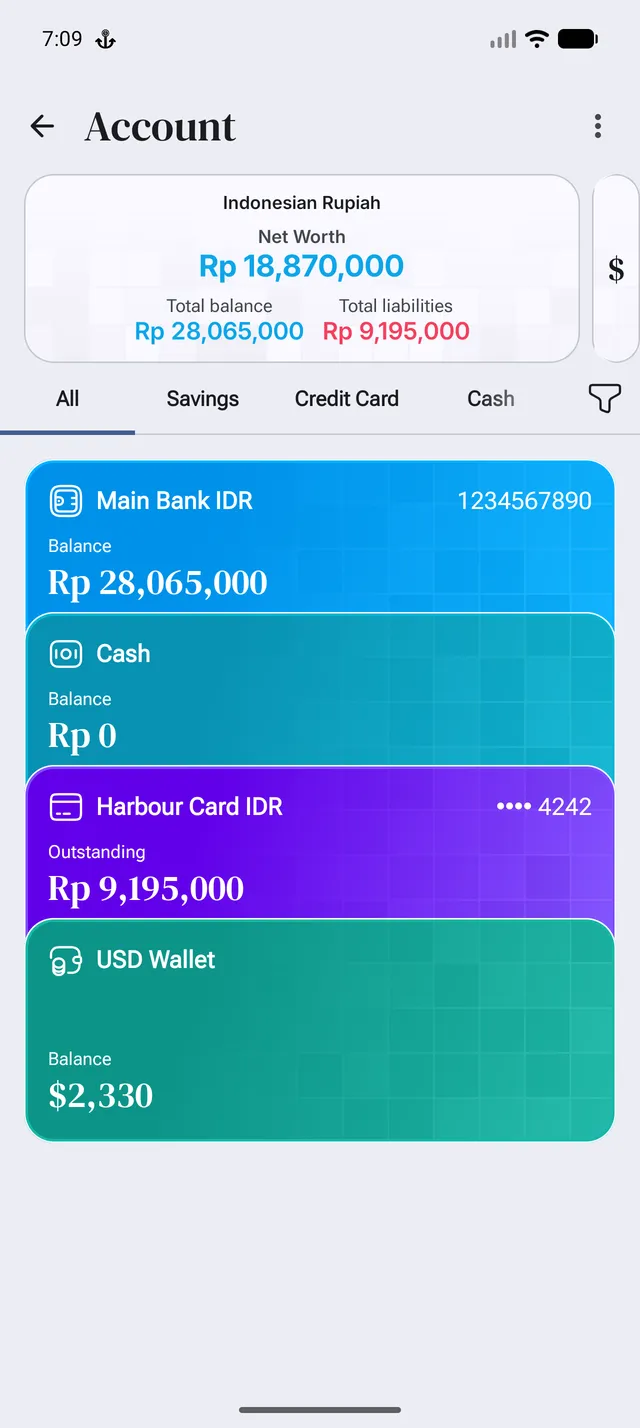
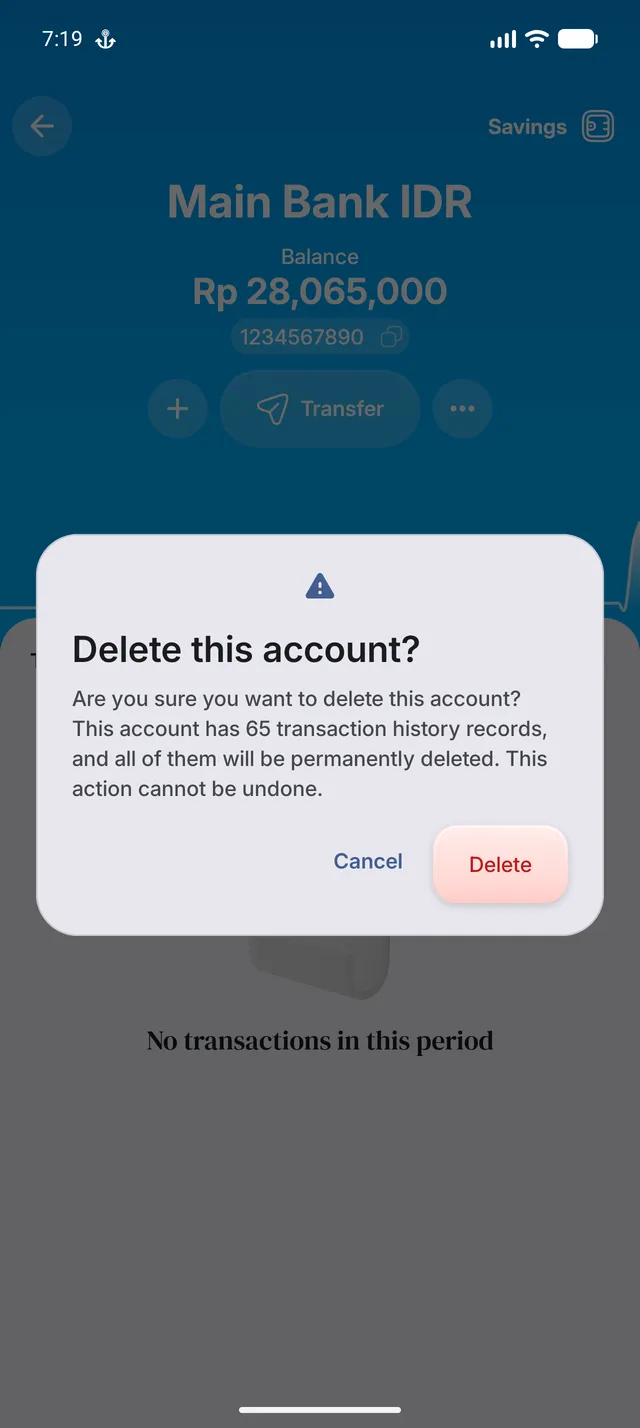
Choose an account
Open Accounts and tap the account you want to change.
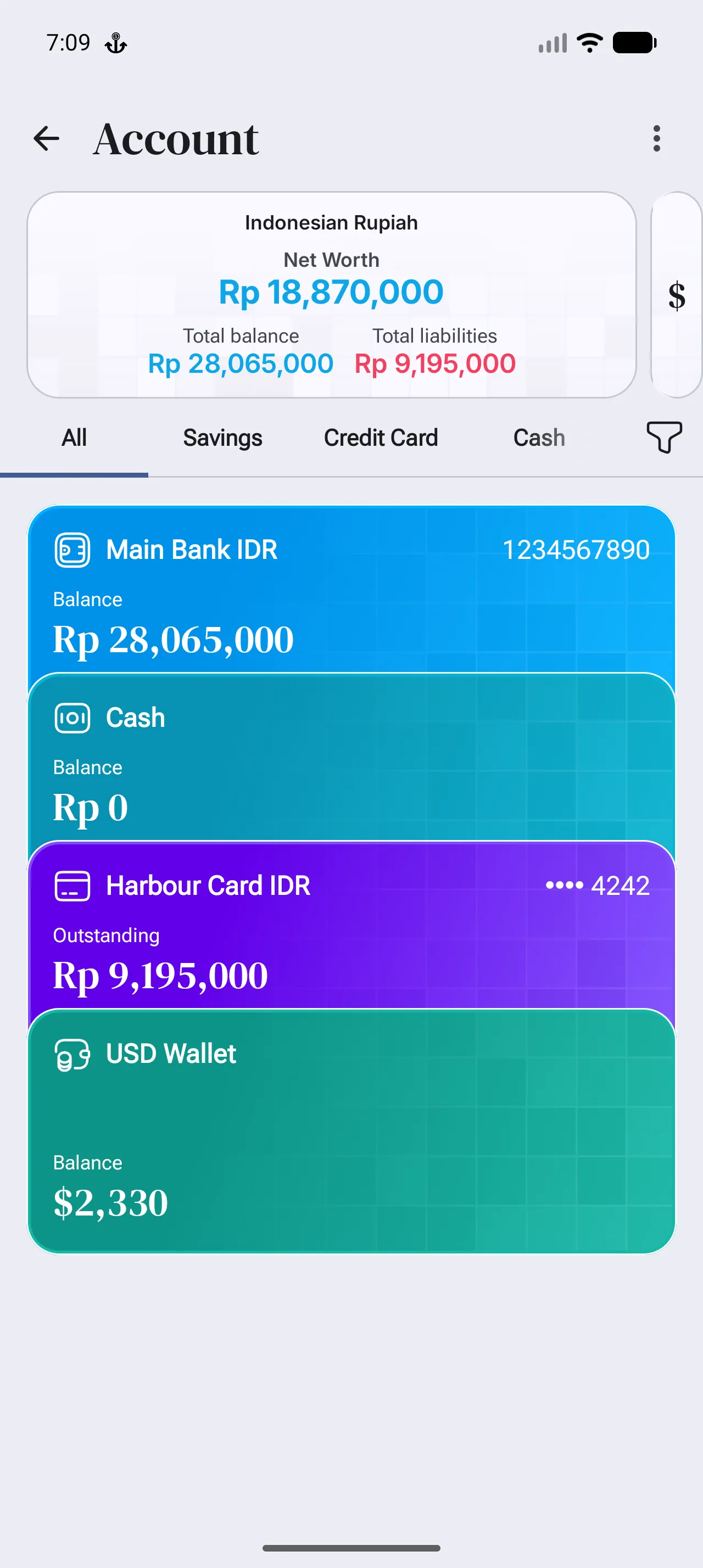
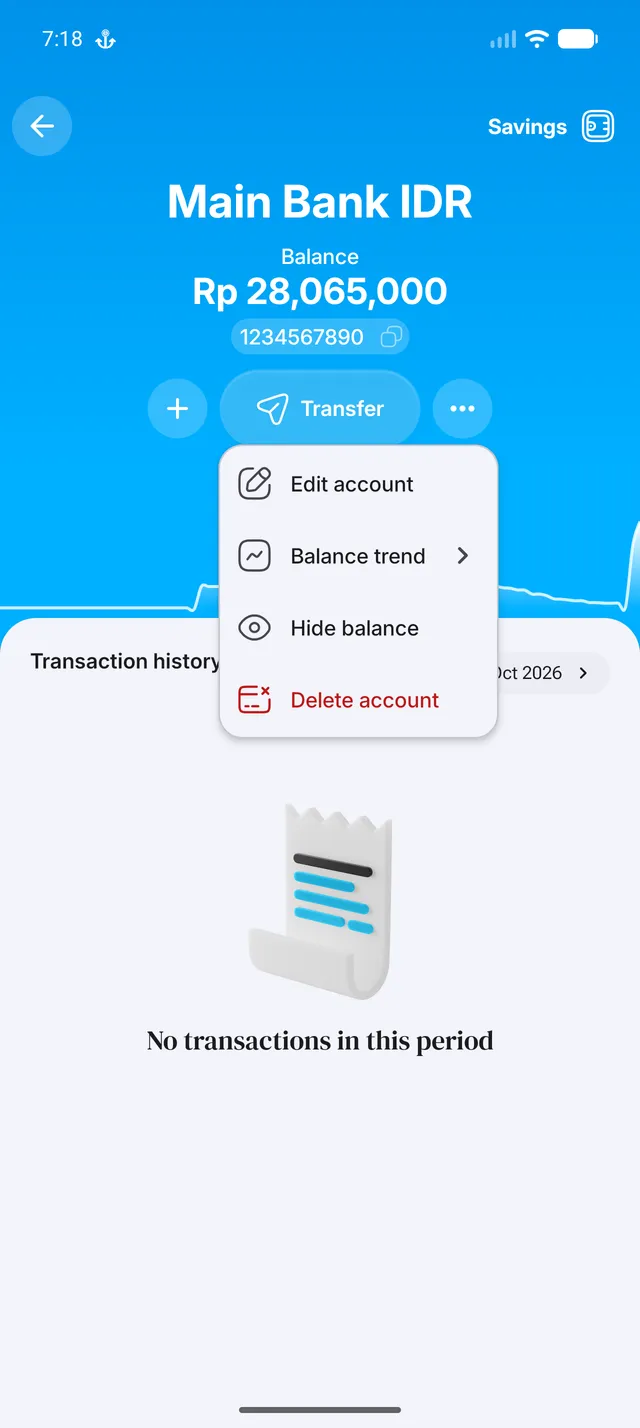
Open Edit account
Tap the three-dot button below the balance, then choose Edit account.
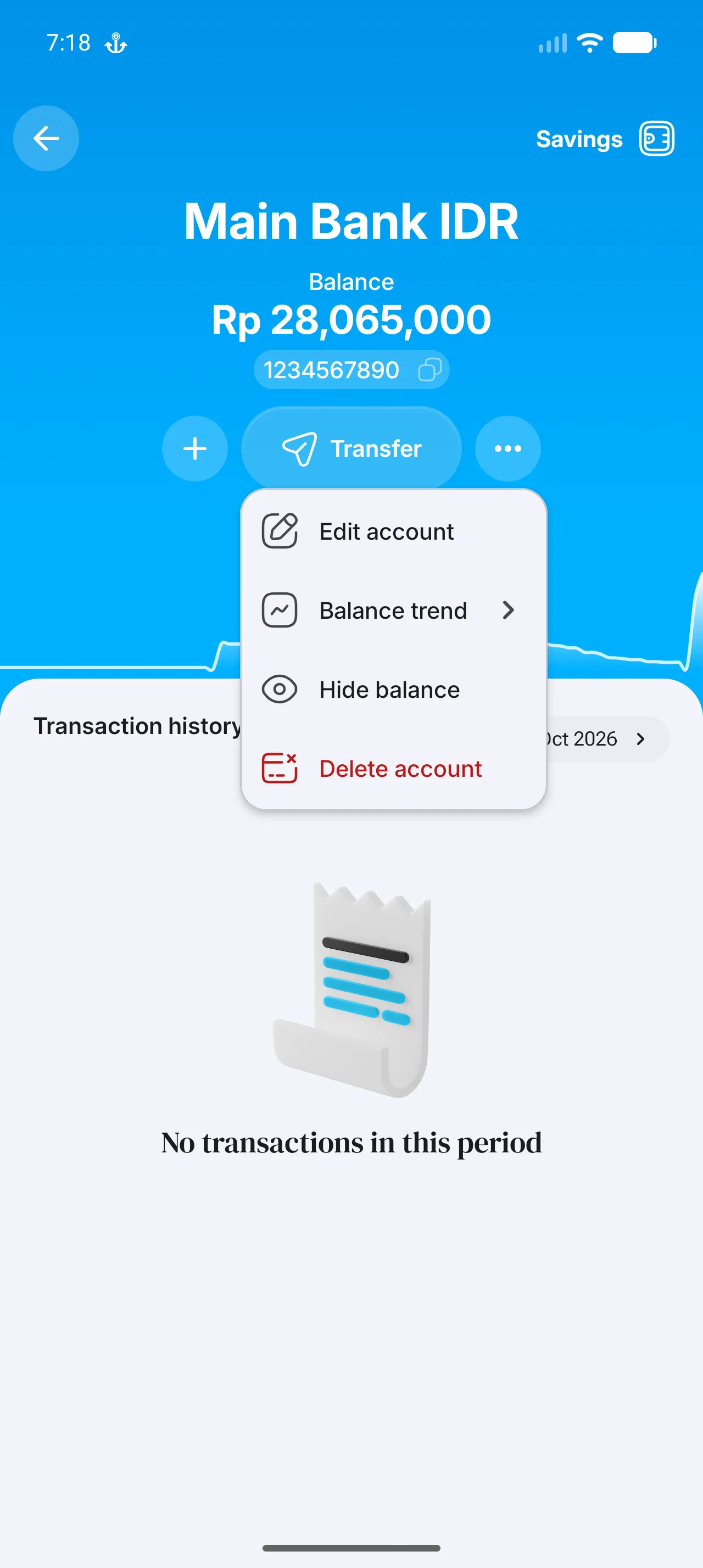
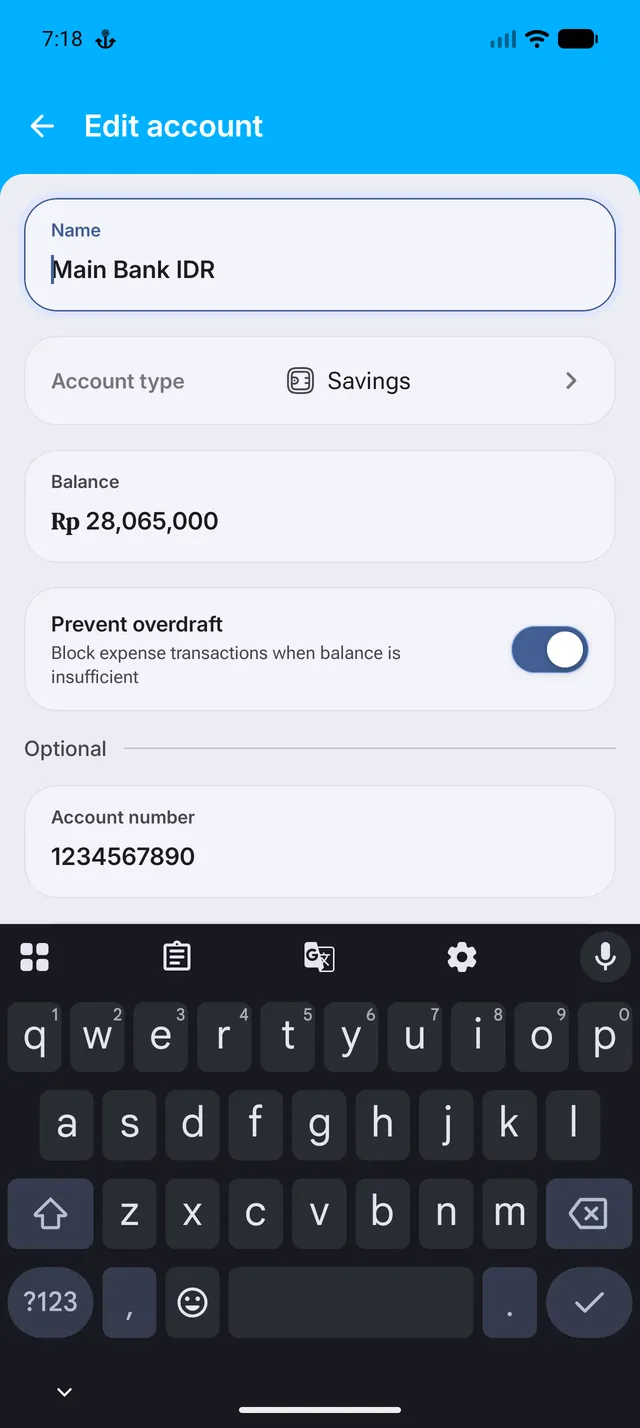
Change and save
Update the name, account details, or color, then tap Save. Use Balance only when you need to correct the account balance.
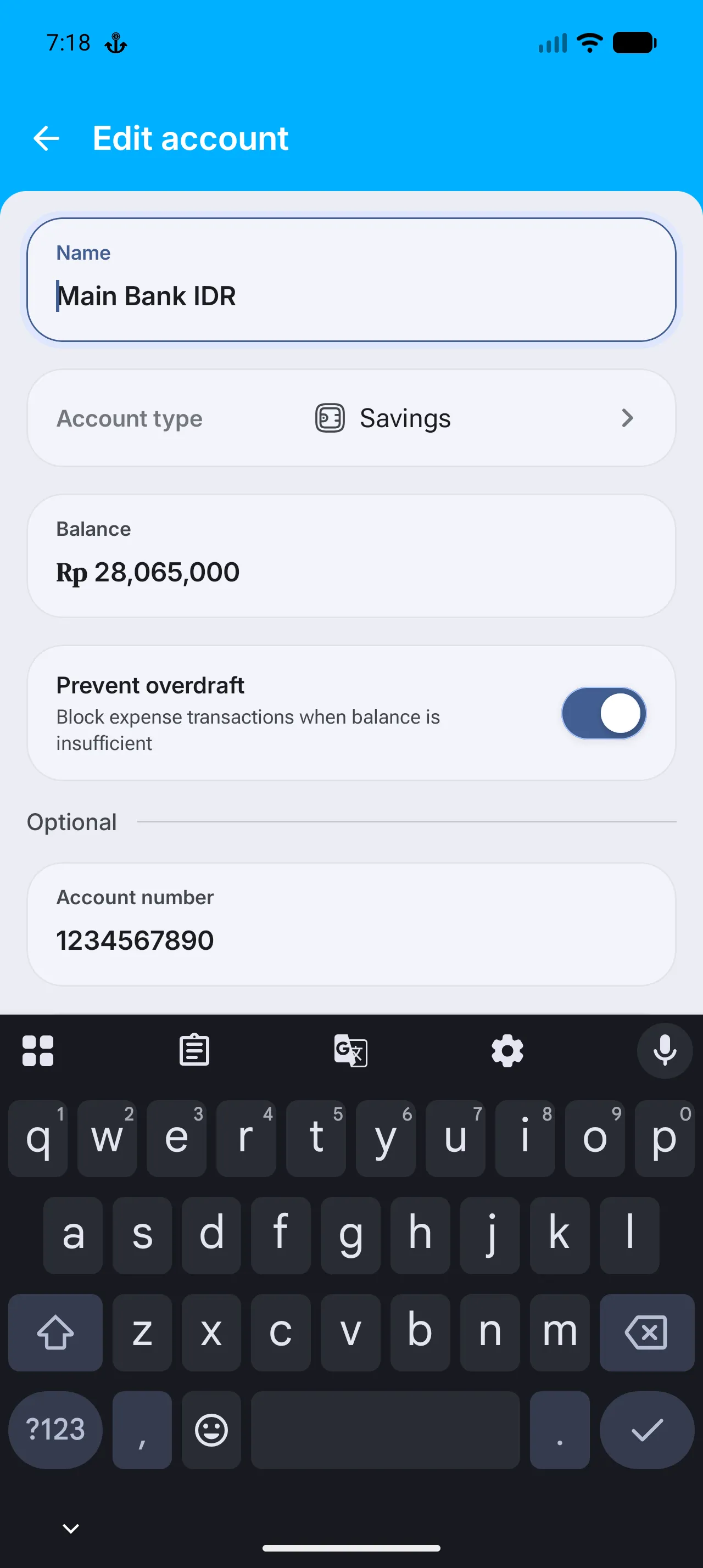
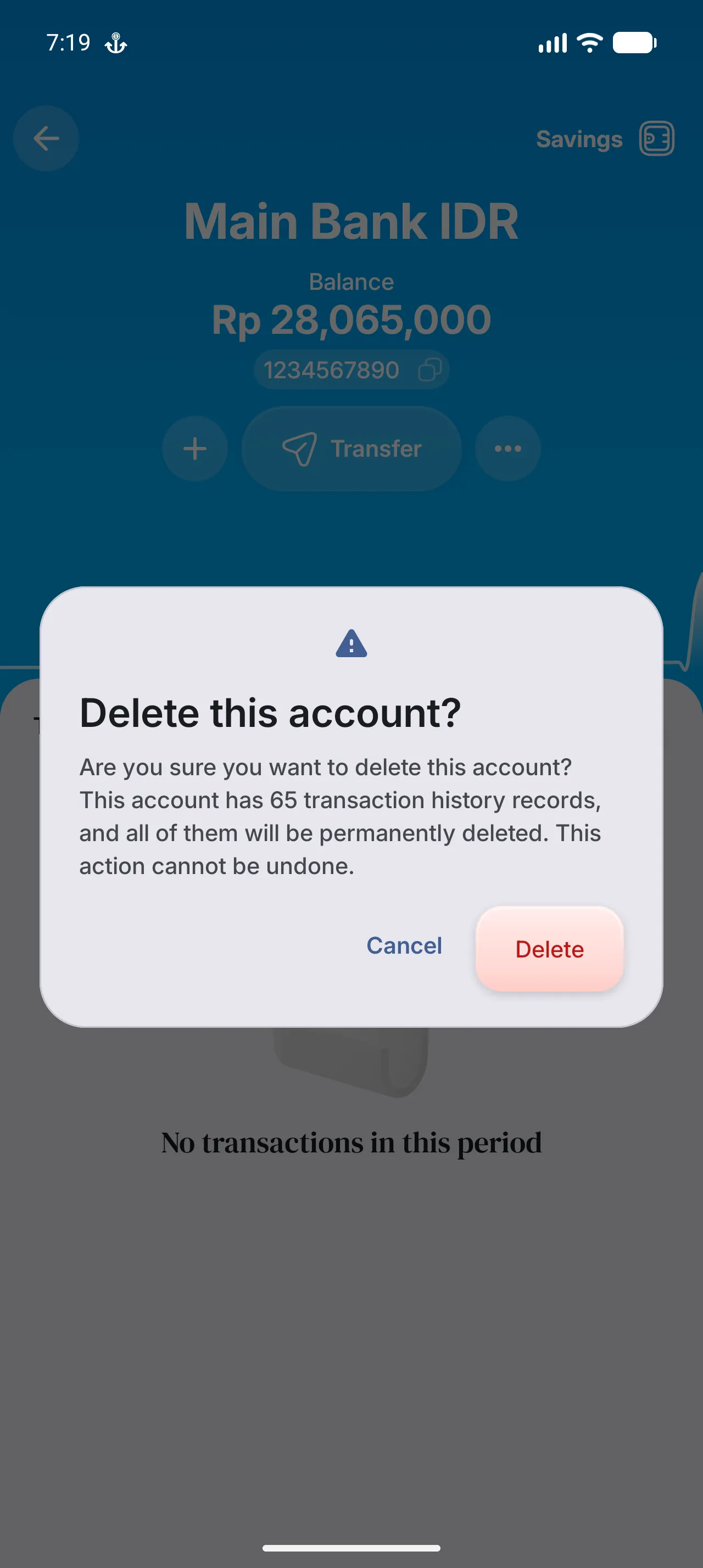
Review before deleting
To remove an account, choose Delete account from the same menu. Read the confirmation: its transaction history is also deleted and this cannot be undone. Tap Cancel to keep it.