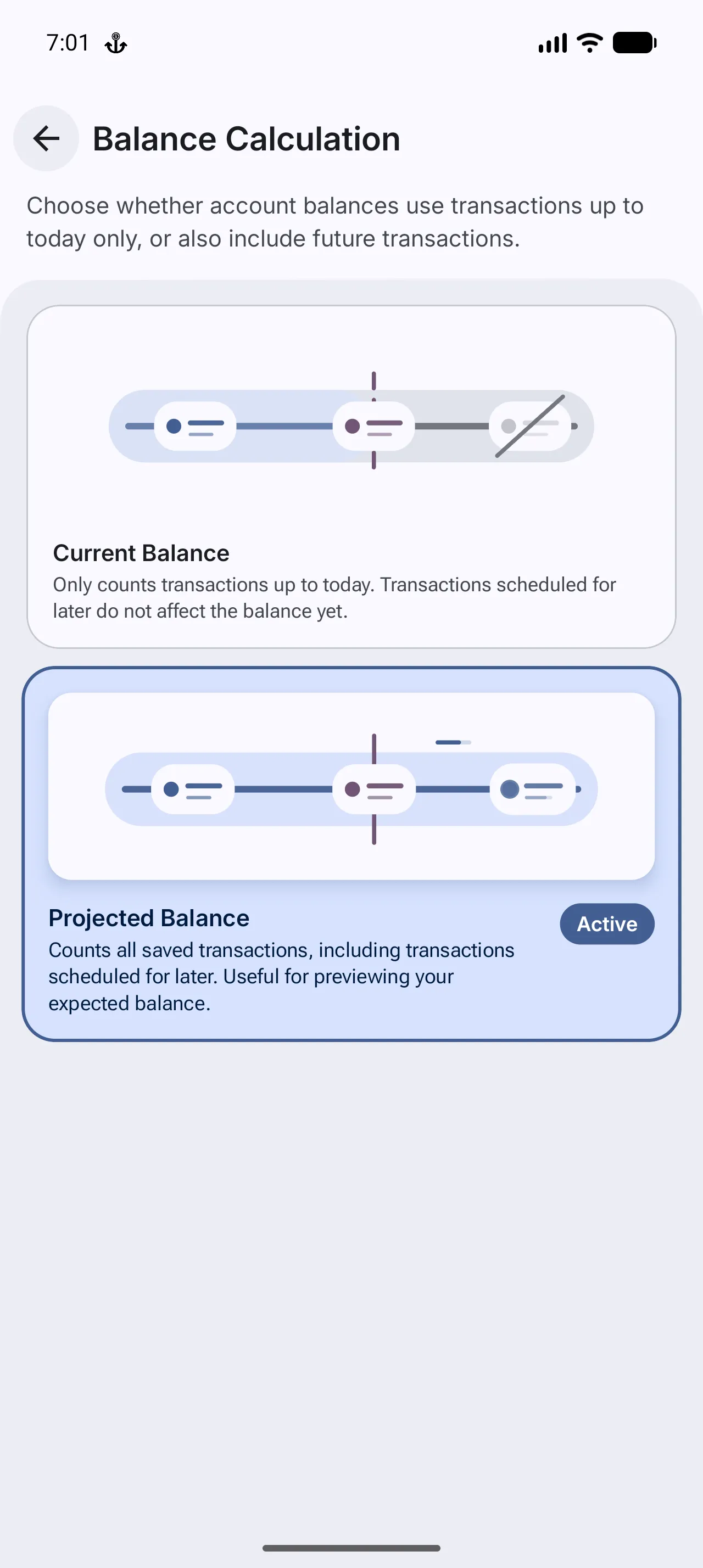
Choose how balances are calculated.
Decide whether to include future transactions.
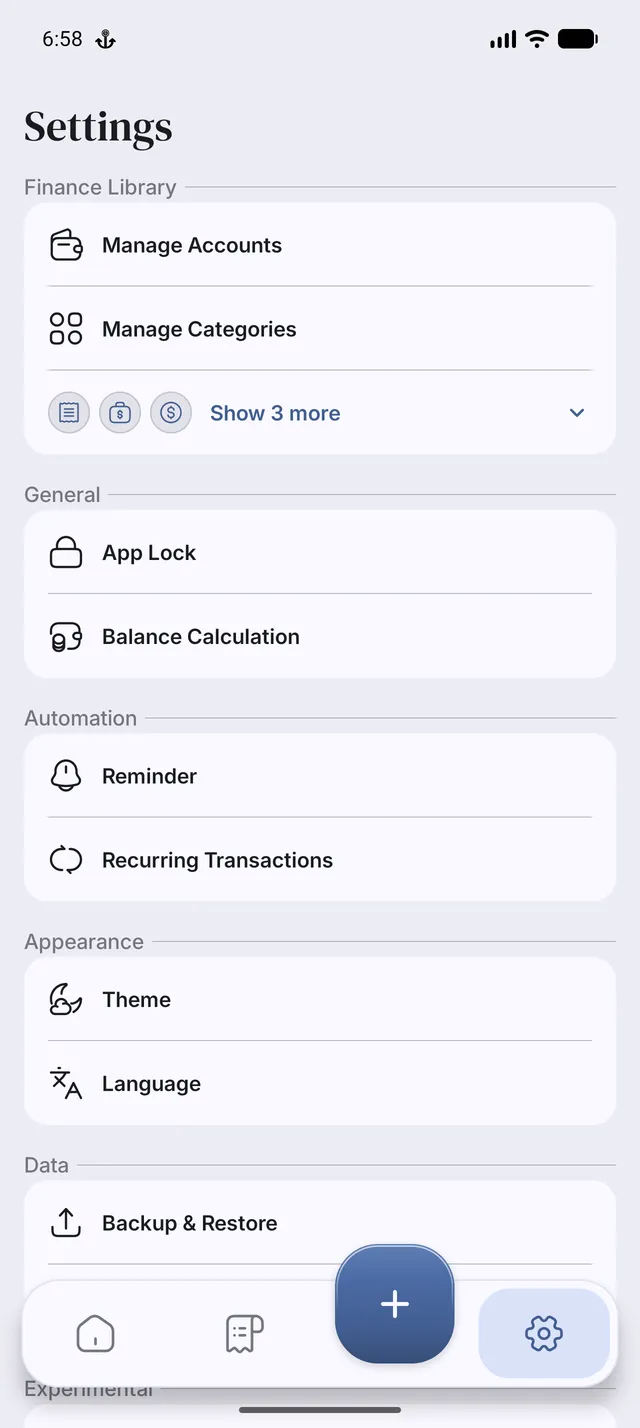
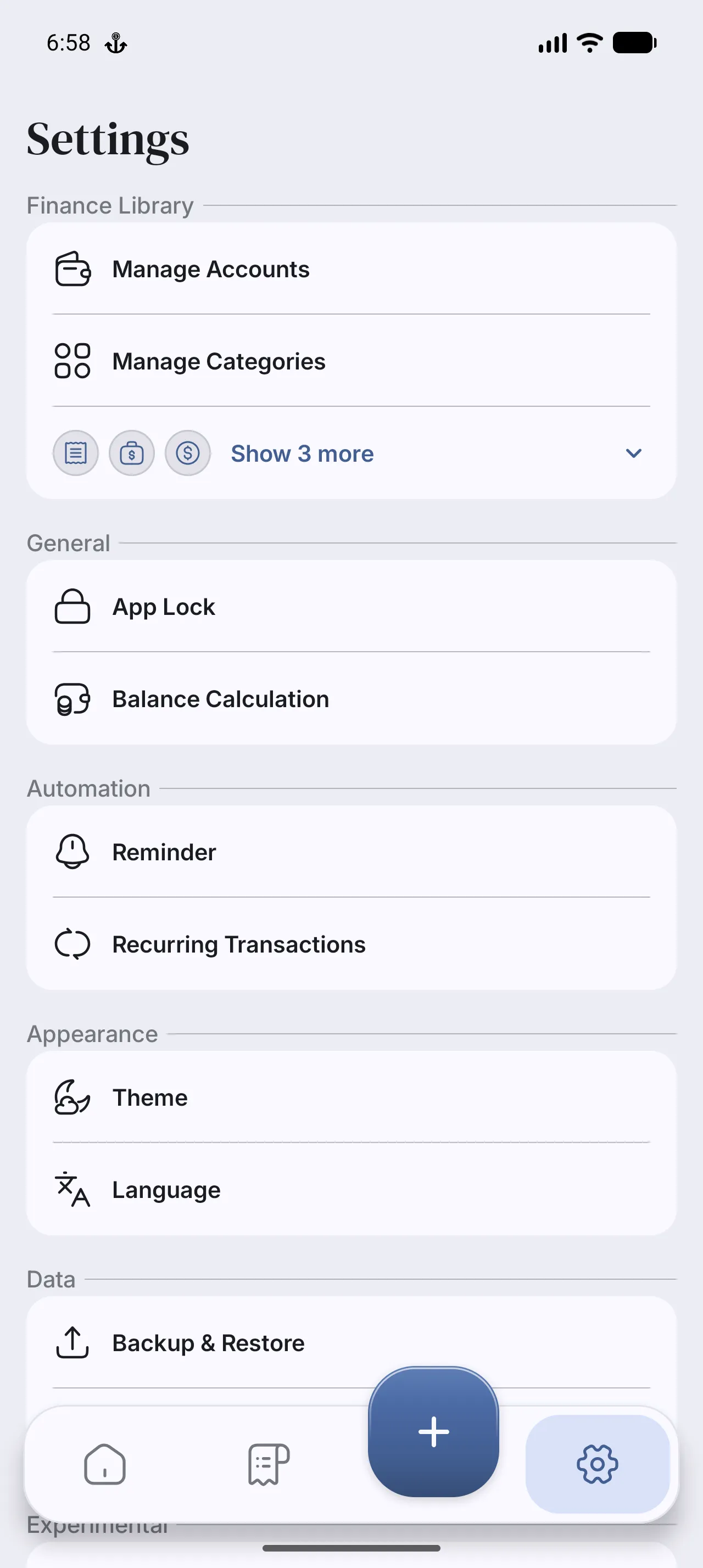
Open Balance Calculation
In Settings, tap Balance Calculation.
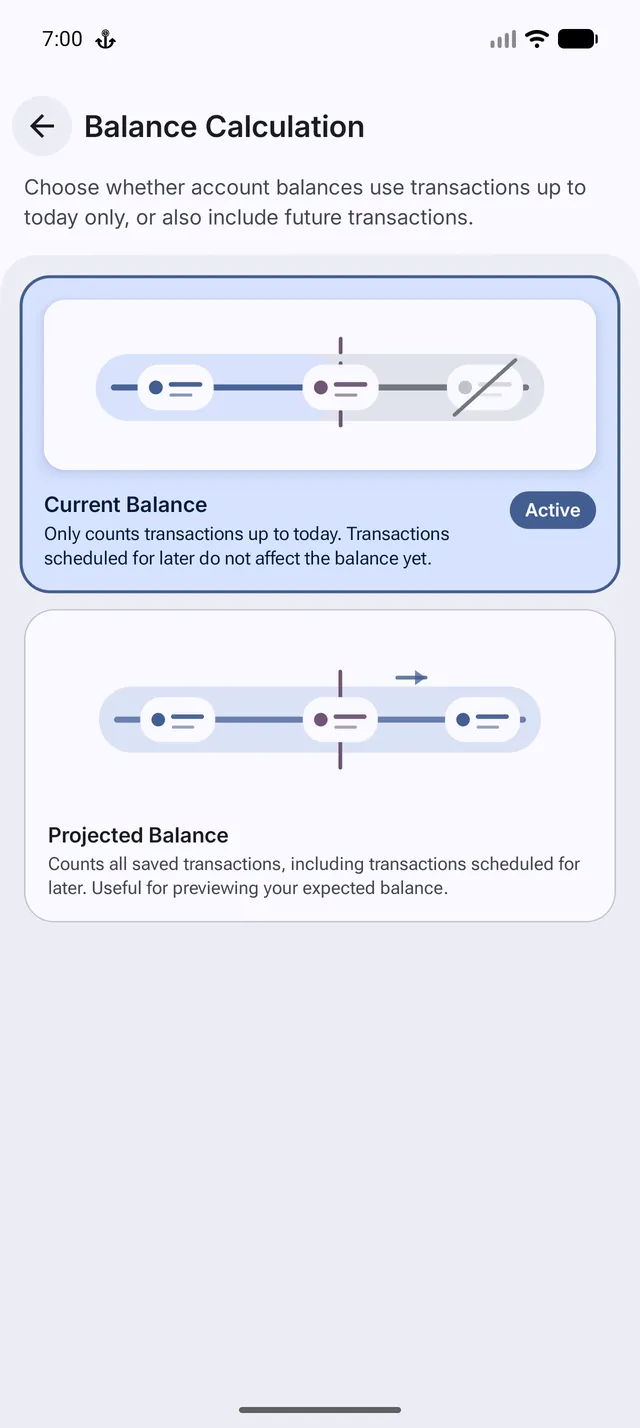
Use your current balance
Current Balance counts transactions up to today. Saved transactions dated in the future do not affect the balance yet.
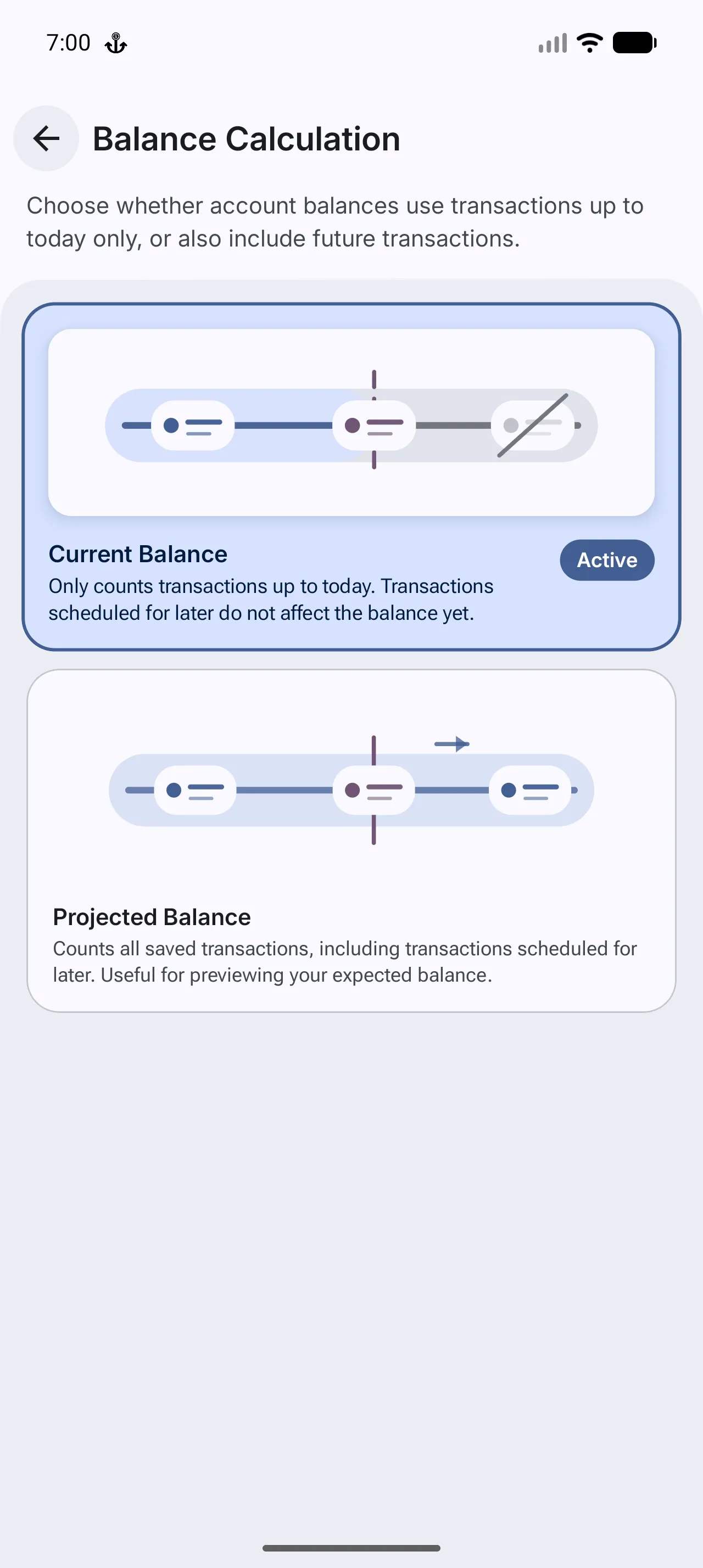
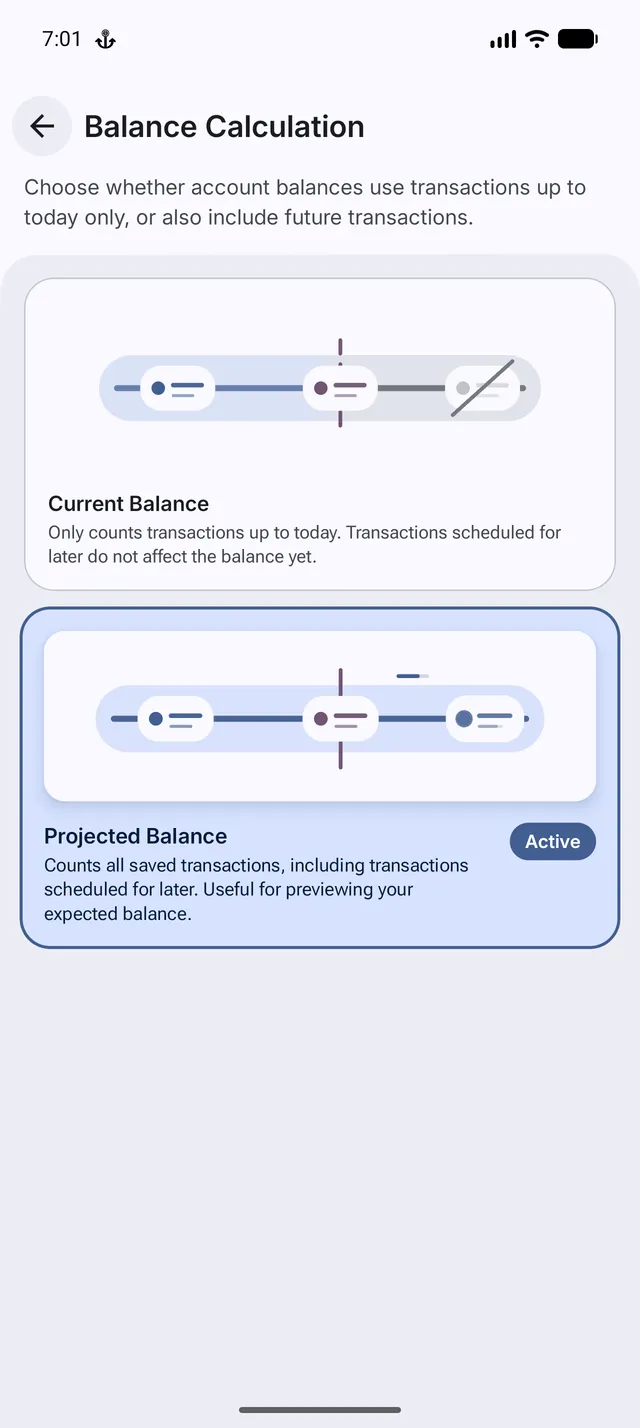
Include future transactions
Tap Projected Balance to include all saved transactions, including future-dated entries. The Active label shows your choice. The setting applies immediately; it does not create or delete transactions.