View your account history.
Check a balance, browse transactions, and view the trend.
Read the account balance
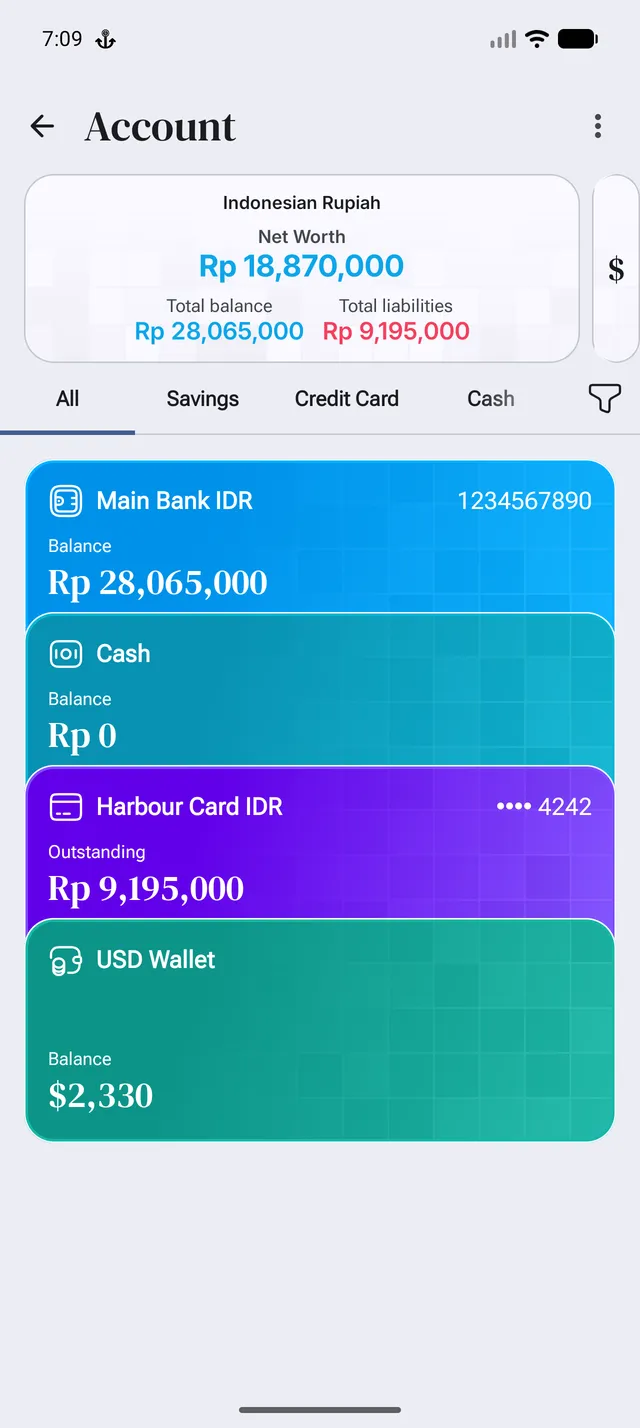
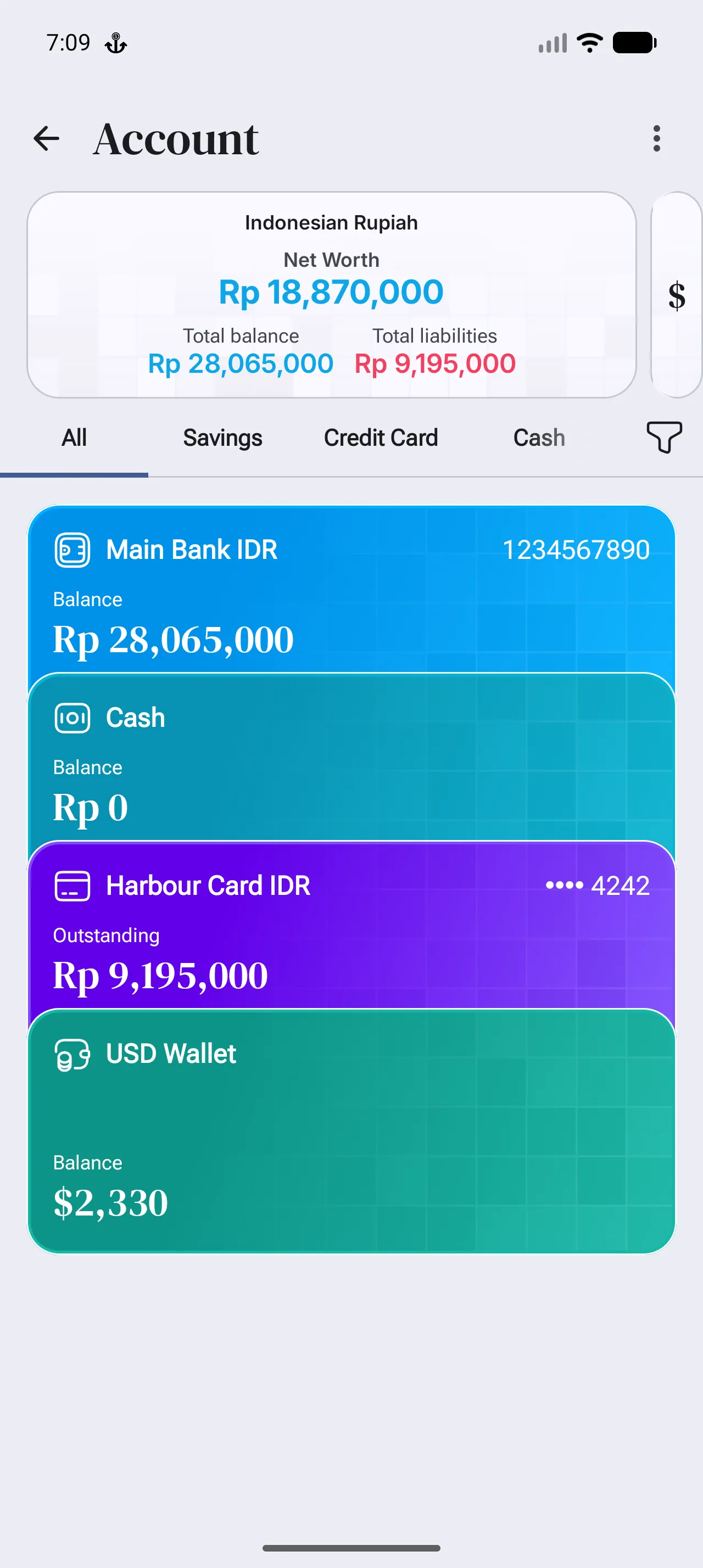
Open Accounts. Each account shows its own balance or outstanding amount. Swipe the summary to see another currency; totals are kept separate by currency.
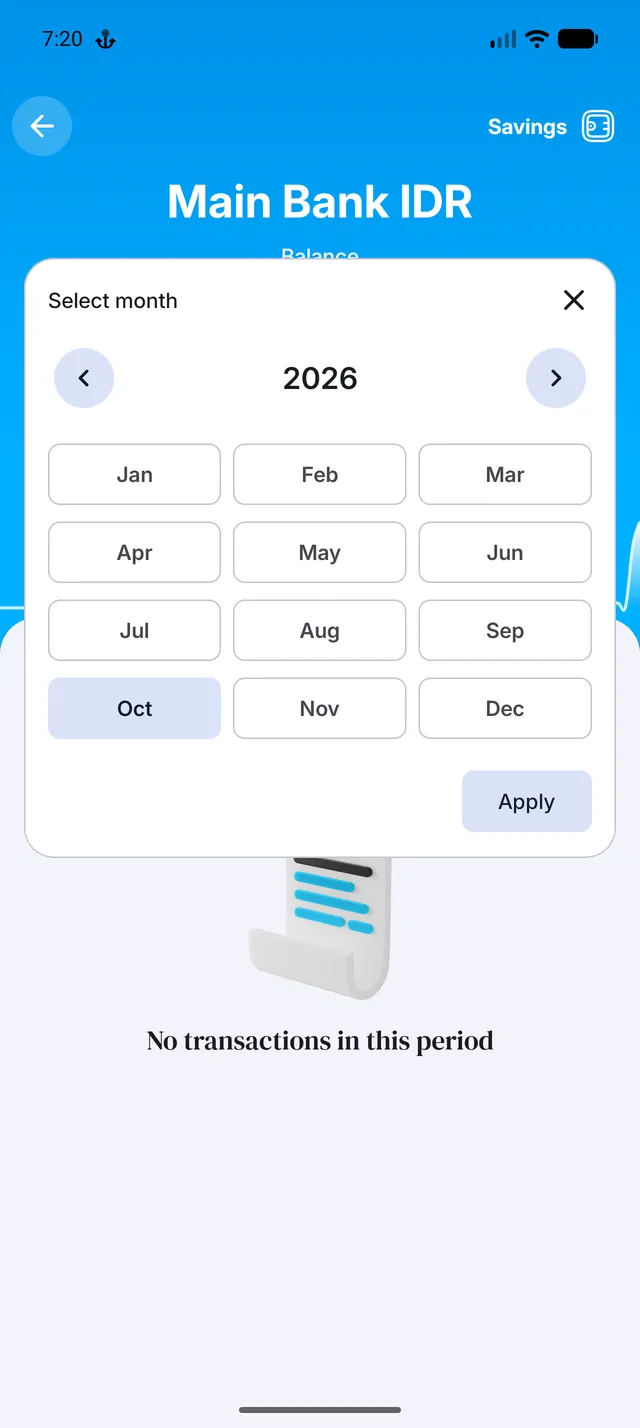
Choose a month
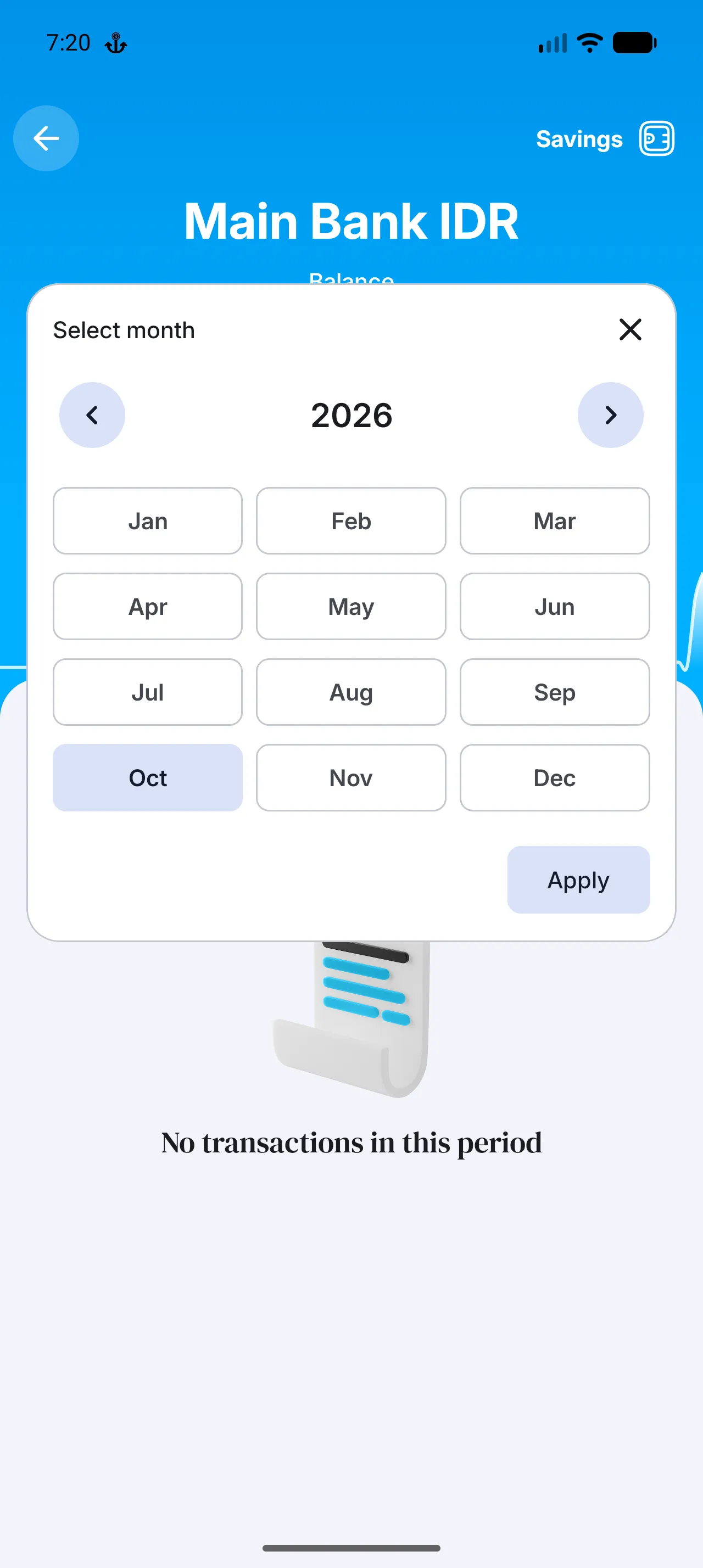
Open an account and tap the month beside Transaction history. Choose a month and tap Apply.
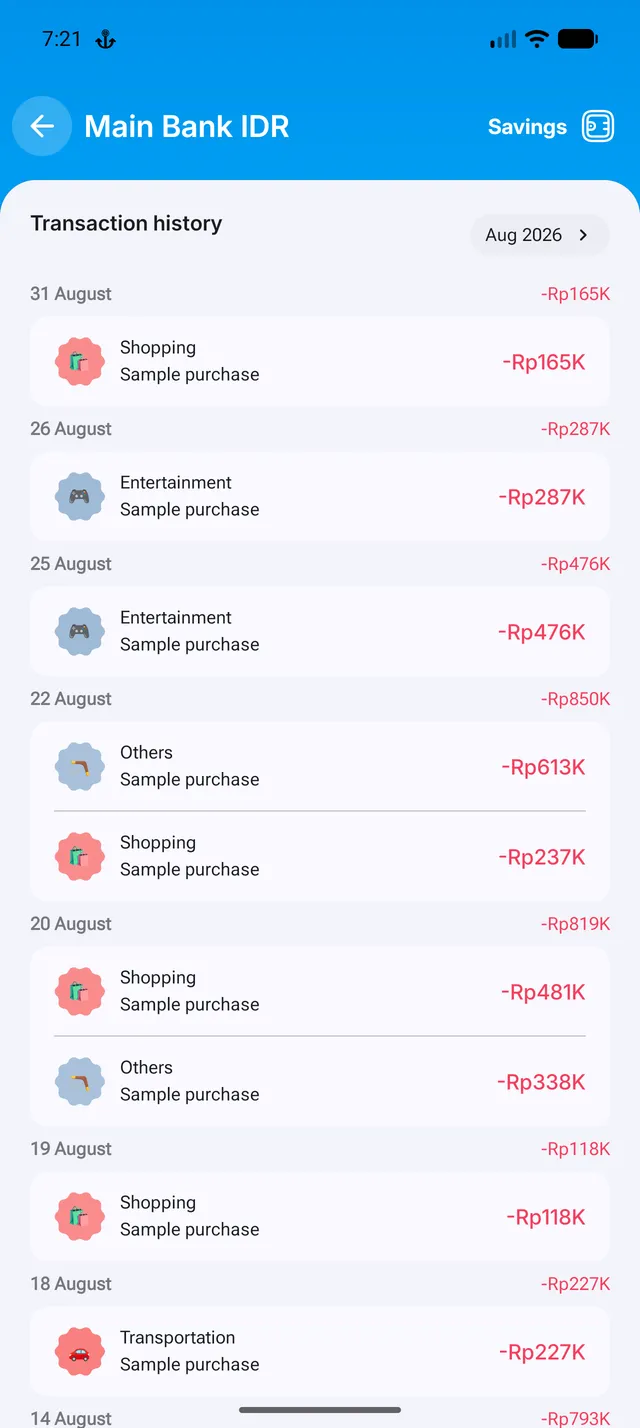
Browse transactions
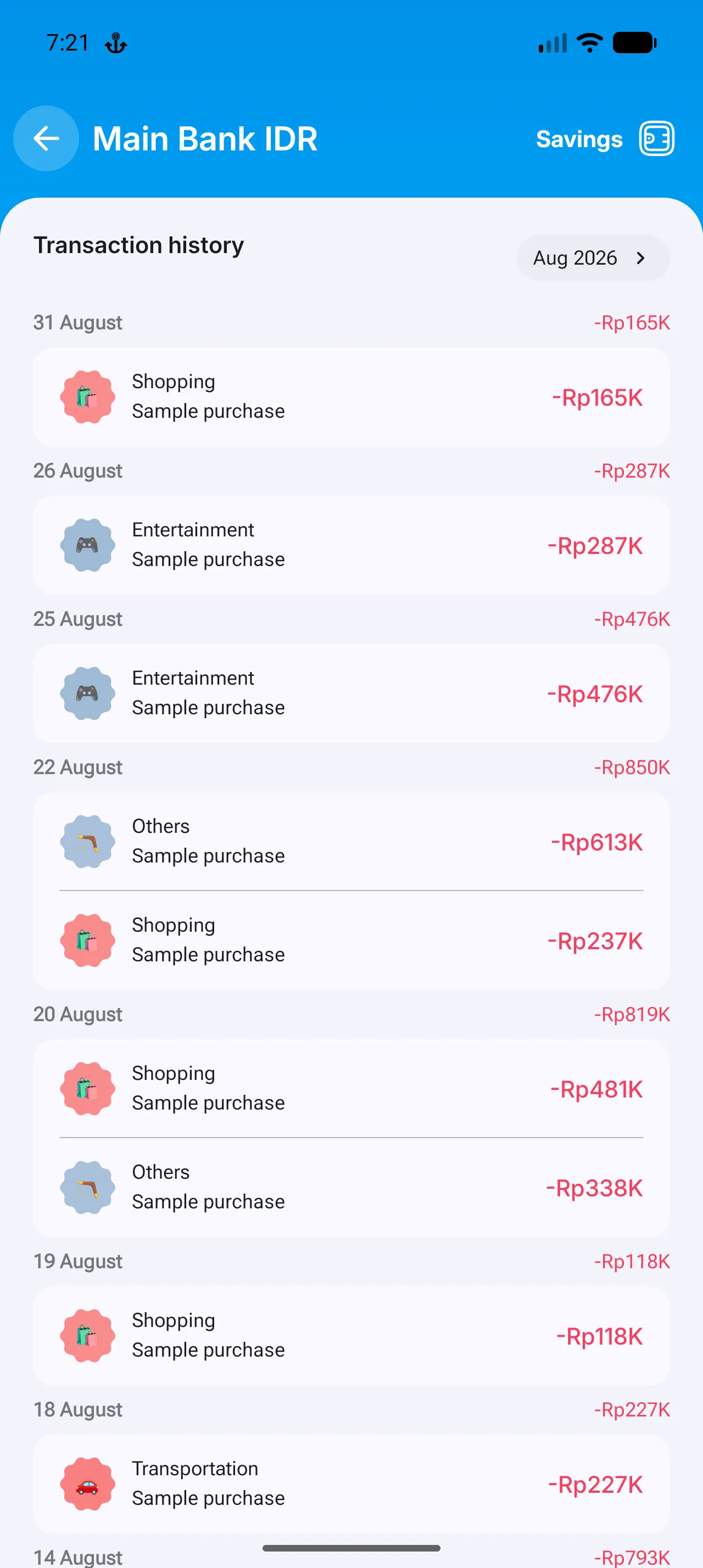
The selected month shows that account’s transactions grouped by date. Scroll to see older entries or tap a transaction for its details.
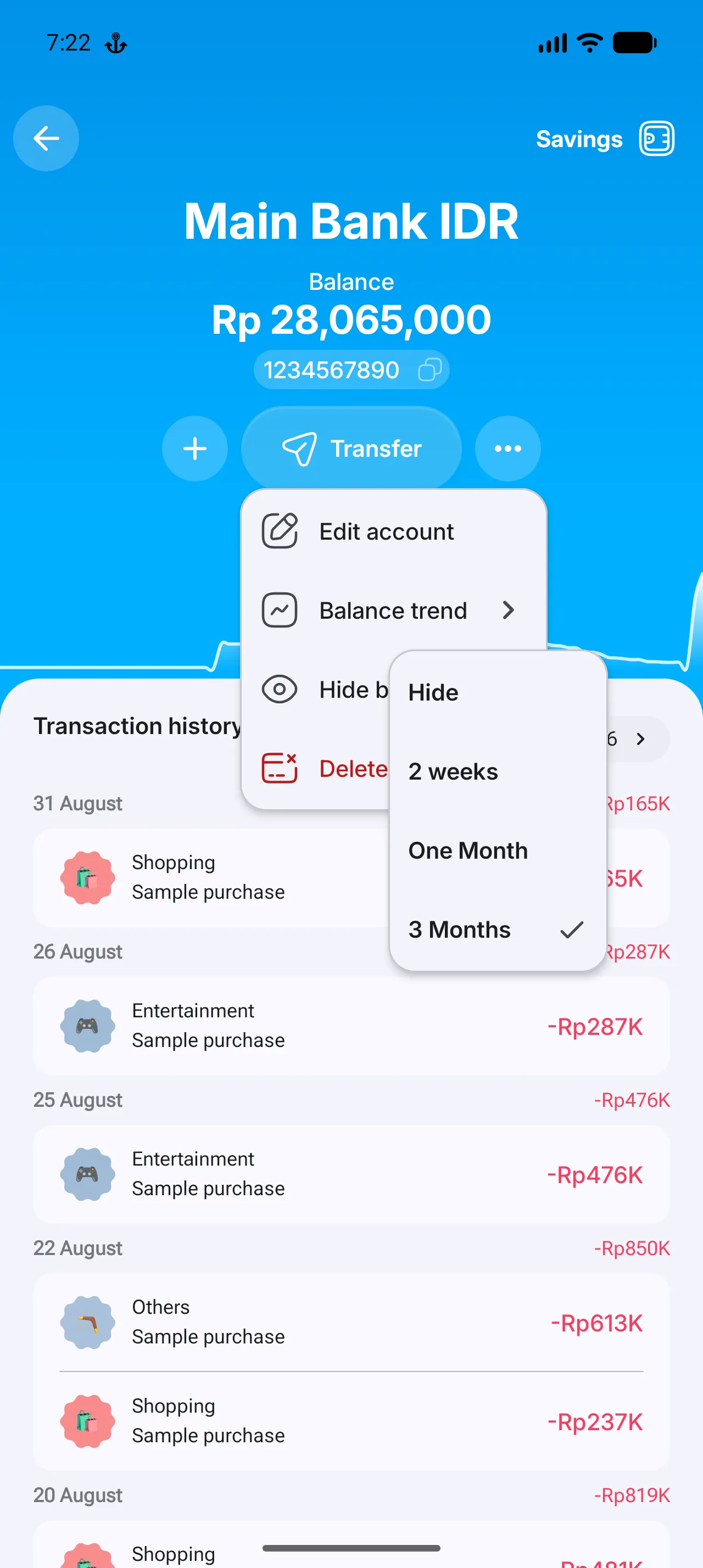
Change the balance trend
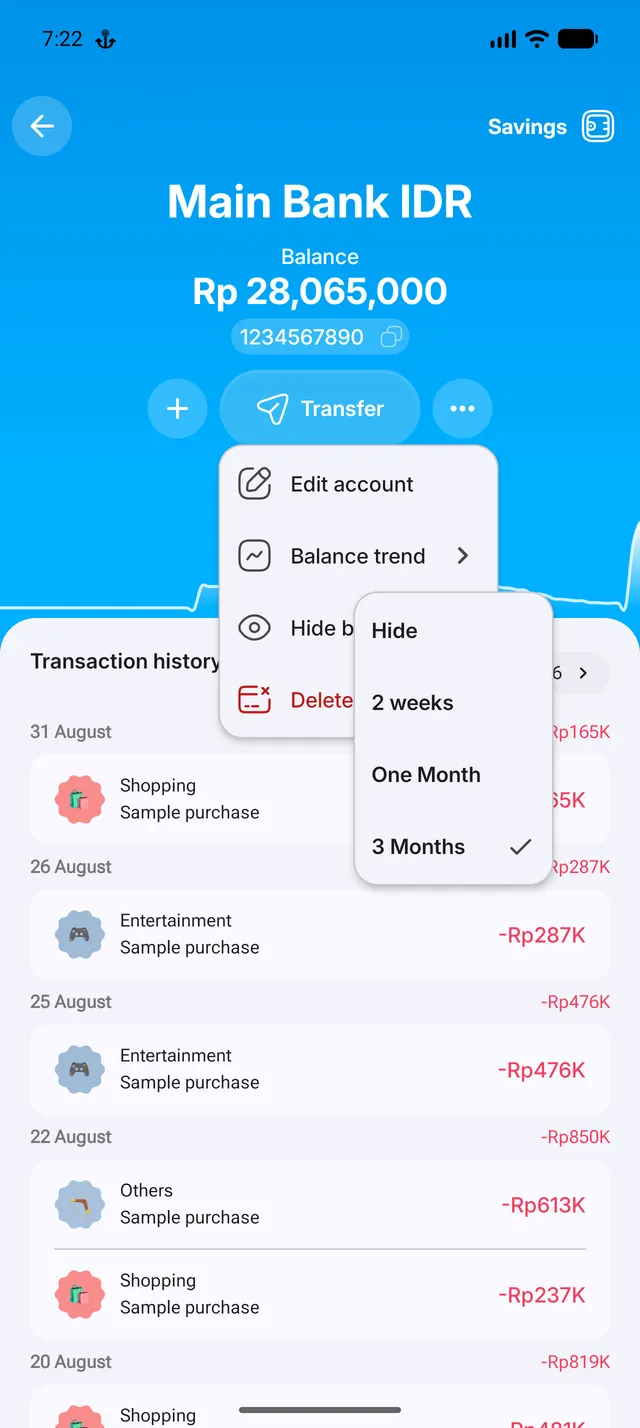
Return to the top, open the three-dot menu, and choose Balance trend. Select 2 weeks, One Month, or 3 Months, or choose Hide to remove the chart.